1
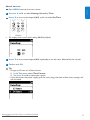
2
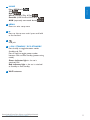
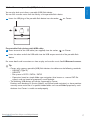
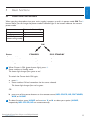
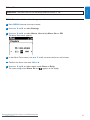
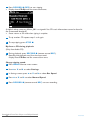
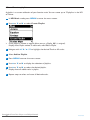
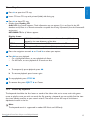
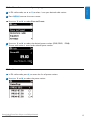
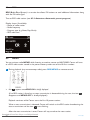
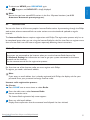
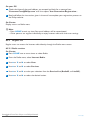
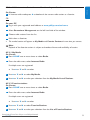
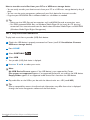
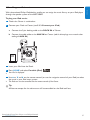
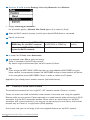
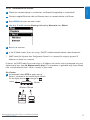
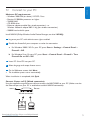
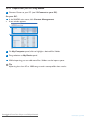
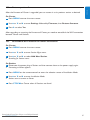
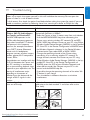
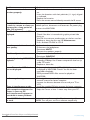
If your Center appears, continue with step 6.
3
If your Center is not found, select Connection Wizard.
4
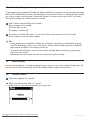
In Connection Wizard screen, select Express Mode.
5
Click Next and follow the instructions.
6
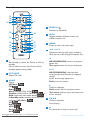
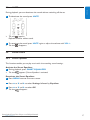
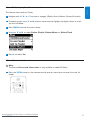
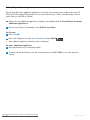
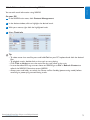
Select your Center from the list and click Connect now.
ENGLISH
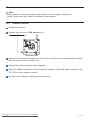
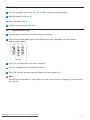
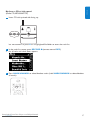
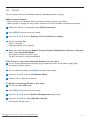
Launch for Windows XP or Vista:
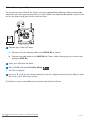
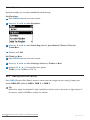
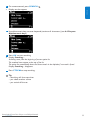
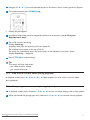
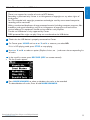
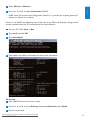
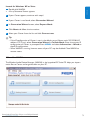
1 Double click WADM.
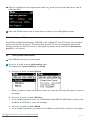
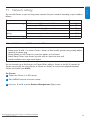
> A list of discovered Centers appears.
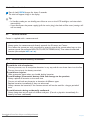
Tip
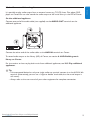
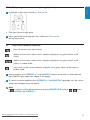
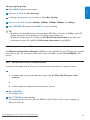
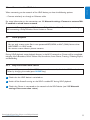
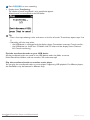
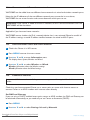
• If the IP configuration of Center is not in the default range (Subnet mask: 255.255.0.0; IP
address: 172.31.x.x), select Connection Wizard > Custom Mode. Enter the current IP
configuration of Center as prompted. Press MENU and select Information > Wired to
check IP configuration.
• When WADM is running, Internet access of your PC may be disabled. Close WADM to
restore access.
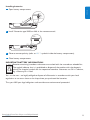
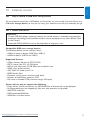
12.1
Use WADM
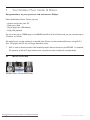
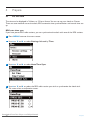
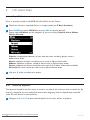
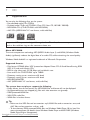
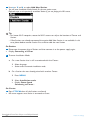
The Wireless Audio Device Manager (WADM) in the by-packed PC Suite CD helps you import
music files to Center and organize them on your PC.
Downloaded
Philips Manuals
Connect From
to yourDisc-Player.com
PC
73