1
Gracenote® CD Information
ENGLISH
13
Gracenote MusicID® provides the set with CD track information (including album, artist, genre,
track information) from its built-in database. It allows the recorded CD tracks to be properly
categorized (for example, under Artists, Albums, Genres or All tracks) and be merged with the
existing tracks in the hard disk.
13.1
Gracenote® Media Database
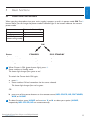
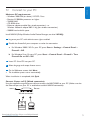
A 800 MB CD database (contains 800,000 most popular CDs) is embedded in every for quick lookup on track information. An update file that contains newly released CDs is available quarterly on
www.club.philips.com for download.
13.1.1 Update Gracenote® Media Database
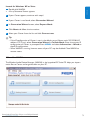
Use your PC to register your product on www.club.philips.com and go to “Show Upgrades &
Support” page to download Gracenote® Media Database update. Note that the updates are posted
quarterly and new updates are independent from old updates, i.e. a new update can be installed,
even without the previous update.
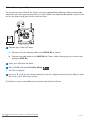
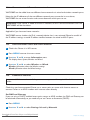
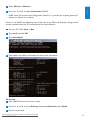
After storing the file on your PC, you can either burn a CD with the update file using your favorite
CD burning software and drop the CD into Center for automatic update, or you can use the
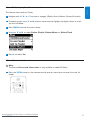
Gracenote® update option of WADM if you have connected your PC to Center.
13.2
Gracenote® Internet Queries
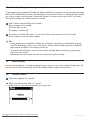
If the CD track information of your new CD disc cannot be displayed on the WAC3500D, the
quickest and surest solution is to ensure you have followed the steps in 11.6 Connect to
Internet and follow 13.2.1 Look up track information..
13.2.1 Look up CD track information
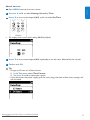
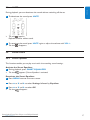
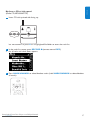
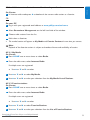
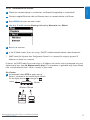
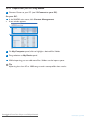
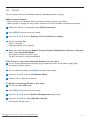
With an internet connection present (see 11.6 Connect to Internet), insert the CD of which
you require the information (insert disc into CD tray of Center with graphics facing up).
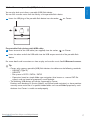
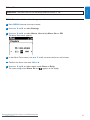
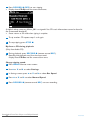
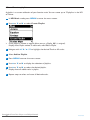
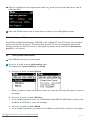
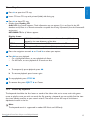
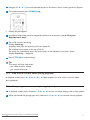
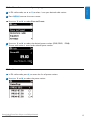
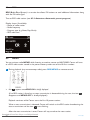
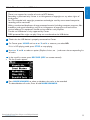
> Searching starts immediately.The system will search the local Gracenote® CD database first. If the CD
track information cannot be found, the online search will start.The search results are shown on the
display of Center.
1
Tip
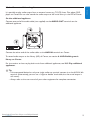
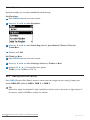
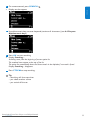
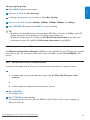
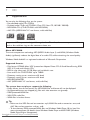
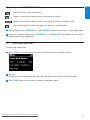
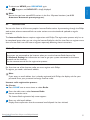
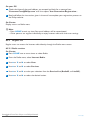
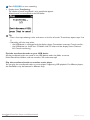
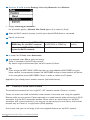
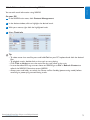
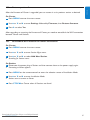
• If the internet query failed due to a disruption in the internet connection, the error message
Check the internet setup for CD Database on-line will appear.
• Check if your internet connection is correct (see 11.6 Connect to Internet).
Downloaded
From
Philips Manuals
Gracenote®
CDDisc-Player.com
Information
77