1
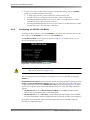
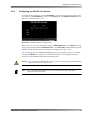
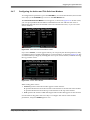
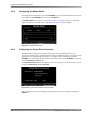
Saving and Loading Custom Presets
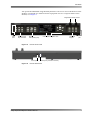
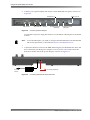
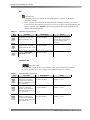
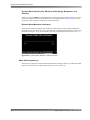
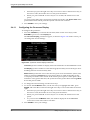
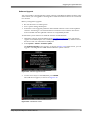
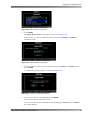
When you load a preset, its numerical key and name appear in the Status1 screen instead of the respective display mode (for example, for preset 1 [P1:Preset 1ac], as shown in Figure 2‐74).
Figure 2‐74
Figure 2-74 Preset Displayed in Status1 Screen
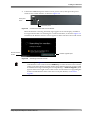
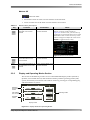
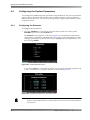
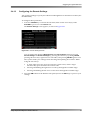
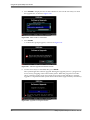
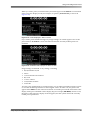
If you load a preset and then change any image settings, an asterisk appears next to the preset name in the Status1 screen. This indicates that the currently loaded preset was modified.
Figure 2‐75
Figure 2-75 Modified Preset Displayed in Status1 Screen
Image settings are defined as any settings, excluding:
•
R/G/B channels on/off
•
Mono
•
Action and title safe markers •
B/C lock
•
Cursor controls
•
Lock/unlock monitor
•
Timecode
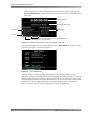
To remove any modifications to a loaded preset, you can either reload the respective preset or reset the modified parameters to their original values. In either case, the preset will appear in the Status1 screen without an asterisk. To exit the preset mode and return to the display mode, press and hold a status display key (for example, REF MODE). In such a case, the name of the respective display mode reappears, but the system retains the currently loaded preset parameters.
Dolby® Professional Reference Monitor Manual
49