1
Configuring the System Parameters
4.
Press ENTER.
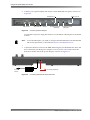
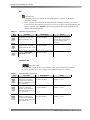
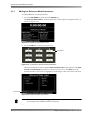
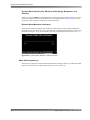
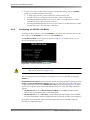
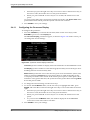
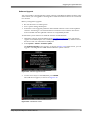
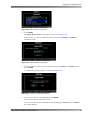
The Select where to load screen appears, as shown in Figure 2‐67. In this screen, you can load the desired 1D LUT into LUT A, LUT B, LUT C, or LUT D, which are accessible in the Gamma/LUTs screen (described previously in Section 2.4.3).
Figure 2‐67
Figure 2-67 Select Where to Load Screen
5.
Use the up/down arrow keys to load the 1D LUT into the desired location, then press ENTER.
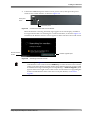
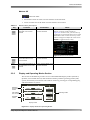
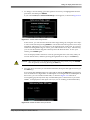
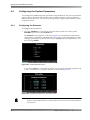
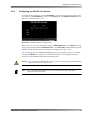
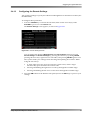
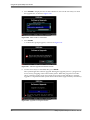
A confirmation prompt appears, as shown in Figure 2‐68.
Figure 2‐68
Figure 2-68 Load LUTs Confirmation Screen
6.
Use the arrow keys to select Yes, then press ENTER.
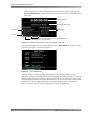
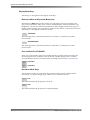
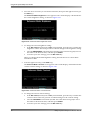
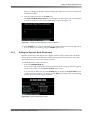
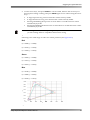
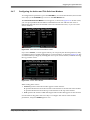
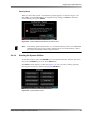
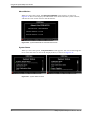
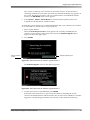
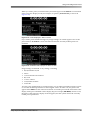
The system loads the selected 1D LUT. You can now activate the loaded 1D LUT by selecting it in the Gamma/LUTs screen.
(See Figure 2‐69.)
Figure 2‐69
Figure 2-69 Gamma/LUTs Screen Displays Loaded 1D LUT
Dolby® Professional Reference Monitor Manual
45