1
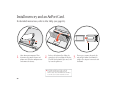
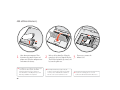
4.
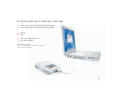
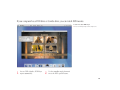
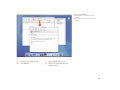
Flip up the wire bracket and connect
the end of the antenna to the AirPort
Card. Touch a metal surface inside the
computer.
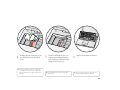
5.
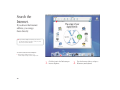
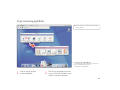
Slide the AirPort Card (with the
AirPort ID and barcode facing up)
under the wire bracket and into
the slot.
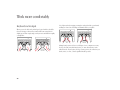
6.
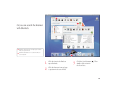
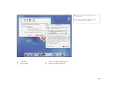
Press the wire bracket down to secure
the card. Then replace the keyboard
and battery.
31