1
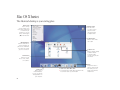
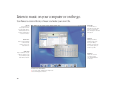
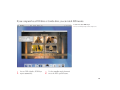
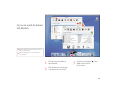
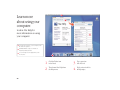
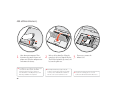
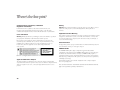
Click the icons in the Dock or toolbar to find and open files and applications.
. Drag applications,
files, and folders
into the Dock for
one-click access.
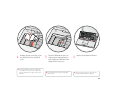
To set up the toolbar the
way you want it, choose
Customize Toolbar from
the Finder’s View menu,
then drag items to
the toolbar.
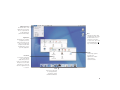
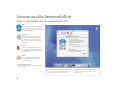
Press a folder icon to
see its contents and open
items in it.
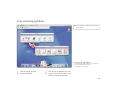
This side of the Dock
shows application icons.
The triangle indicates the
application is open.
Drag this bar up or down to
resize the Dock.
This side of the Dock
shows files, windows,
and folders.
7