1
To get started using your iBook, plug in the power adapter and connect a phone cord from a wall
jack to the modem port. Then press the power button and follow the onscreen guide to connect
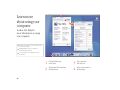
to the Internet. Read on to learn more about using your iBook:
2
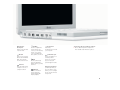
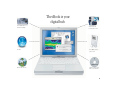
Your iBook at a glance
4
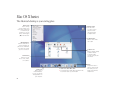
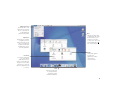
Mac OS X basics
8
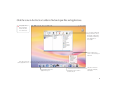
What you can do with your iBook
10
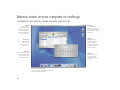
Listen to music on your computer or on the go
12
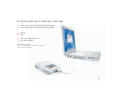
Make your own movie or watch a movie on DVD
14
Search the Internet
16
Get more out of the Internet
18
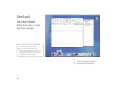
Send and receive email
20
Organize, plan, and create
22
Keep your iBook’s software up-to-date
24
Learn more and solve problems
30
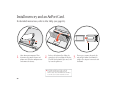
Install memory and an AirPort Card
34
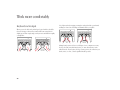
Work more comfortably
36
Safety and cleaning
1