1
Chapter 5
Setting up your DVS System
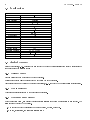
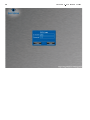
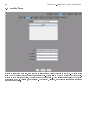
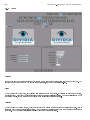
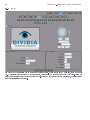
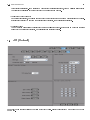
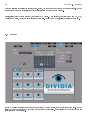
From the Setup screen, you are able to change how your DVS system operates. You are able to Setup the following:
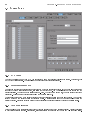
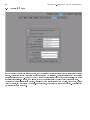
1. System
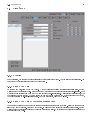
This section contains basic system settings such as Auto Scan Interval, UPS support, etc.
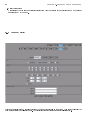
2. Device
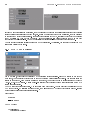
This seciton allows you to add camera input devices (Capture Cards, Moxa's, Network Cameras, etc).
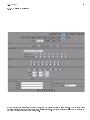
3. Users
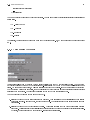
This section allows you to add and remove users from the system. You can also change access rights.
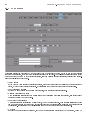
4. Cameras
This section allows you to adjust camera settings, such as Name, Brightness, etc.
5. Date/Time
This section allows you to adjust the Date and Time settings of your DVS.
6. Network
This section allows you to adjust your networks settings, such as DHCP, Static, DNS, etc.
7. Report
This section allows you to create various reports, such as Summary (Event Totals, etc), Camera Activity, etc.
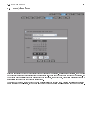
8. POS
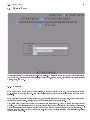
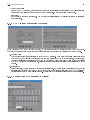
This section allows you to setup interfaces between your DVS system and various POS systems.
support is sold separately.
19
POS System