1
5.1. SYSTEM SETUP
21
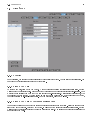
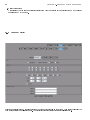
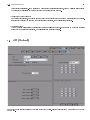
Initially, cameras 1-4 would be displayed on the screen. After a period of 10 seconds, those cameras would switch to
5-8. After another 10 seconds, those cameras would switch to 9-12. This would continue indenitely or until you select
another Display or camera group.
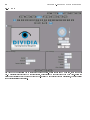
5.1.4 Email Setup
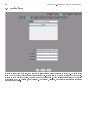
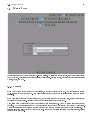
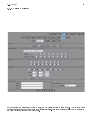
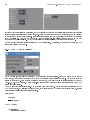
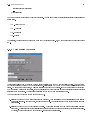
There are certain times when the system might want to send an email for notication. Various reports that you will
learn about in a later section will utilize this setting. In order for the emails to be sent properly, you must rst tell it
how to send them. You can congure which server to send it through and with what user credentials.
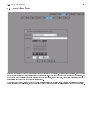
5.1.5 Digital Output (Optional)
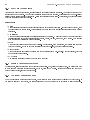
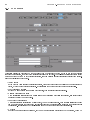
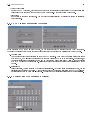
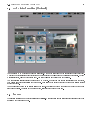
If you purchased the Digital Input/Output Module, then you now have the option of activating certain digital output
relays. This will output 12V on whichever outputs you suggest. So, if you wanted to drive a pair of dry contacts, this
would allow you to do so. Before using this option, you have to select which Camera input Device these digital inputs
and outputs are associated with.