1
Control Structure
Section 2 Configuration
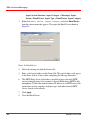
6.
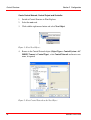
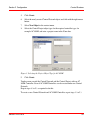
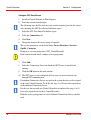
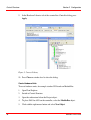
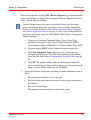
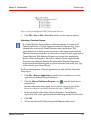
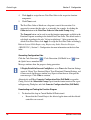
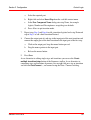
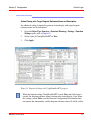
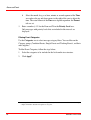
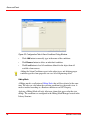
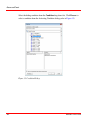
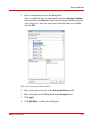
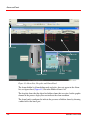
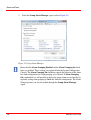
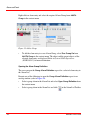
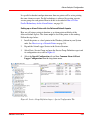
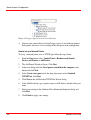
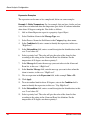
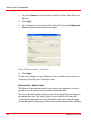
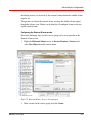
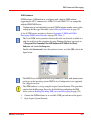
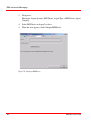
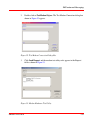
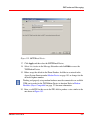
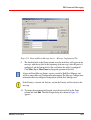
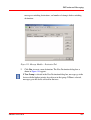
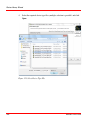
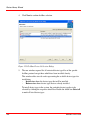
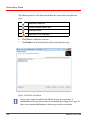
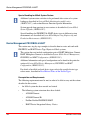
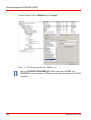
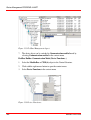
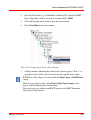
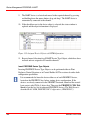
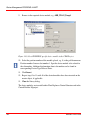
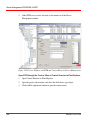
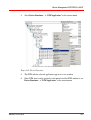
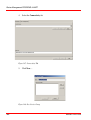
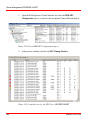
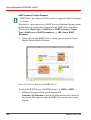
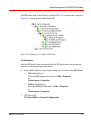
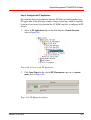
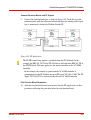
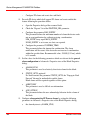
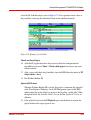
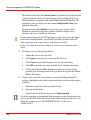
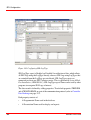
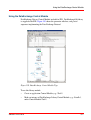
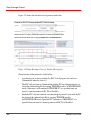
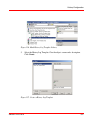
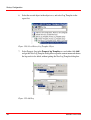
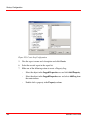
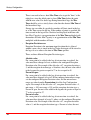
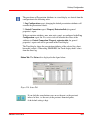
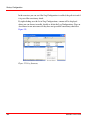
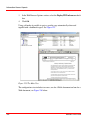
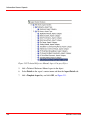
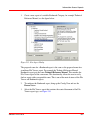
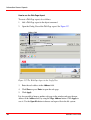
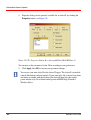
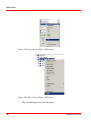
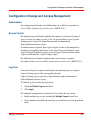
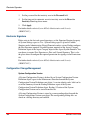
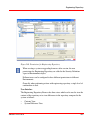
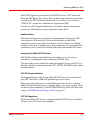
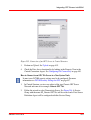
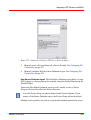
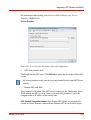
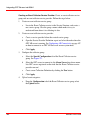
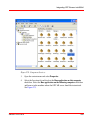
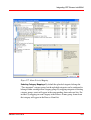
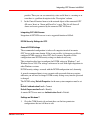
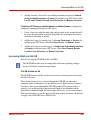
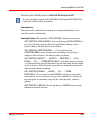
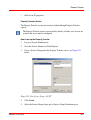
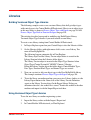
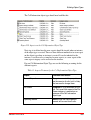
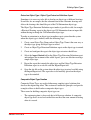
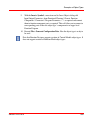
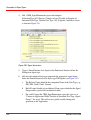
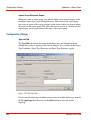
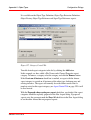
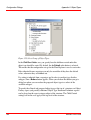
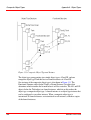
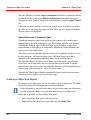
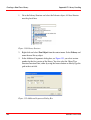
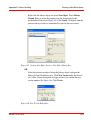
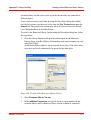
Click Reserve... in the context menu.
7.
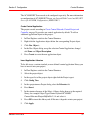
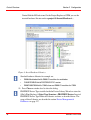
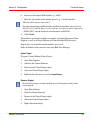
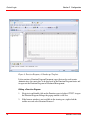
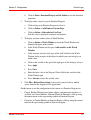
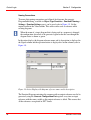
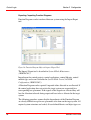
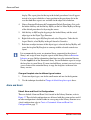
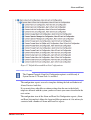
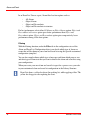
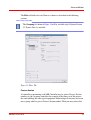
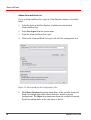
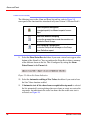
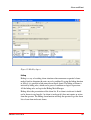
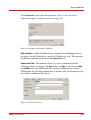
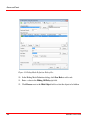
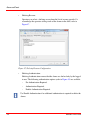
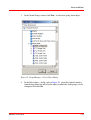
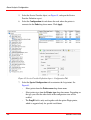
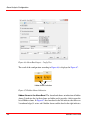
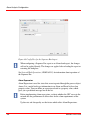
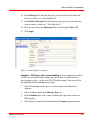
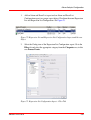
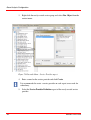
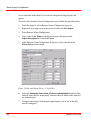
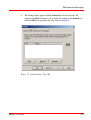
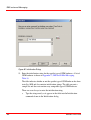
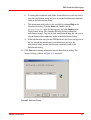
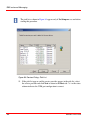
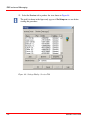
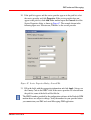
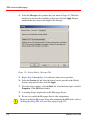
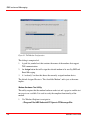
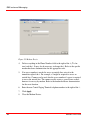
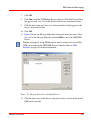
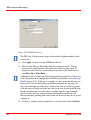
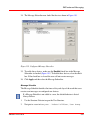
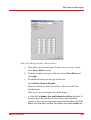
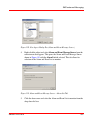
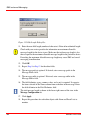
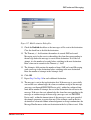
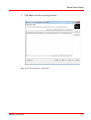
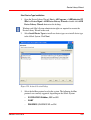
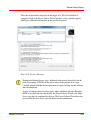
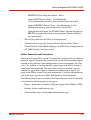
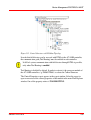
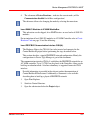
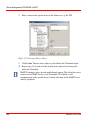
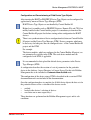
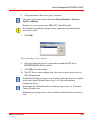
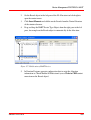
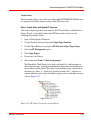
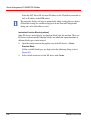
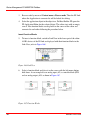
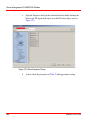
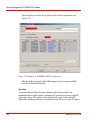
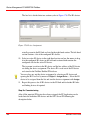
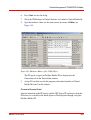
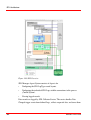
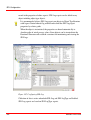
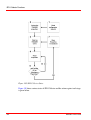
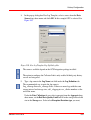
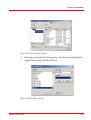
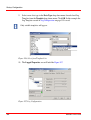
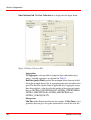
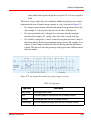
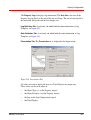
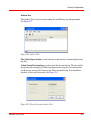
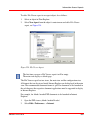
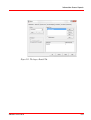
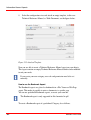
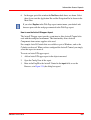
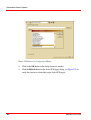
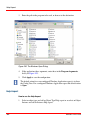
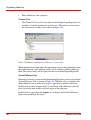
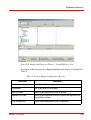
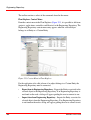
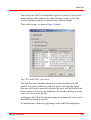
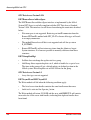
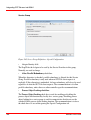
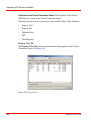
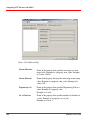
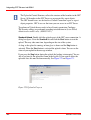
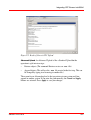
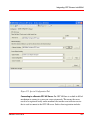
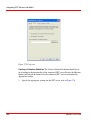
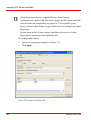
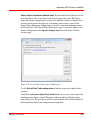
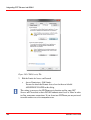
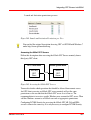
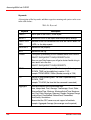
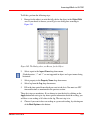
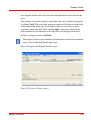
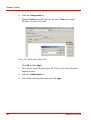
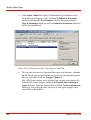
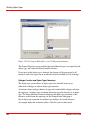
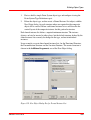
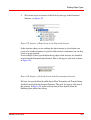
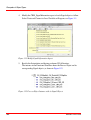
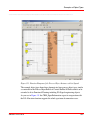
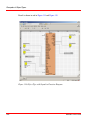
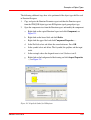
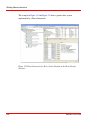
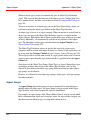
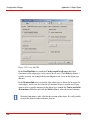
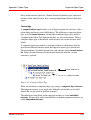
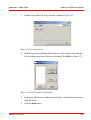
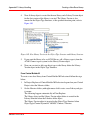
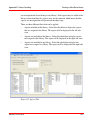
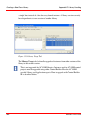
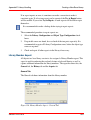
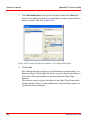
In the Reserve <project> dialog all entities (project, application, controller)
shown are by default marked. Unmark the check boxes you want to exclude.
8.
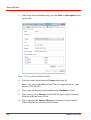
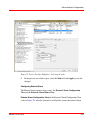
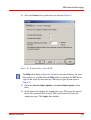
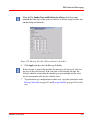
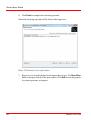
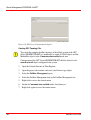
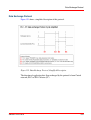
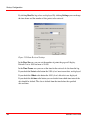
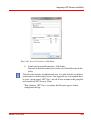
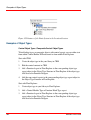
Click the Reserve icon.
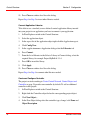
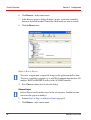
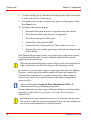
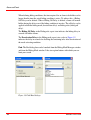
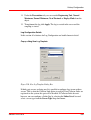
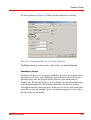
Figure 6. Reserve Project
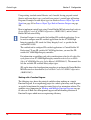
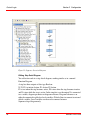
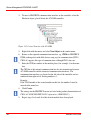
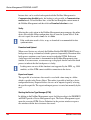
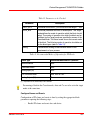
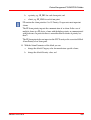
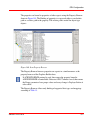
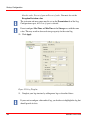
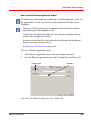
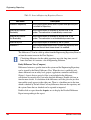
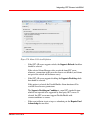
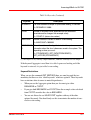
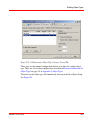
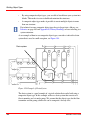
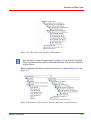
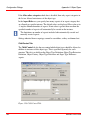
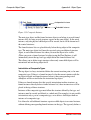
To reserve an application is required if changes to the application shall be done.
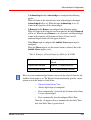
To reserve a controller is required e.g. to add CI854 communication interface, I/O
modules, HART or PROFIBUS devices to the AC 800M Controller.
9.
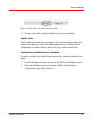
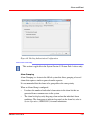
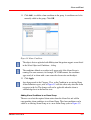
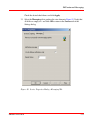
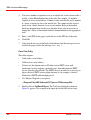
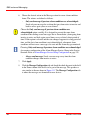
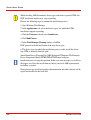
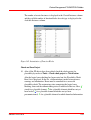
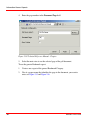
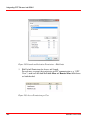
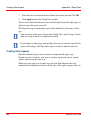
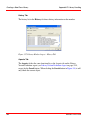
Press Close on window level to close the dialog.
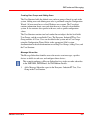
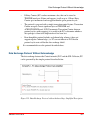
Release Project
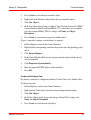
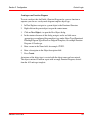
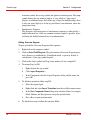
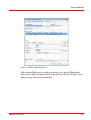
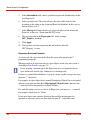
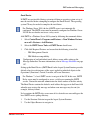
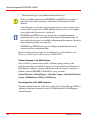
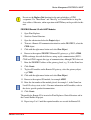
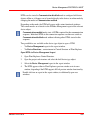
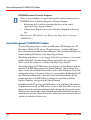
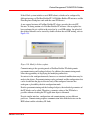
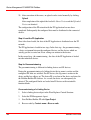
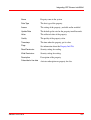
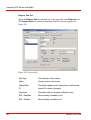
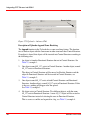
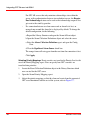
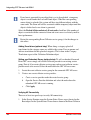
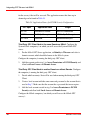
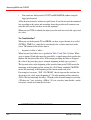
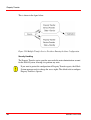
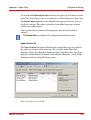
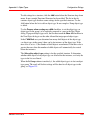
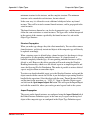
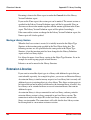
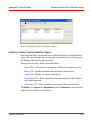
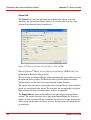
Release Project cancels modify access for the releasing user. Another user now
can reserve the project to modify it.
40
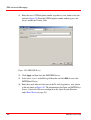
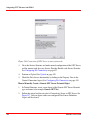
1.
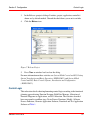
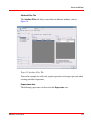
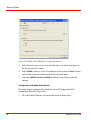
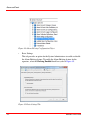
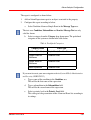
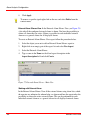
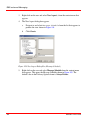
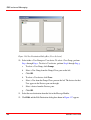
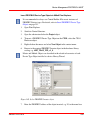
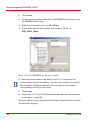
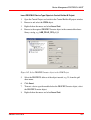
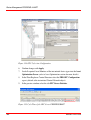
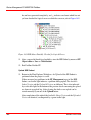
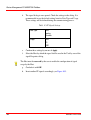
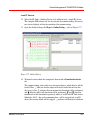
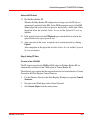
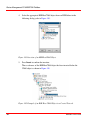
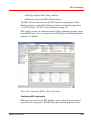
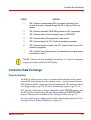
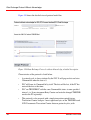
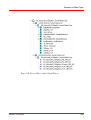
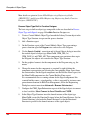
Perform Step 1 to Step 5 as in Reserve Project on page 39
2.
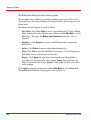
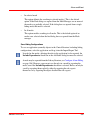
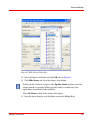
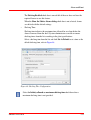
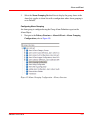
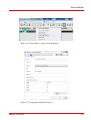
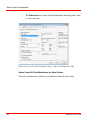
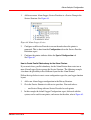
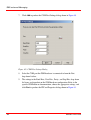
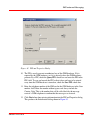
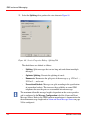
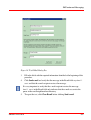
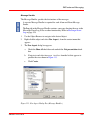
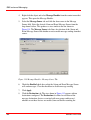
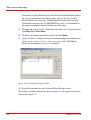
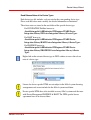
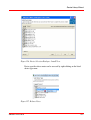
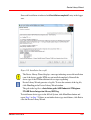
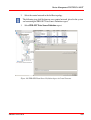
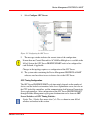
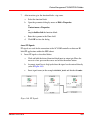
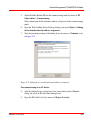
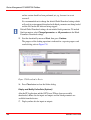
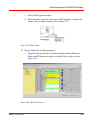
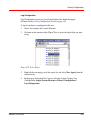
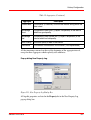
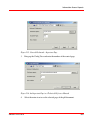
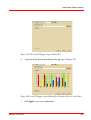
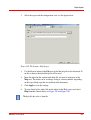
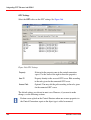
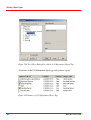
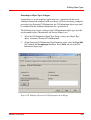
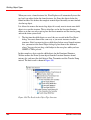
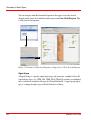
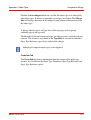
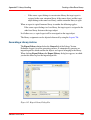
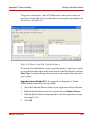
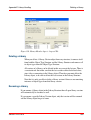
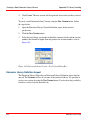
Click Release... in the context menu.
3BDS011222-510 B