1
Integrating OPC Servers into 800xA
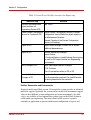
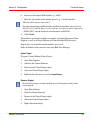
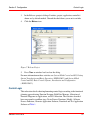
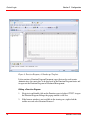
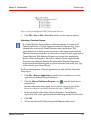
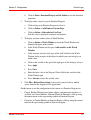
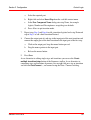
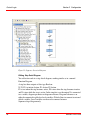
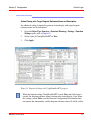
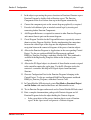
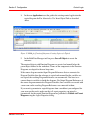
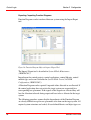
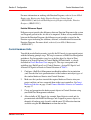
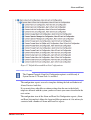
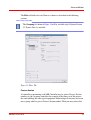
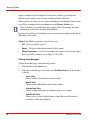
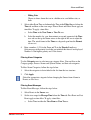
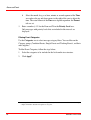
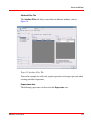
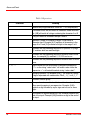
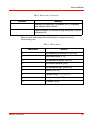
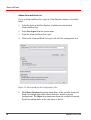
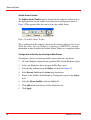
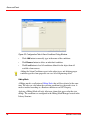
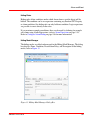
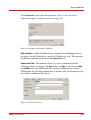
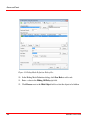
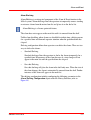
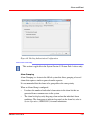
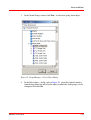
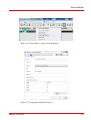
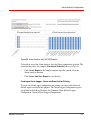
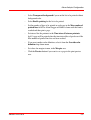
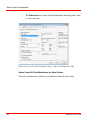
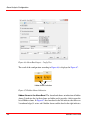
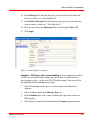
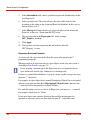
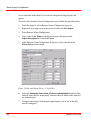
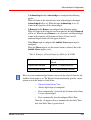
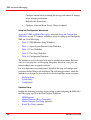
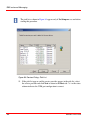
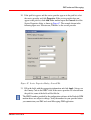
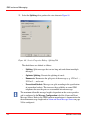
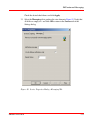
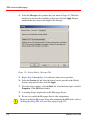
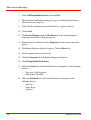
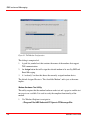
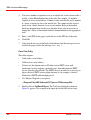
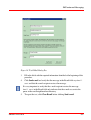
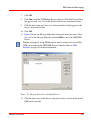
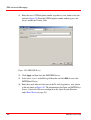
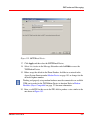
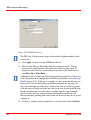
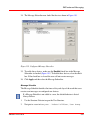
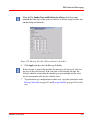
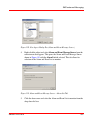
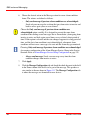
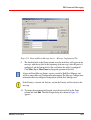
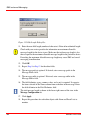
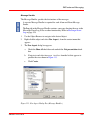
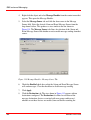
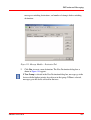
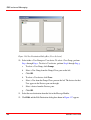
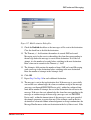
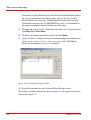
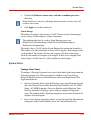
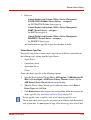
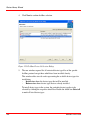
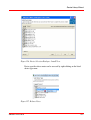
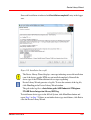
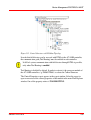
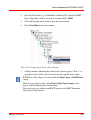
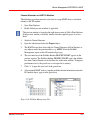
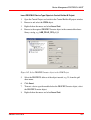
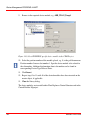
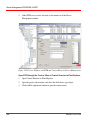
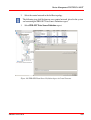
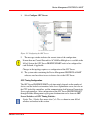
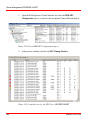
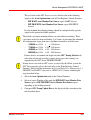
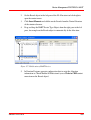
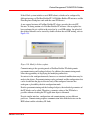
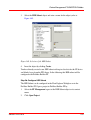
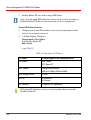
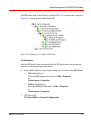
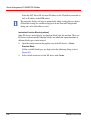
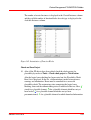
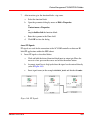
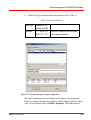
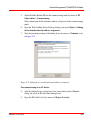
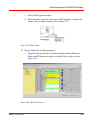
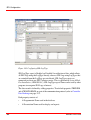
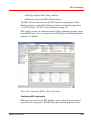
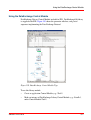
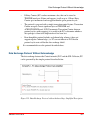
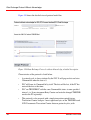
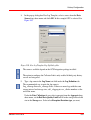
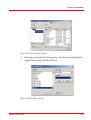
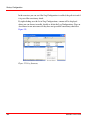
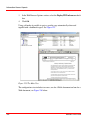
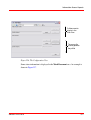
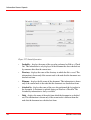
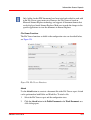
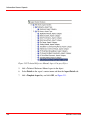
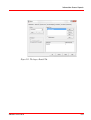
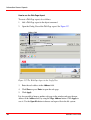
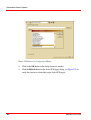
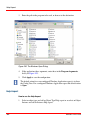
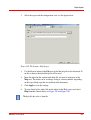
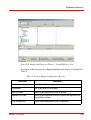
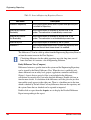
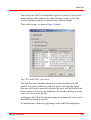
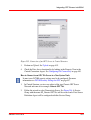
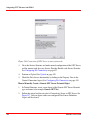
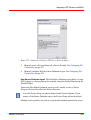
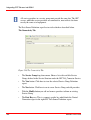
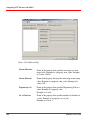
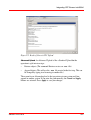
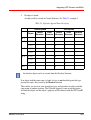
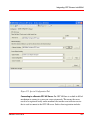
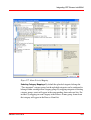
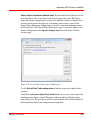
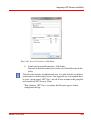
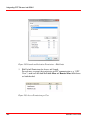
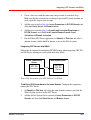
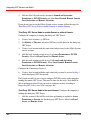
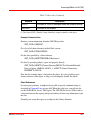
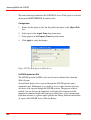
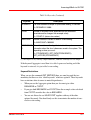
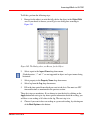
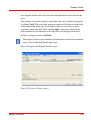
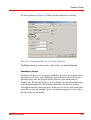
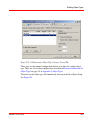
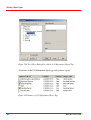
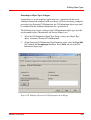
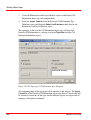
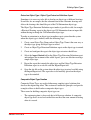
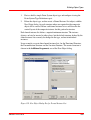
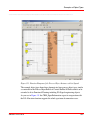
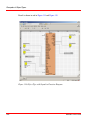
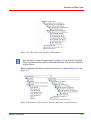
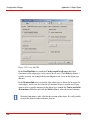
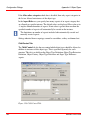
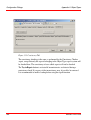
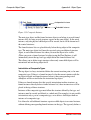
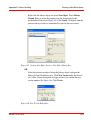
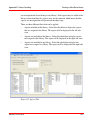
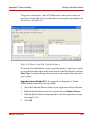
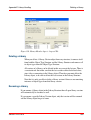
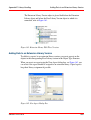
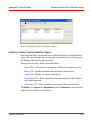
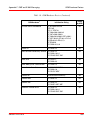
Launch and Activation permissions per user:
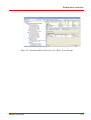
Figure 284. Launch and Activation Permissions per User
You can find the original description for using OPC via DCOM with Windows 7
under http://www.opcfoundation.org.
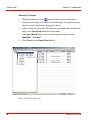
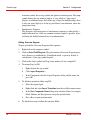
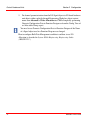
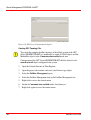
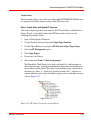
Accessing the 800xA OPC Servers
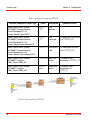
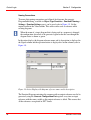
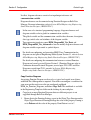
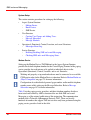
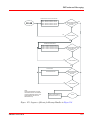
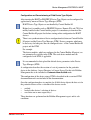
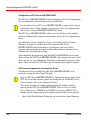
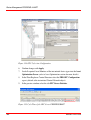
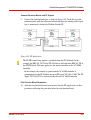
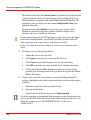
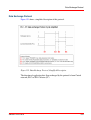
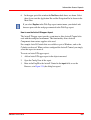
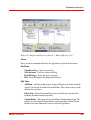
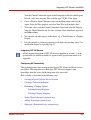
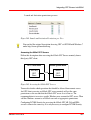
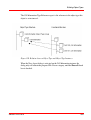
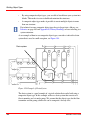
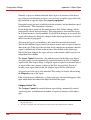
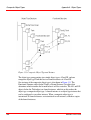
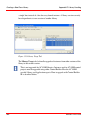
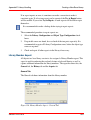
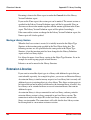
Follow this description when accessing the 800xA OPC Servers remotely from a
third party OPC client.
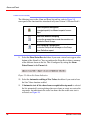
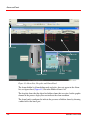
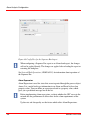
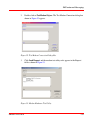
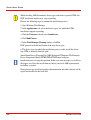
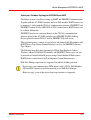
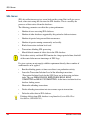
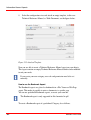
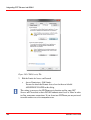
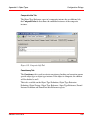
OPC Client Node
3rd Party
OPC
Client
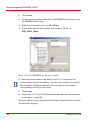
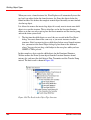
800xA System Node
DCOM
800xA
OPC
Server
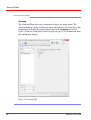
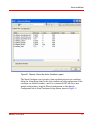
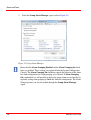
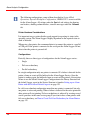
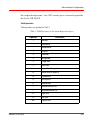
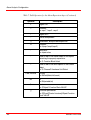
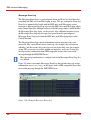
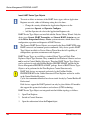
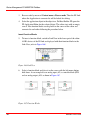
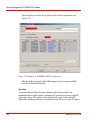
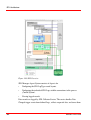
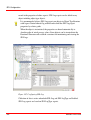
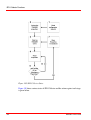
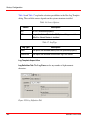
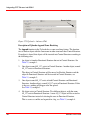
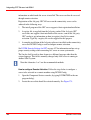
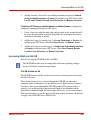
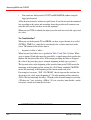
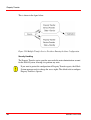
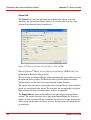
Figure 285. Accessing the 800xA OPC Servers
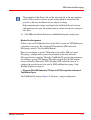
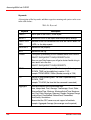
You need to decide which operations that should be allowed from remote access.
An OPC client accessing an 800xA OPC server remotely will get the same
permissions as the account that the 800xA OPC server is set to run as. The
recommendation is to create a specific Windows user account for OPC access. Then
add this Windows account as an 800xA user and set appropriate permissions.
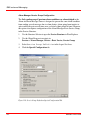
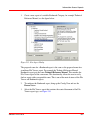
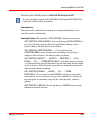
Configuring DCOM Security for accessing the 800xA OPC AE, DA and HDA
servers is done in the same way. It is only necessary to configure DCOM Security
3BDS011222-510 B
461