1
wireless.book Page 20 Friday, August 1, 2003 12:33 PM
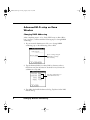
5. Press the apps key repeatedly until you see All in the top right
corner of the Applications Launcher.
6. Tap the Memo Pad icon.
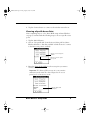
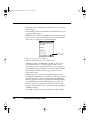
7. Tap the Memo created from the web page.
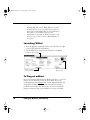
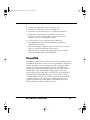
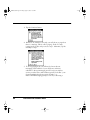
Tap the memo containing the
web page content
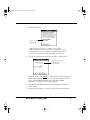
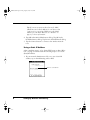
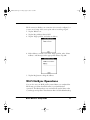
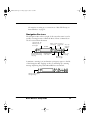
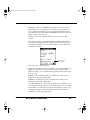
8. Select the text you want to transfer to AlphaWord, then choose
“Copy” under the Edit menu.
Select the text to copy
to AlphaWord
Tip: The alert “Clipboard limit exceeded” might
come up if too much text is copied at one time.
Instead select smaller blocks of text, and repeat the
copy operation as many times as necessary.
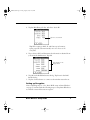
9. Press the memo key on the keyboard to launch AlphaWord.
Choose the AlphaWord file where you want the text from the
web page to go.
20
Dana Internet Solutions Pack