1
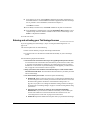
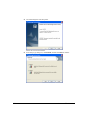
24. After the PC restarts, log on as the same user you used previously. The TeleVantage
Server Setup program will resume, copy additional files, and then complete the
installation automatically. This may take a significant amount of time, so be sure to
allow the TeleVantage Server Setup program to complete.
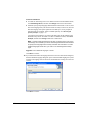
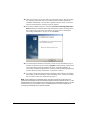
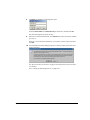
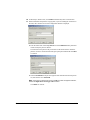
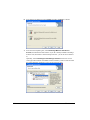
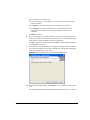
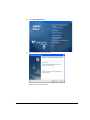
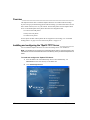
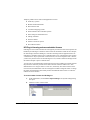
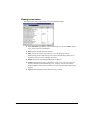
25. In the Setup Complete dialog box, select the Launch the TeleVantage Workstation
Setup checkbox to install the TeleVantage Administrator on the TeleVantage Server
PC in order to enter your licenses according to the instructions in “Installing the
TeleVantage Administrator” on page 10-15. Click Finish.
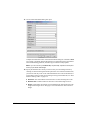
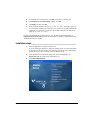
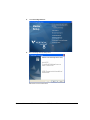
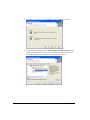
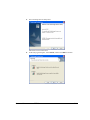
26. The TeleVantage Workstation Setup starts. If it does not start automatically, start it
manually as described in the next section. (Upgrades: Without this step, Add-ons such
as the TeleVantage Conference Manager may fail to work after upgrading. All
TeleVantage workstation applications on your network will automatically upgrade the
next time the TeleVantage Administrator or ViewPoint is started.)
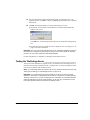
27. If you plan to install TeleVantage Enterprise Manager or other Add-Ons (for example,
TeleVantage Conference Manager) on the TeleVantage Server, run the TeleVantage
Service Account Utility now as described on page C-1.
Note: If after installing the TeleVantage Server according to the previous instructions you
upgrade the TeleVantage Server PC to Windows XP SP2 or Windows 2003 Server SP1, run the
TeleVantage Service Account Utility on the TeleVantage Server as described on page C-1; restart
the Server PC if you are prompted to do so; and then follow the instructions in Appendix F,
“Configuring TeleVantage for the Windows Firewall.”
10-14
INSTALLING TELEVANTAGE