1
3#
(**
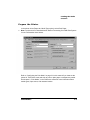
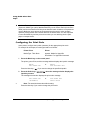
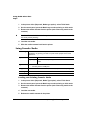
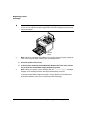
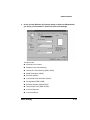
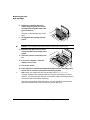
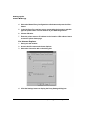
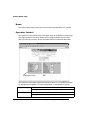
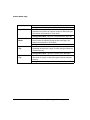
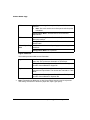
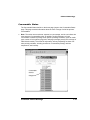
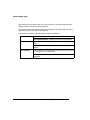
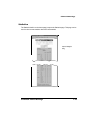
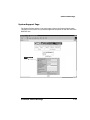
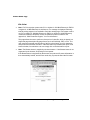
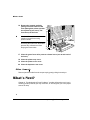
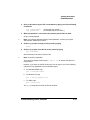
In the printer driver (Paper tab, Media Type option), select Plain Paper.
»
Note: A printer driver is illustrated below. Refer to Connecting Your QMS Print System
for more information about drivers.
Refer to “Configuring the Print Mode” on page 3-8 in this manual if you have set the
printer for Thick Stock mode and wish to print on plain paper or transparency media.
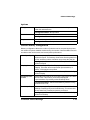
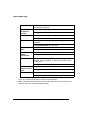
See chapter 2, “Print Media,” in the Reference manual for more information about
media types, input source, and cassette location.
(*2&)*