1
9210IG.book Page 2 Monday, April 2, 2001 11:13 AM
Installation Guide
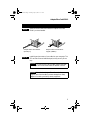
This installation guide explains how to:
• Install the Adaptec Fibre Card 9210LP/9210LPC
• Change brackets on the Adaptec Fibre Card 9210LP/9210LPC
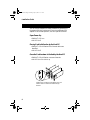
• Install the Small Form Factor Pluggable (SFP) (on the
Adaptec Fibre Card 9210LP only)
• Connect Fibre Channel cables
• Verify the adapter and cable installation
• Install Adaptec Fibre Card 9210LP/9210LPC device drivers
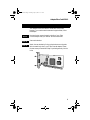
INSTALLING THE ADAPTEC F IBRE CARD 9210LP
STEP 1
Discharge any static electricity build-up before handling the
Adaptec Fibre Card 9210LP by touching a grounded metal object
(such as the exposed metal parts on the back of your computer).
WARNING Turn OFF power to the computer and disconnect
the power cord.
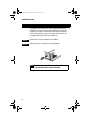
STEP 2
2
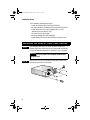
After you turn OFF your computer and unplug the power cord,
remove the cover from the computer.