1
Chapter 4: Configuring the Library
Configuring Security Settings
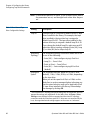
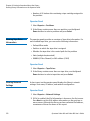
SSH Services
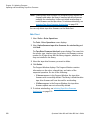
Enables or disables Secure Shell (SSH) services, such as SSH, from
accessing the library. This setting is enabled by default.
Operator Panel
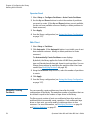
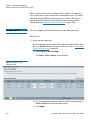
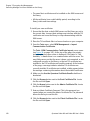
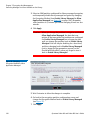
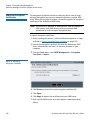
1 Select Setup > Security Services > SSH Services.
2 Press Modify.
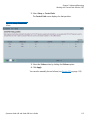
3 Use the Up and Down buttons to select Enabled or Disabled and
press Apply.
4 Make another selection or press Exit.
5 Save the library configuration (see Saving the Library Configuration
on page 107).
Internet Control
Message Protocol
(ICMP)
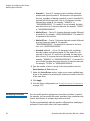
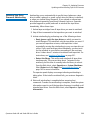
Enables or disables external attempts to discover the library by pinging
it (by means of the ICMP Echo packets. This setting is enabled by
default.
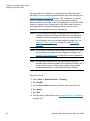
You may disable this feature if you are using IPv4, but you should NOT
do so if you are using IPv6. Disabling this feature disables all IPv6
communication on the Scalar i40 and Scalar i80. There will be no error
messages, and the library will appear to be working, but it will not be
communicating.
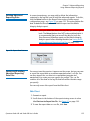
Caution: Do NOT disable ICMP if you are using IPv6!
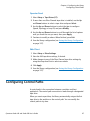
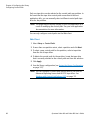
Operator Panel
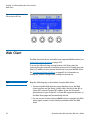
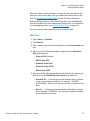
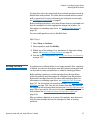
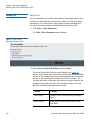
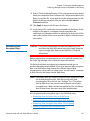
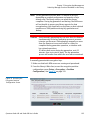
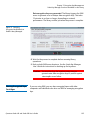
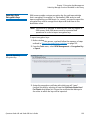
1 Select Setup > Security Services > ICMP.
2 Press Modify.
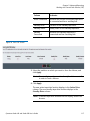
3 Use the Up and Down buttons to select Enabled or Disabled and
press Apply.
4 Make another selection or press Exit.
5 Save the library configuration (see Saving the Library Configuration
on page 107).
104
Quantum Scalar i40 and Scalar i80 User’s Guide