1
Chapter 9: Installing, Removing, and Replacing Components
Removing and Replacing a Tape Drive
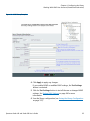
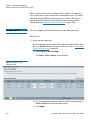
6 If needed, add the new tape drive to an existing partition or create a
new partition for it. From the Web client, select Setup > Partitions
and complete the necessary screens.
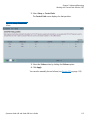
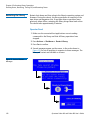
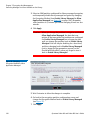
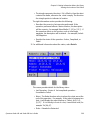
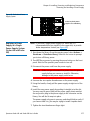
7 Bring the tape drive online, if it is not online already. From the
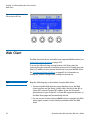
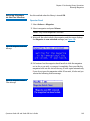
operator panel, select Actions > Tape Drive > Change Mode.
Select the tape drive you want to bring online and press Modify.
Use the Up and Down buttons to change the mode to Online, then
press Apply.
The tape drive LED turns green.
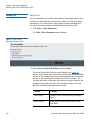
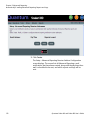
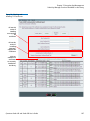
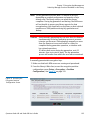
8 Verify the installation by reviewing the library configuration report
on the Web client (Reports > Library Configuration). Make sure
that the new drive is online, in the correct partition, and has the
control path status that you want. You may need to refresh your
Internet browser.
9 Verify that the host computer and backup applications can see the
new tape drive configuration correctly.
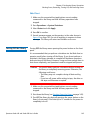
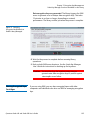
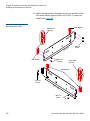
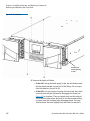
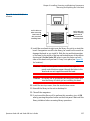
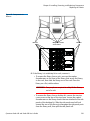
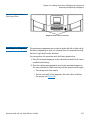
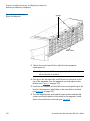
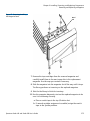
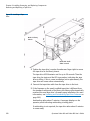
10 If any empty slots remain, install a filler plate in the empty slot.
Caution: Filler plates are required to maintain proper library
cooling. Do not run the library with uncovered slots.
11 Run the tape drive diagnostic test on the newly installed tape drive
to be sure it is functioning correctly.
a Install a scratch tape in the top I/E station slot.
b If manual cartridge assignment is enabled, assign the scratch
tape to the System partition.
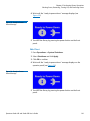
c From the operator panel, select Tools > Diagnostics.
d Continue through the next few screens to run the tape drive test
on the replaced tape drive.
If a problem is found during testing, you receive a diagnostic ticket.
See Running the IVT Diagnostic Subtests Individually – Robotics,
Tape Drive, and Magazine Tests on page 327 for more information.
12 Save the library configuration (see Saving the Library Configuration
on page 107).
Quantum Scalar i40 and Scalar i80 User’s Guide
291