1
Chapter 4: Configuring the Library
Configuring Security Settings
Configuring Security Settings
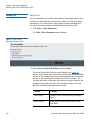
You can enable/disable the following security settings on the operator
panel:
• Network Interface
• SSH Services
• Internet Control Message Protocol (ICMP)
• Remote Access Via Web Client
• Remote Service Login
• SNMP V1/V2
• SSL
Network Interface
Enables or disables all external access to the library. This setting is
enabled by default to allow external access.
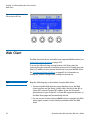
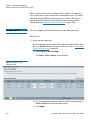
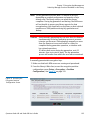
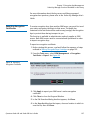
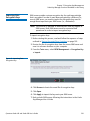
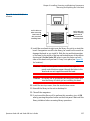
Operator Panel
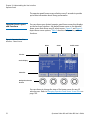
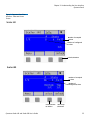
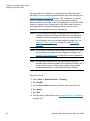
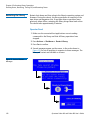
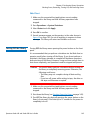
1 Select Setup > Security Services > Network IF.
2 Press Modify.
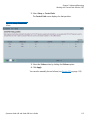
3 Use the Up and Down buttons to select Enabled or Disabled and
press Apply.
4 Make another selection or press Exit.
5 Save the library configuration (see Saving the Library Configuration
on page 107).
Quantum Scalar i40 and Scalar i80 User’s Guide
103