1
2
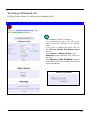
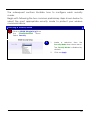
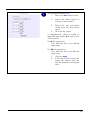
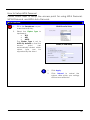
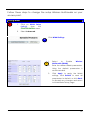
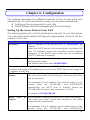
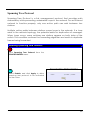
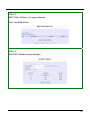
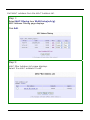
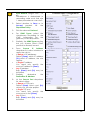
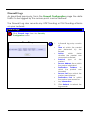
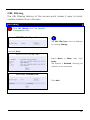
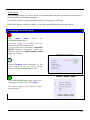
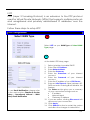
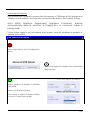
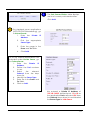
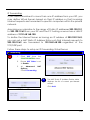
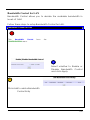
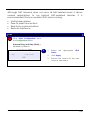
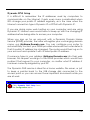
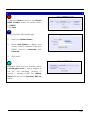
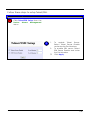
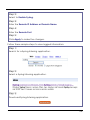
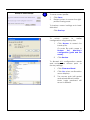
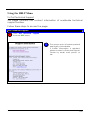
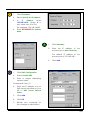
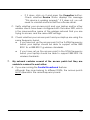
Double-click the Network icon.
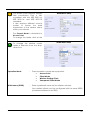
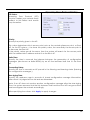
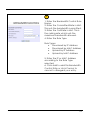
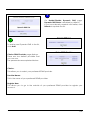
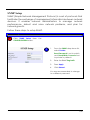
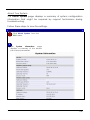
The network configuration screen
displays.
3
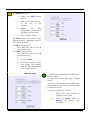
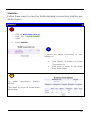
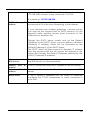
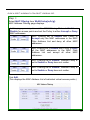
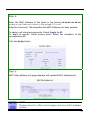
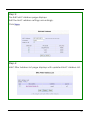
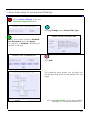
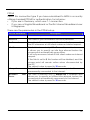
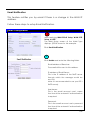
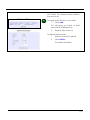
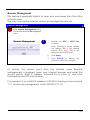
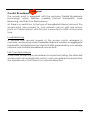
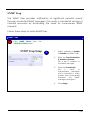
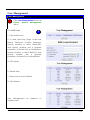
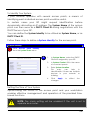
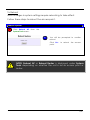
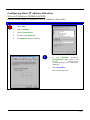
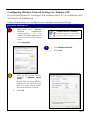
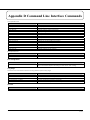
Check your list of network
components in the network
window’s configuration tab.
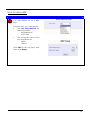
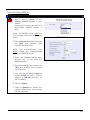
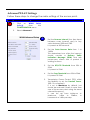
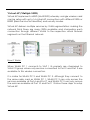
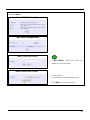
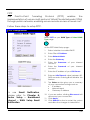
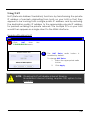
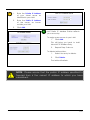
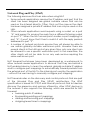
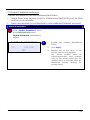
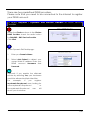
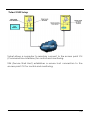
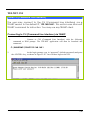
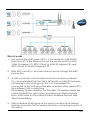
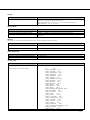
If TCP/IP is not installed:
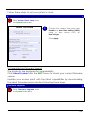
1.
Click Add.
2.
Select Protocol.
3.
Click Add.
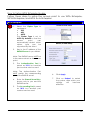
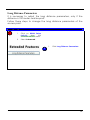
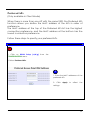
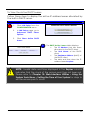
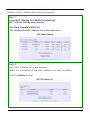
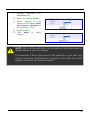
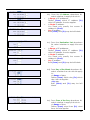
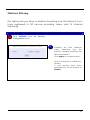
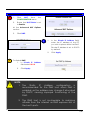
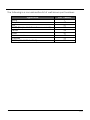
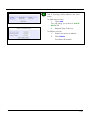
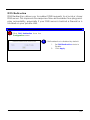
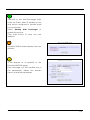
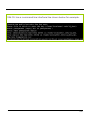
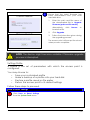
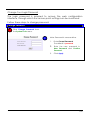
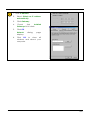
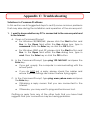
On the next screen:
!
4.
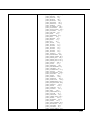
Select
Microsoft
Manufacturers.
from
5.
Select TCP/IP from Network
Protocols.
6.
Click OK.
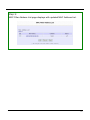
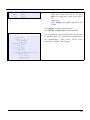
NOTE: Windows may request the original Windows installation
disk or additional files. Check for the appropriate files at
C:\windows\options\cabs or the Windows CDROM.
158