1
3
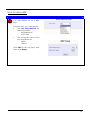
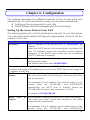
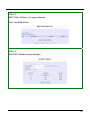
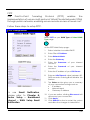
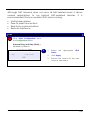
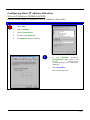
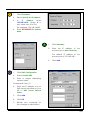
1.
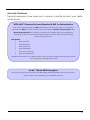
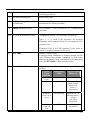
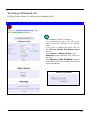
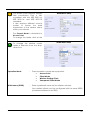
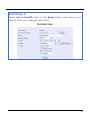
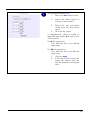
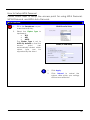
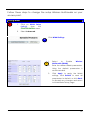
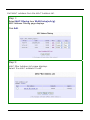
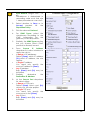
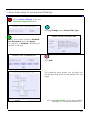
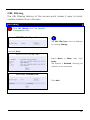
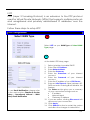
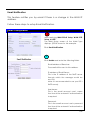
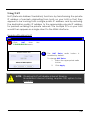
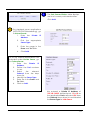
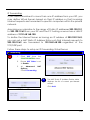
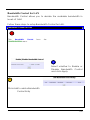
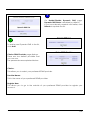
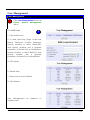
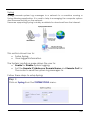
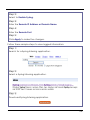
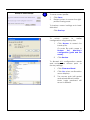
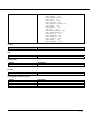
Click IP Address.
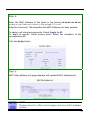
2.
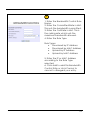
Select Specify an IP address.
3.
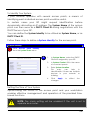
In
IP
Address
enter
192.168.168.X, where X is
any value from 2 to 254.
For example: 192.168.168.45
4.
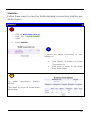
Enter 255.255.255.0 in Subnet
Mask.
4
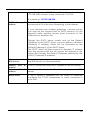
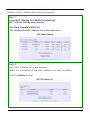
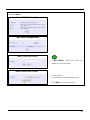
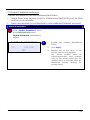
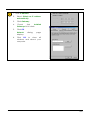
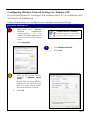
1.
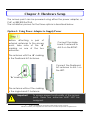
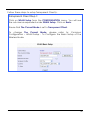
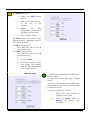
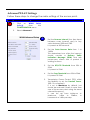
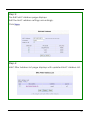
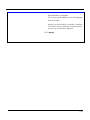
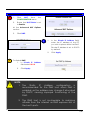
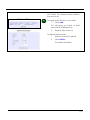
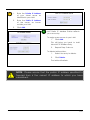
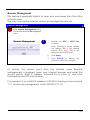
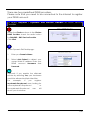
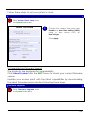
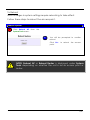
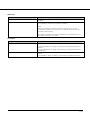
Click Gateway.
2.
Enter the IP address of the
access point in New Gateway.
The default IP address of the
access point is 192.168.168.1
3.
5
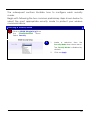
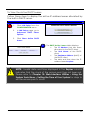
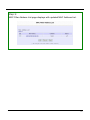
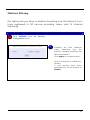
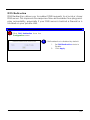
1.
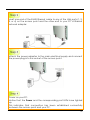
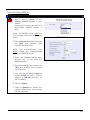
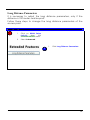
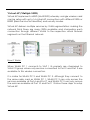
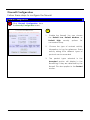
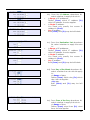
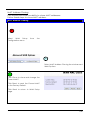
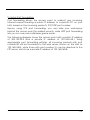
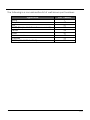
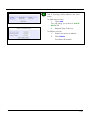
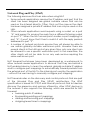
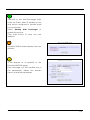
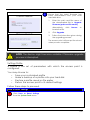
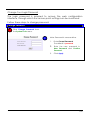
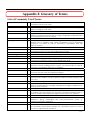
Click DNS Configuration.
2.
Select Enable DNS.
3.
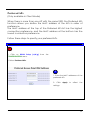
Enter a unique identifying
name in Host.
Click Add.
For example: Serv_01
4.
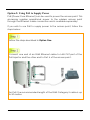
Enter the IP address of your
DNS server specified by your
ISP in DNS Server Search
Order.
5.
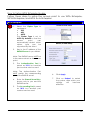
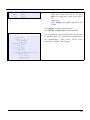
Click Add.
6.
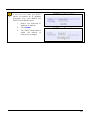
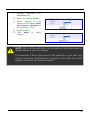
Click OK.
7.
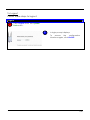
Restart your computer for
the changes to take effect.
162