1
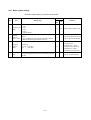
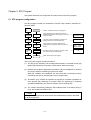
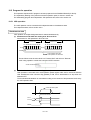
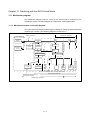
10.5 Program for operation
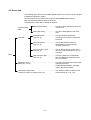
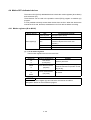
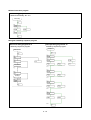
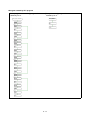
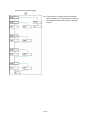
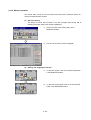
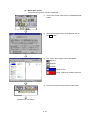
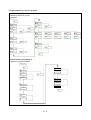
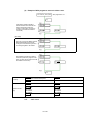
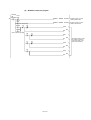
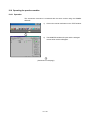
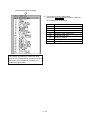
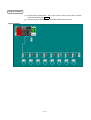
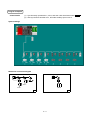
This operation sequence/SFC program has been prepared for the SW6RN-GSV22P (for Q172).
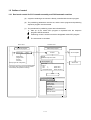
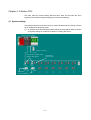
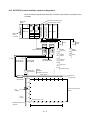
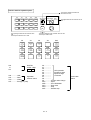
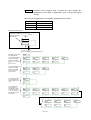
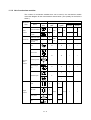
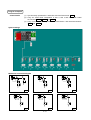
The explanatory drawing of the practice machine’s operation panel, is shown in section 9.2.
For initial setting program and independent JOG operation start, refer to the section 9.9.
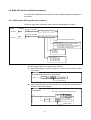
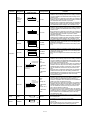
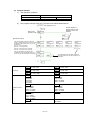
10.5.1 JOG operation
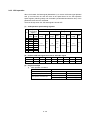
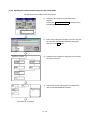
The JOG operation can be executed with independent start or simultaneous start.
For independent start, refer to section 9.9.2.
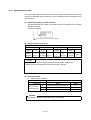
Simultaneous start
JOG operation of multiple designated axes is started simultaneously.
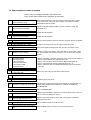
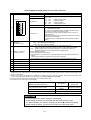
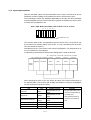
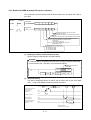
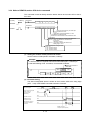
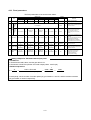
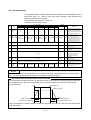
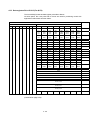
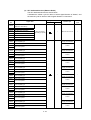
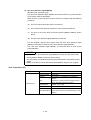
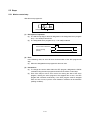
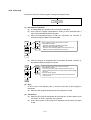
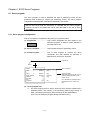
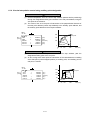
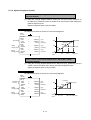
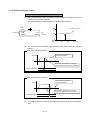
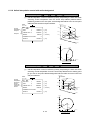
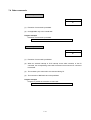
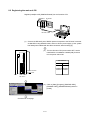
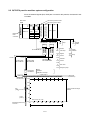
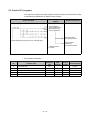
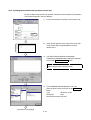
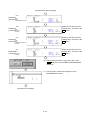
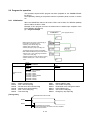
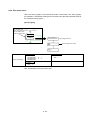
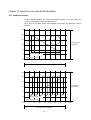
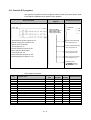
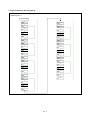
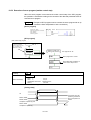
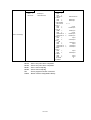
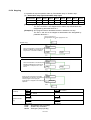
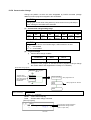
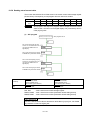
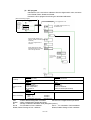
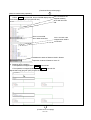
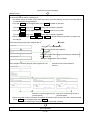
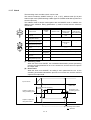
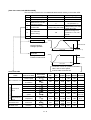
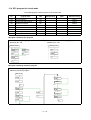
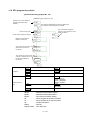
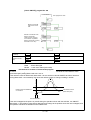
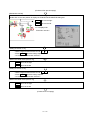
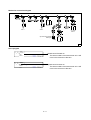
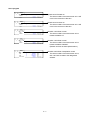
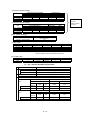
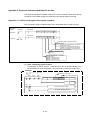
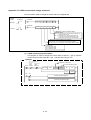
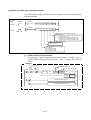
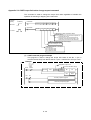
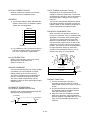
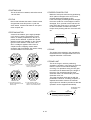
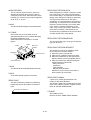
(1) Simultaneous JOG start axis setting area: D710 to D713
Set the axis for JOG operation in D710 to D713.
D712
Reverse JOG
Forward JOG
B7 B6 B5 B4 B3 B2 B1 B0
b7 b6 b5 b4 b3 b2 b1 b0
Axis- Axis- Axis- Axis- Axis- Axis- Axis- Axis8
7
6
5
4
3
2
1
Hexadecimal
8
D710
Axis- Axis- Axis- Axis- Axis- Axis- Axis- Axis7
5
4
3
2
8
6
1
1
0
1
1: JOG operation executed
0: JOG operation not executed
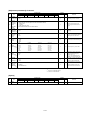
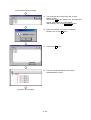
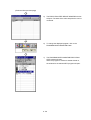
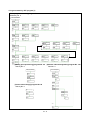
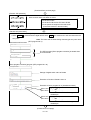
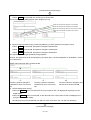
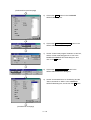
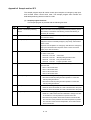
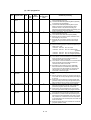
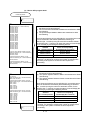
Set as follows to set the axis 1/axis 5 to "Forward JOG" and axis 8 to "Reverse
JOG" using operation control step command of SFC program.
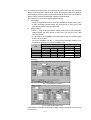
Set as hexadecimal H***
.....
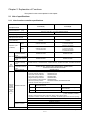
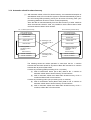
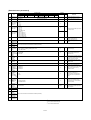
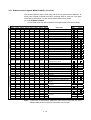
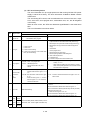
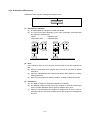
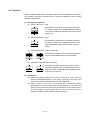
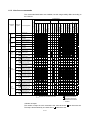
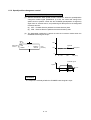
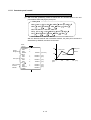
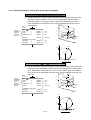
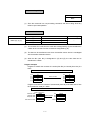
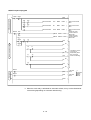
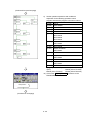
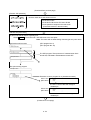
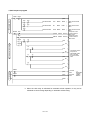
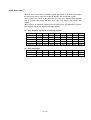
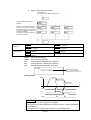
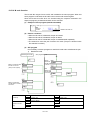
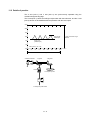
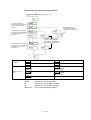
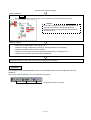
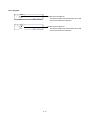
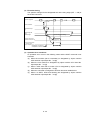
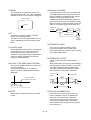
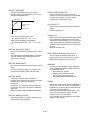
(2) JOG simultaneous start command flag (M2048)
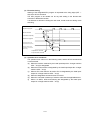
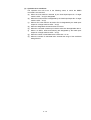
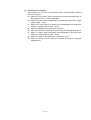
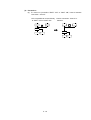
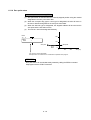
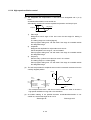
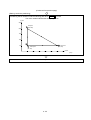
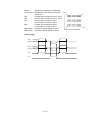
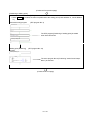
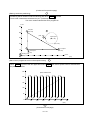
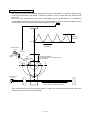
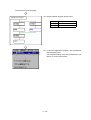
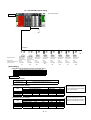
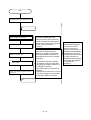
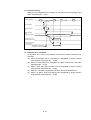
JOG operation is executed at the JOG operation speed register value set for each axis while the
JOG simultaneous start command flag (M2048) is ON, and is decelerated to a stop when the
M2048 is OFF.
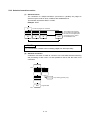
The acceleration/deceleration is controlled according to the contents of the parameter block set by
the JOG operation data.
V
JOG operation speed
JOG operation is executed for axis set in
D710 to D713 data.
D710
to D713
M2048
10 - 16