1
12 Connect the System Power Cable
NOTE: Your system contains an automatic voltage-selection power supply.
Voltage selection is not required prior to installation.
Connect the power cable to your system as follows.
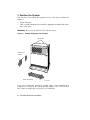
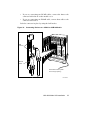
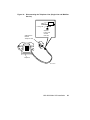
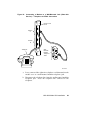
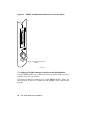
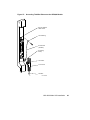
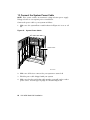
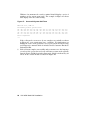
1. Make sure the system Power switch shown in Figure 43 is set to off
(0).
Figure 43: System Power Switch
Power Switch
MLO-004263
2. Make sure all devices connected to your system are turned off.
3. Find the power cable shipped with your system.
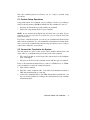
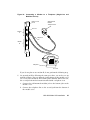
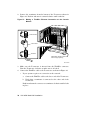
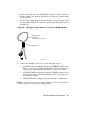
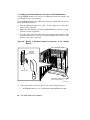
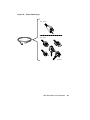
4. Make sure the plug end of that cable matches your wall outlet or other
power source. Several types of plugs are shown in Figure 44.
62 VAX 4000 Model 300 Installation