1
Setting Items
Page 364 of 815 pages
Advanced Guide > Scanning > Saving Scanned Data on the USB Flash Drive/Memory Card Using the Operation Panel of
the Machine > Saving Scanned Data on the USB Flash Drive/Memory Card Using the Operation Panel of the Machine >
Setting Items
Setting Items
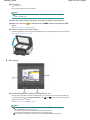
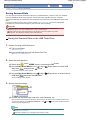
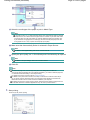
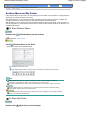
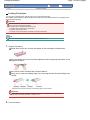
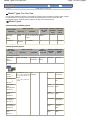
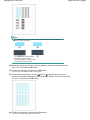
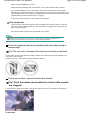
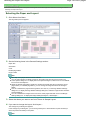
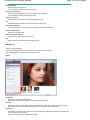
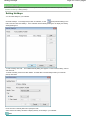
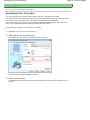
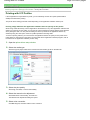
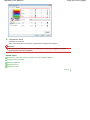
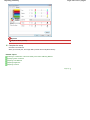
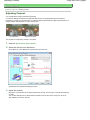
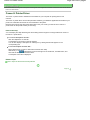
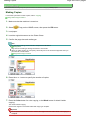
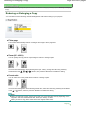
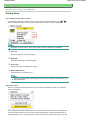
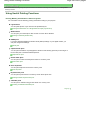
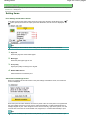
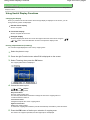
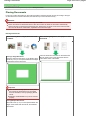
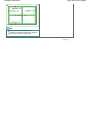
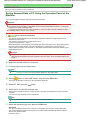
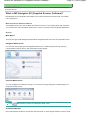
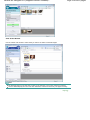
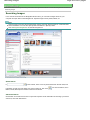
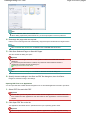
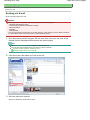
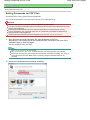
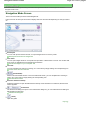
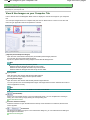
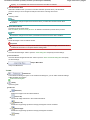
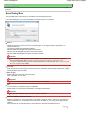
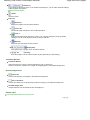
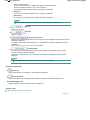
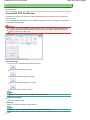
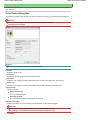
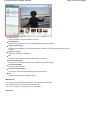
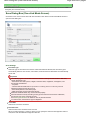
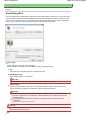
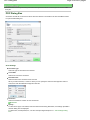
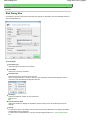
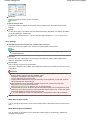
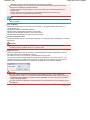
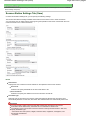
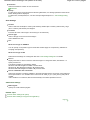
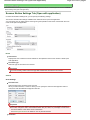
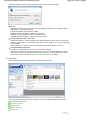
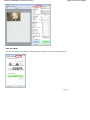
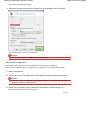
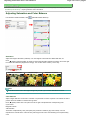
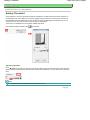
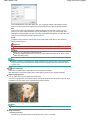
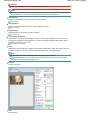
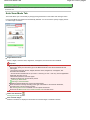
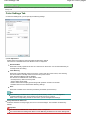
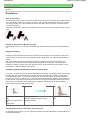
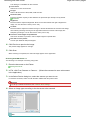
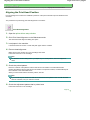
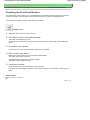
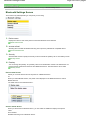
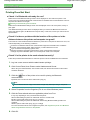
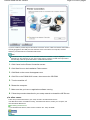
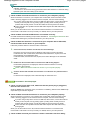
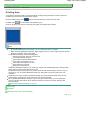
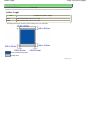
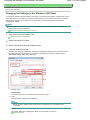
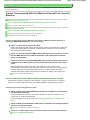
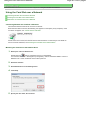
Scan document screen
Perform settings in saving scanned data on the USB flash drive or memory card.
1.
Document type
Select the type of the original on the Platen Glass.
2.
Scan size
Select the size of the original on the Platen Glass.
3.
Scan resolution
Select the resolution for scanning.
4.
Data format
Select the data format of the scanned data.
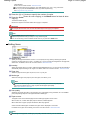
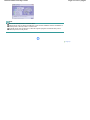
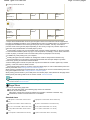
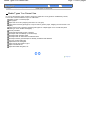
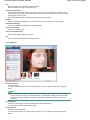
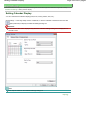
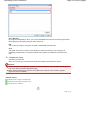
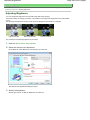
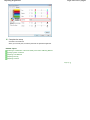
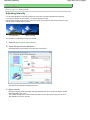
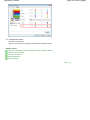
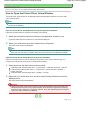
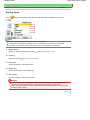
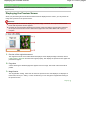
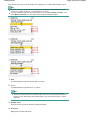
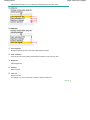
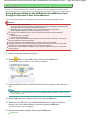
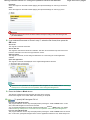
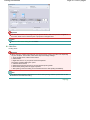
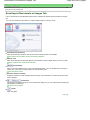
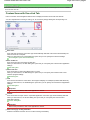
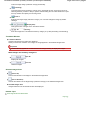
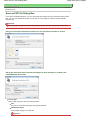
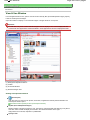
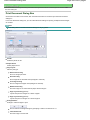
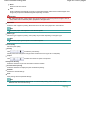
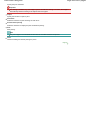
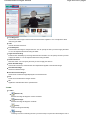
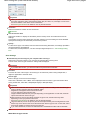
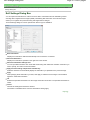
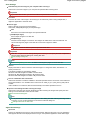
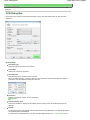
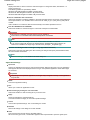
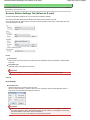
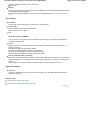
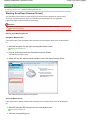
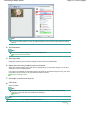
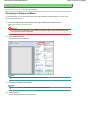
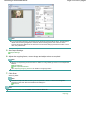
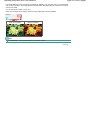
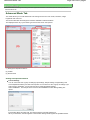
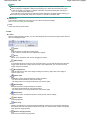
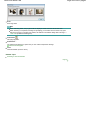
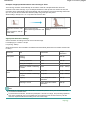
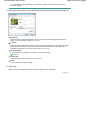
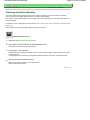
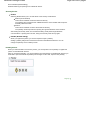
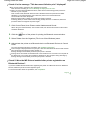
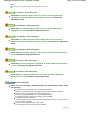
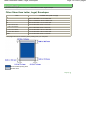
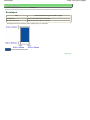
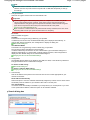
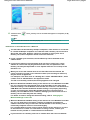
Advanced screen
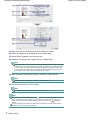
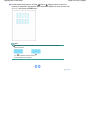
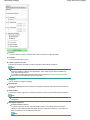
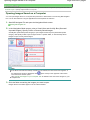
When you press the left Function button in the Scan document screen, the Advanced screen is
displayed.
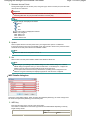
1.
Preview
Select to preview the scanned data or not.
2.
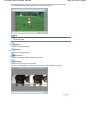
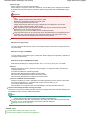
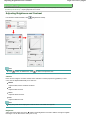
Unsharp mask
The outline of small characters or thin objects can be accentuated. Select Unsharp mask ON
if you want to accentuate the outline of the scanned data.
3.
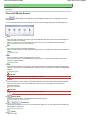
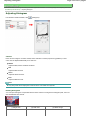
Descreen*1