1
Adding Photos
Page 216 of 815 pages
Advanced Guide > Printing from a Computer > Printing with the Bundled Application Software > Appendix 1: EasyPhotoPrint EX Settings > Adding Photos
Adding Photos
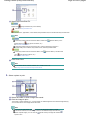
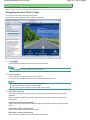
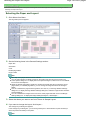
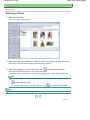
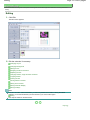
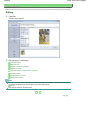
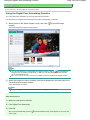
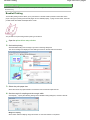
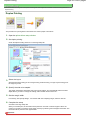
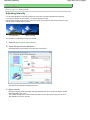
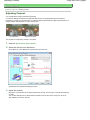
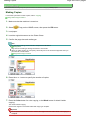
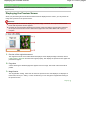
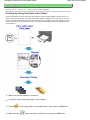
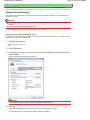
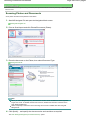
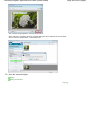
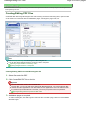
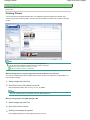
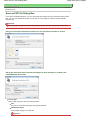
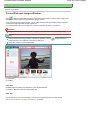
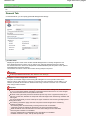
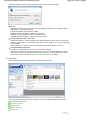
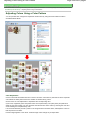
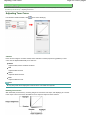
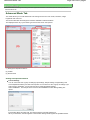
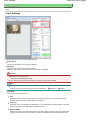
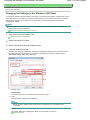
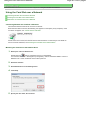
You can add images to pages.
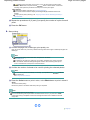
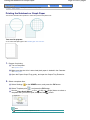
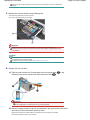
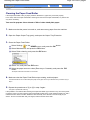
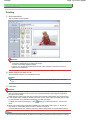
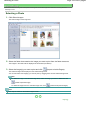
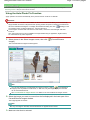
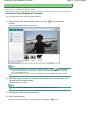
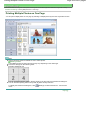
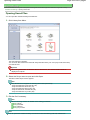
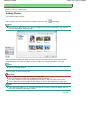
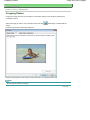
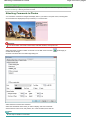
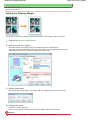
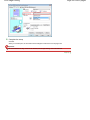
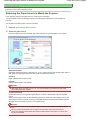
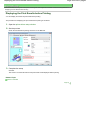
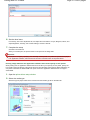
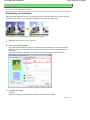
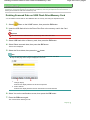
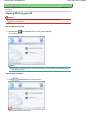
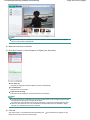
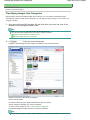
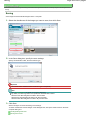
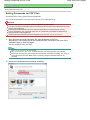
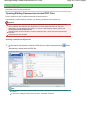
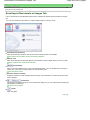
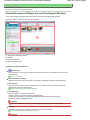
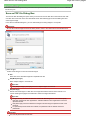
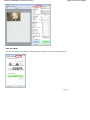
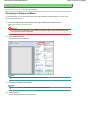
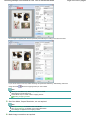
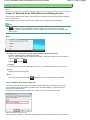
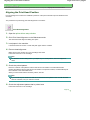
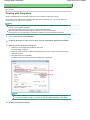
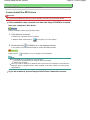
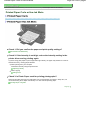
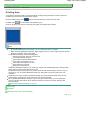
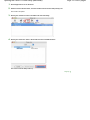
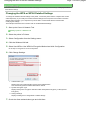
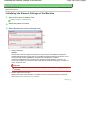
Select the page you want to add photos in the Edit screen, then click
(Add Image).
Note
The screens for Album printing are used as examples in the following descriptions. The screens
may vary depending on what you create.
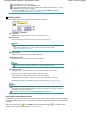
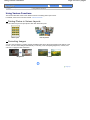
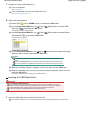
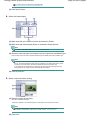
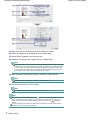
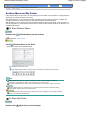
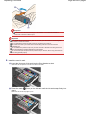
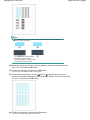
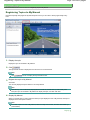
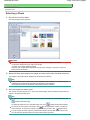
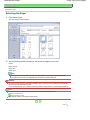
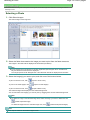
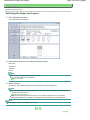
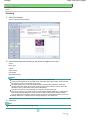
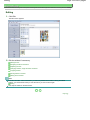
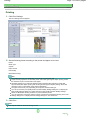
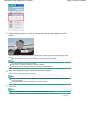
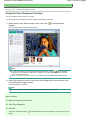
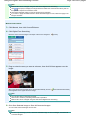
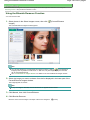
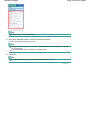
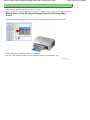
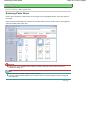
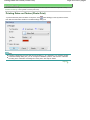
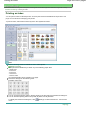
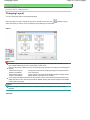
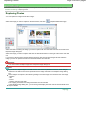
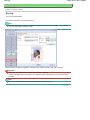
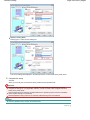
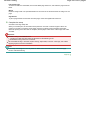
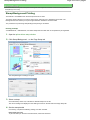
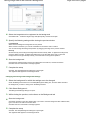
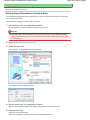
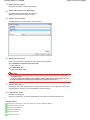
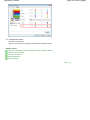
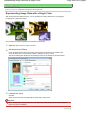
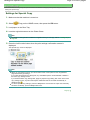
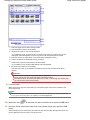
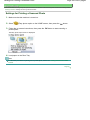
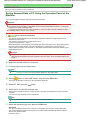
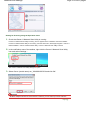
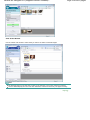
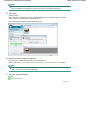
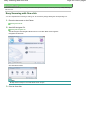
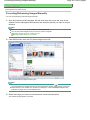
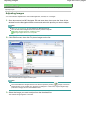
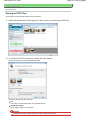
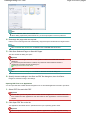
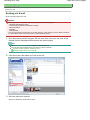
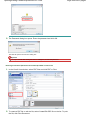
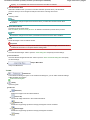
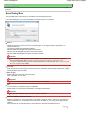
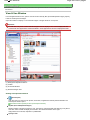
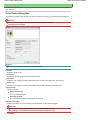
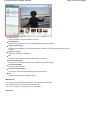
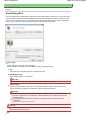
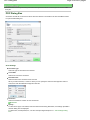
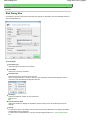
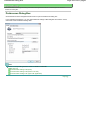
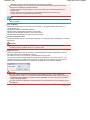
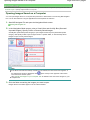
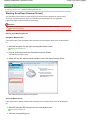
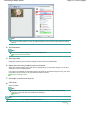
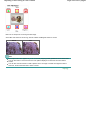
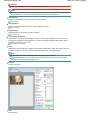
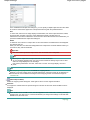
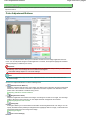
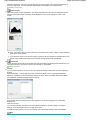
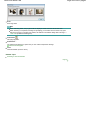
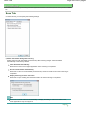
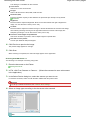
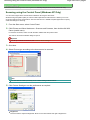
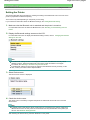
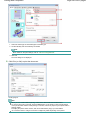
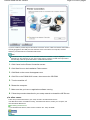
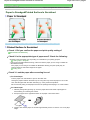
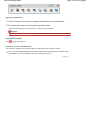
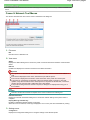
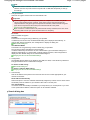
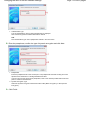
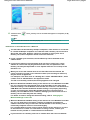
Select the folder containing the image you want to add from the folder tree area on the left of the Add
Image dialog box, and select the image you want to add from the thumbnail window on the right.
Note
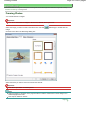
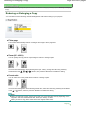
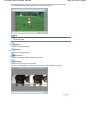
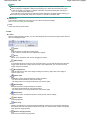
Click an image to select it (background turns blue) or deselect it (background turns white). You can
also select multiple images.
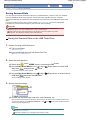
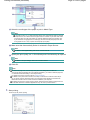
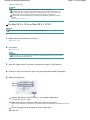
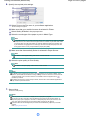
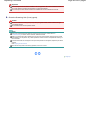
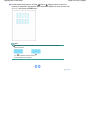
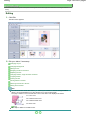
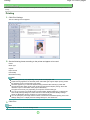
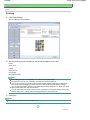
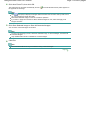
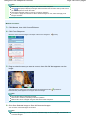
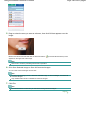
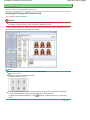
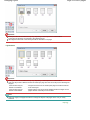
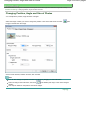
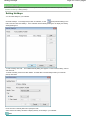
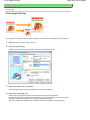
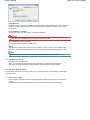
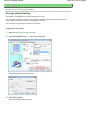
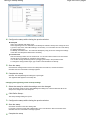
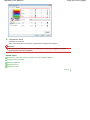
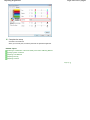
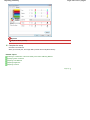
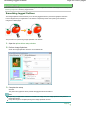
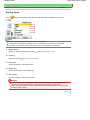
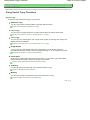
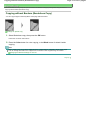
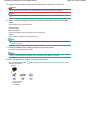
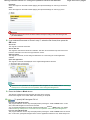
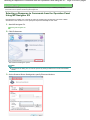
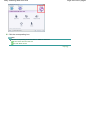
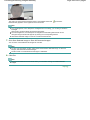
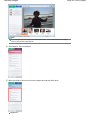
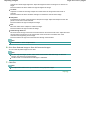
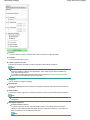
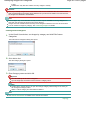
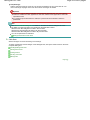
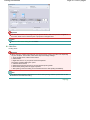
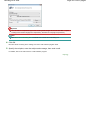
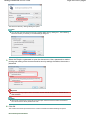
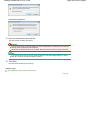
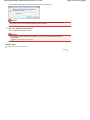
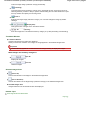
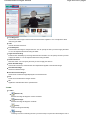
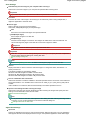
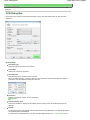
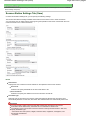
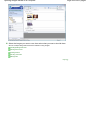
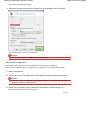
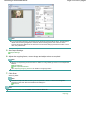
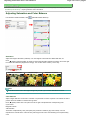
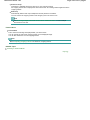
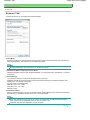
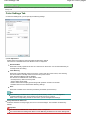
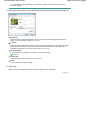
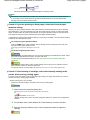
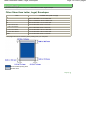
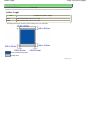
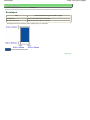
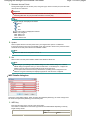
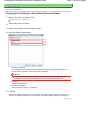
Select an option for Add to and click OK.
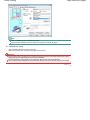
Important
You can add up to 20 images at one time to a single page.
Up to 99 of the same images can be added to all pages combined.
You cannot add two or more of the same image at one time. In that case, add it one at a time.
If you increase the number of pages to add images, you cannot add images beyond page 400.
Note
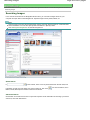
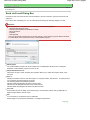
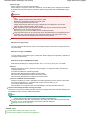
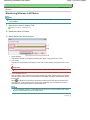
In the Add Image dialog box, you can select all images at one time or change the display size and
order of the thumbnails. See Help for details.
Page top