1
Paper Is Smudged/Printed Surface Is Scratched
Page 684 of 815 pages
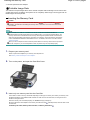
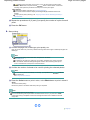
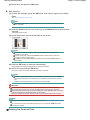
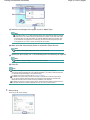
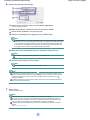
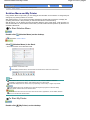
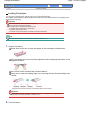
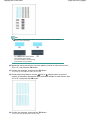
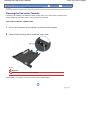
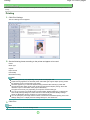
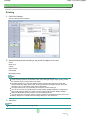
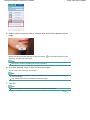
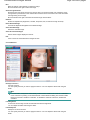
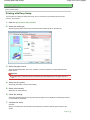
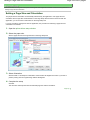
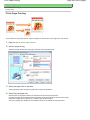
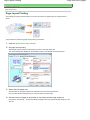
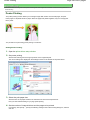
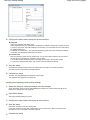
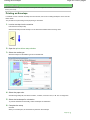
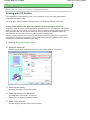
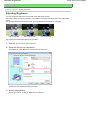
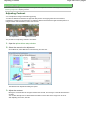
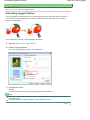
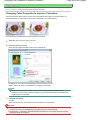
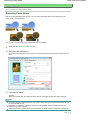
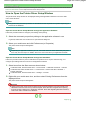
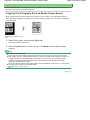
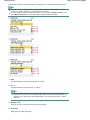
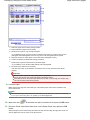
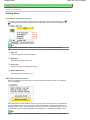
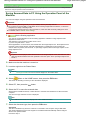
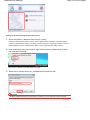
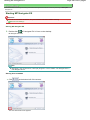
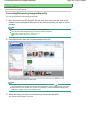
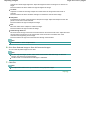
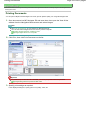
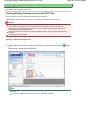
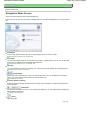
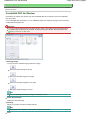
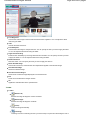
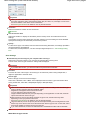
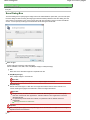
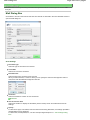
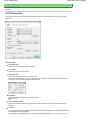
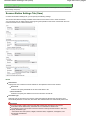
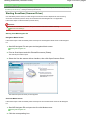
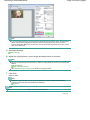
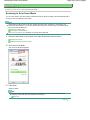
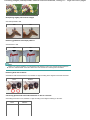
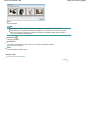
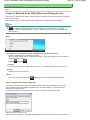
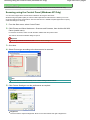
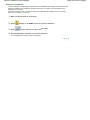
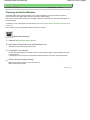
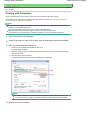
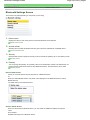
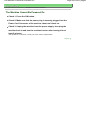
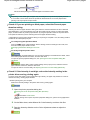
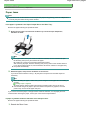
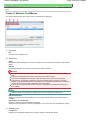
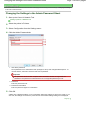
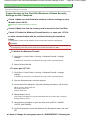
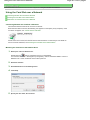
1. Open the Print dialog box.
Opening the Page Setup and Print Dialog Box (Macintosh)
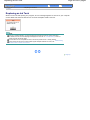
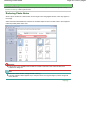
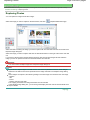
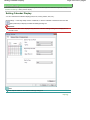
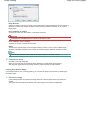
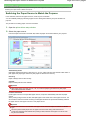
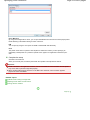
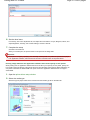
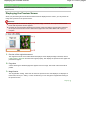
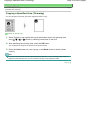
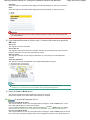
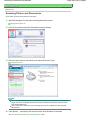
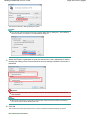
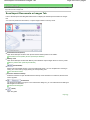
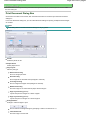
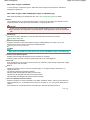
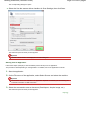
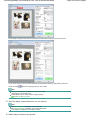
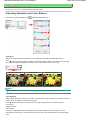
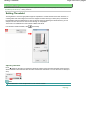
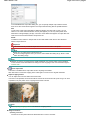
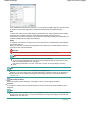
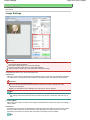
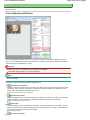
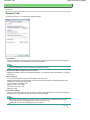
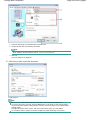
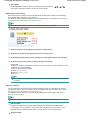
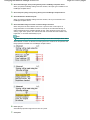
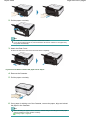
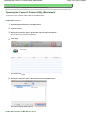
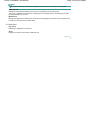
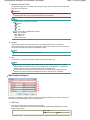
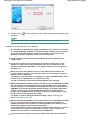
2. Select Color Options in the pop-up menu.
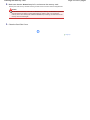
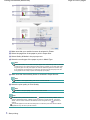
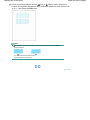
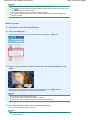
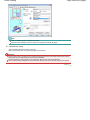
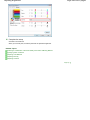
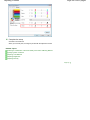
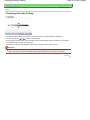
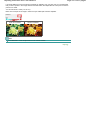
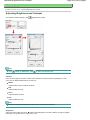
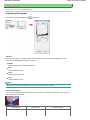
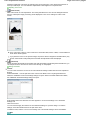
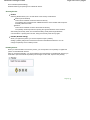
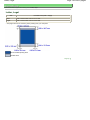
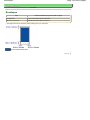
3. Drag the Intensity slide bar to set the intensity.
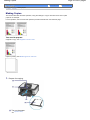
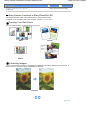
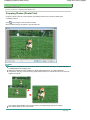
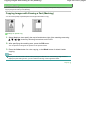
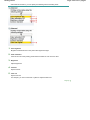
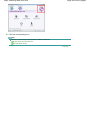
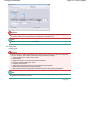
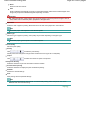
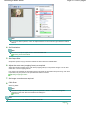
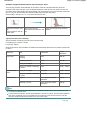
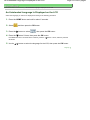
When copying
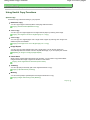
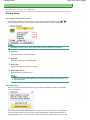
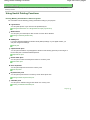
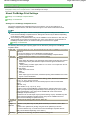
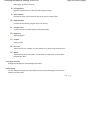
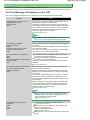
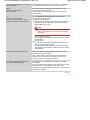
Setting Items
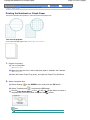
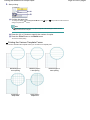
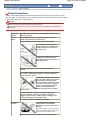
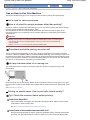
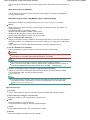
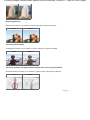
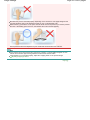
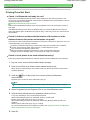
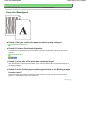
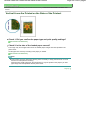
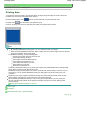
Check 6: Is printing performed beyond the recommended printing area?
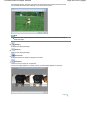
If you are printing beyond the recommended printing area of your printing paper, the lower edge of
the paper may become stained with ink.
Resize your original document in your application software.
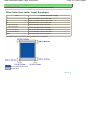
Printing Area
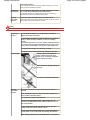
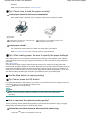
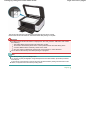
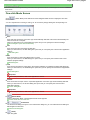
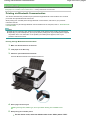
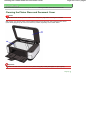
Check 7: Is the Platen Glass dirty?
Clean the Platen Glass.
Cleaning the Platen Glass and Document Cover
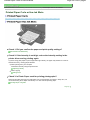
Check 8: Is the Paper Feed Roller dirty?
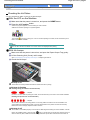
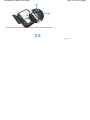
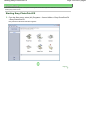
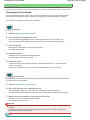
Clean the Paper Feed Roller.
Routine Maintenance
Note
Cleaning the Paper Feed Roller will wear the roller, so perform this procedure only when
necessary.
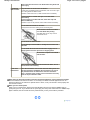
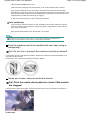
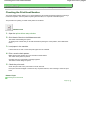
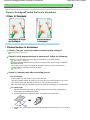
Check 9: Is inside of the machine dirty?
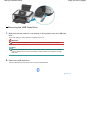
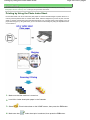
When performing duplex printing, the inside of the machine may become stained with ink, causing
the printout to become smudged.
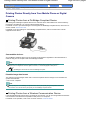
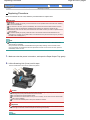
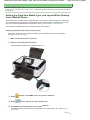
Perform the Bottom Plate Cleaning to clean the inside of the machine.
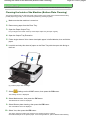
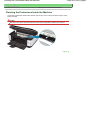
Cleaning the Inside of the Machine (Bottom Plate Cleaning)
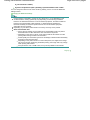
Note
To prevent the inside of the machine from stains, set the paper size correctly.
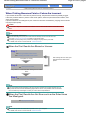
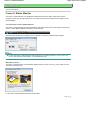
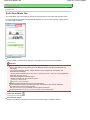
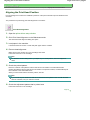
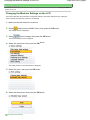
Check 10: Set Ink Drying Wait Time longer.
Doing so gives the printed surface enough time to dry so that paper smudged and scratched are
prevented.
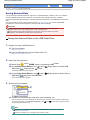
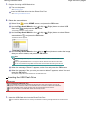
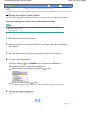
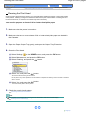
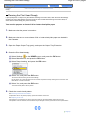
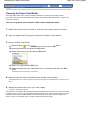
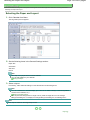
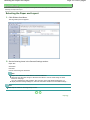
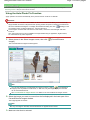
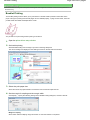
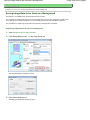
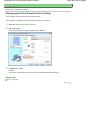
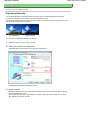
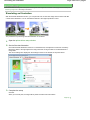
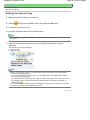
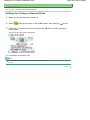
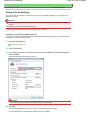
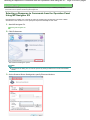
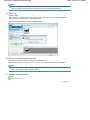
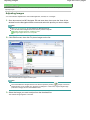
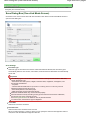
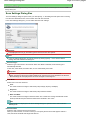
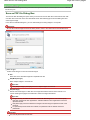
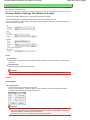
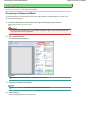
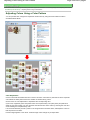
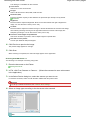
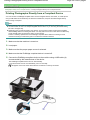
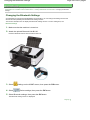
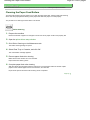
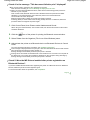
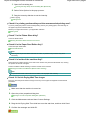
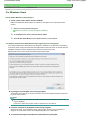
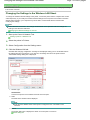
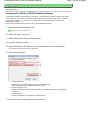
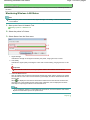
1. Make sure that the machine is turned on.
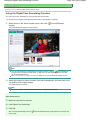
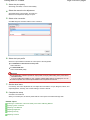
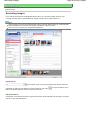
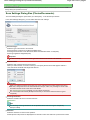
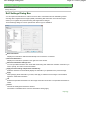
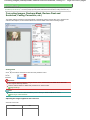
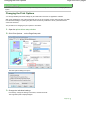
2. Open the printer properties dialog box.
Opening the Printer Properties Dialog Box (Windows)
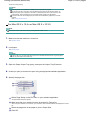
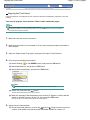
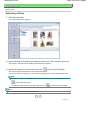
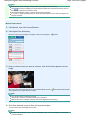
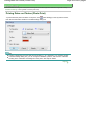
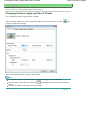
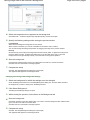
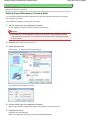
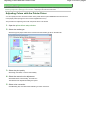
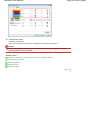
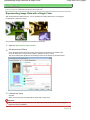
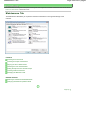
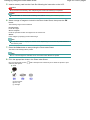
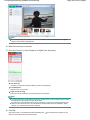
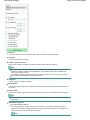
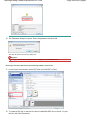
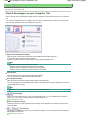
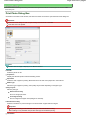
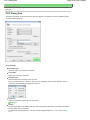
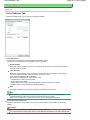
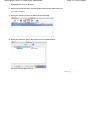
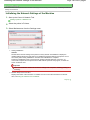
3. Click the Maintenance tab and then Custom Settings.
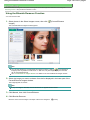
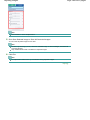
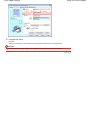
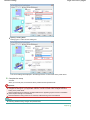
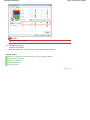
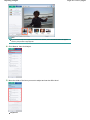
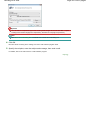
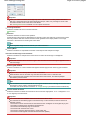
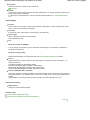
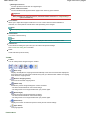
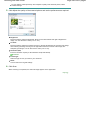
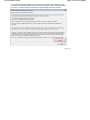
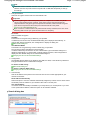
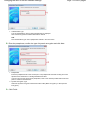
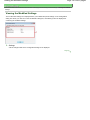
4. Drag the Ink Drying Wait Time slide bar to set the wait time, and then click Send.
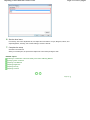
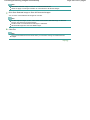
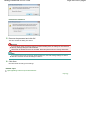
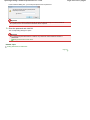
5. Confirm the message and click OK.