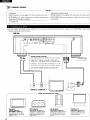
1
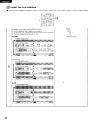
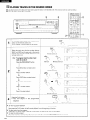
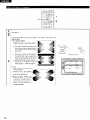
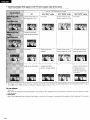
W This player can reproduce a virtual surround sound effect which provides sound as if heard from the front speakers located at the horizontally
further position or heard from nonexistent speakers even when only a 2-channel stereo system is connected [for playback of Dolby Digital
DVD software (2ch and above) only].
-1
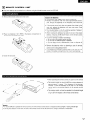
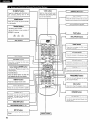
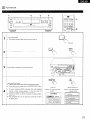
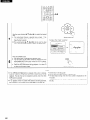
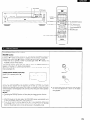
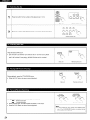
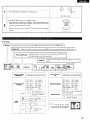
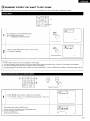
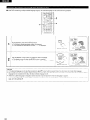
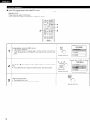
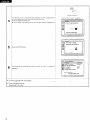
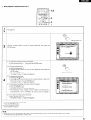
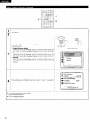
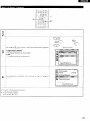
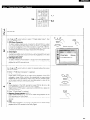
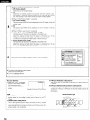
T Press V.S.S. during
play.
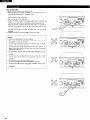
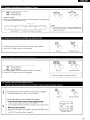
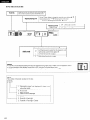
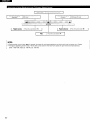
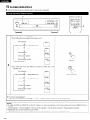
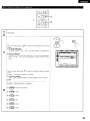
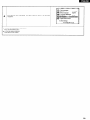
Each time this button is pressed, the player’s FL display changes:
Virtual slurround sound is cancelled
+
1
v.s.s
Virtual surround sound 1 (Natural effect\
%
Remote control unit
t
Virtual surround sound 2 (Emphasized effect)
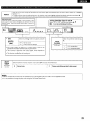
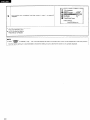
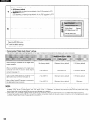
NOTES:
l
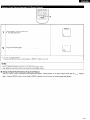
The virtual surround sound effect does not work with DVD Karaoke discs.
l
The virtual surround sound effect may not work with some Dolby Digital 2.lch or 3.lch DVDs. AddItionally,
properly with some Dolby Digital DVDs other than 2.1 ch or 3.lch. depending on the software.
l
Turn off the lV surround sound and other surround sound effects when using this virtual surround sound effect.
40
this effect may not work