1
Export and Re-Export a Pendulum Assembly
Export and Re-Export a Pendulum Assembly
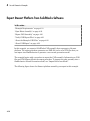
In this section...
“About Model Update” on page 3-19
“CAD Assembly Files” on page 3-19
“Translate CAD Assembly” on page 3-20
“Modify Pendulum Assembly and Update SimMechanics Model” on page 3-24
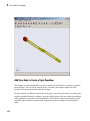
“Add New Body to Create a Triple Pendulum” on page 3-30
“Update Imported Model While Retaining Manual Joint Replacements” on page 3-35
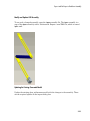
“Selectively Update Imported Model” on page 3-36
About Model Update
Note: The CAD assembly files of this case study require Pro/ENGINEER.
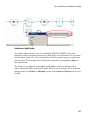
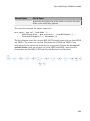
The following example shows how to update a previously generated SimMechanics
model with a new XML file exported after changes have been made to the original CAD
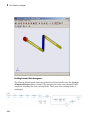
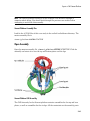
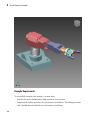
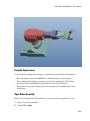
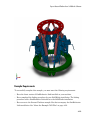
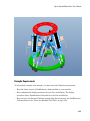
assembly. The example starts with a double pendulum assembly.
For a general discussion of retranslation and update-import, see “Retranslate CAD
Assembly”.
CAD Assembly Files
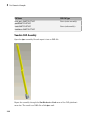
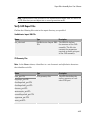
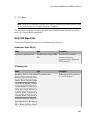
Look for the following seven CAD files of this case study in the SimMechanics Link
examples folder.
File Name
CAD File Type
dpen.ASSEMBLYFILETYPE
Assembly
tpen.ASSEMBLYFILETYPE
Assembly
hook.ASSEMBLYFILETYPE
Subassembly
3-19