1
Section 5: Hyper-Surround
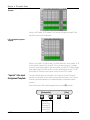
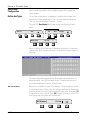
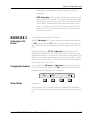
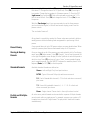
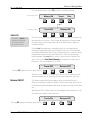
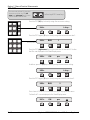
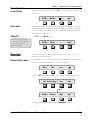
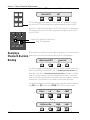
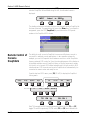
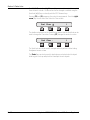
Again select the 5.1 format. Press [F3] moving the flag to the channel indication above F3. Change the channel to Sl (SpinKnob). Press [F4] () to assign a
bus number. Change the bus number to 4 (same as panner 1). Press the DSC
[right arrow] key and then [F2]. Notice the automatic assignment of 5.1 Sr
into the second block. Press [F4] and change the bus to 5. Press [Esc] to use
the panner.
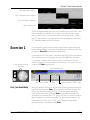
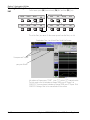
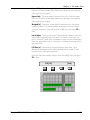
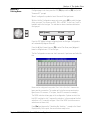
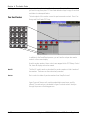
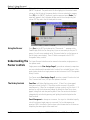
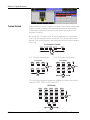
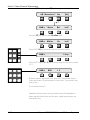
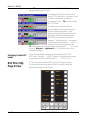
With the [Pan Assign] key lit you are now ready to use the three panners
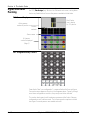
you've constructed. Again, in the left hand screen display you will see the
panner controls.
This concludes Exercise 3.
At any time it is possible to reenter the Panner setup menu and add, delete or
modify panners without effecting fader assignments or positioning of that
panner.
Preset library
A user preset library of up to 100 panner setups can save valuable time. When
recalled, a panner preset does and automatic setup of all 16 panners.
Storing & Naming
Presets
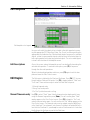
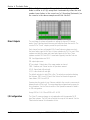
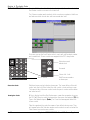
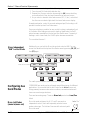
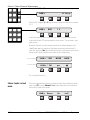
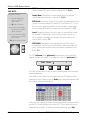
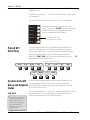
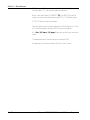
Once you have set up all of the panners you need and while still in Pan Assign
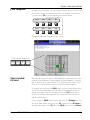
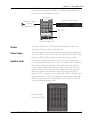
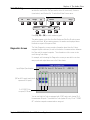
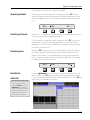
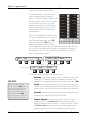
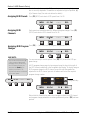
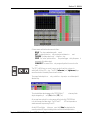
mode, press [F4] (down arrows), then [F1] (Presets). You will see the preset list
in the right Assignable screen display. Use the SpinKnob to select the preset in
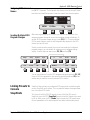
which to store. Press [F3] and you will see a “store” screen prompt allowing
you to name the preset. Use the QWERTY keyboard to name the preset. Press
keyboard [Enter] or MCP [F4] to store the preset.
Standard Formats
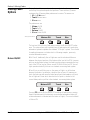
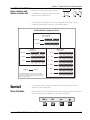
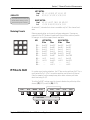
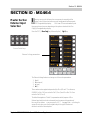
Available standard formats are defined as:
Stereo - Left and Right. Only front pan functions.
MTRX - Typical 4 channel Dolby style with mono surround.
5.1 - Five full bandwidth channels (L-C-R in front and stereo surrounds)
plus boom.
7.1 - Seven full bandwidth channels (L - IL - C - IR - R in front and
stereo surrounds) plus boom.
Mono - Single channel. Panner level is the only functional control.
Partial and Multiple
Formats
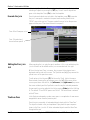
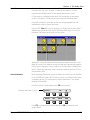
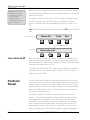
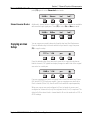
As we’ve seen, partial formats can be used within a panner. Multiple formats
can also exist within a single panner. For example, a panner can contain a 5.1
format plus a stereo left & right format. The pan pot will track both formats
simultaneously.
Euphonix CS3000/2000 MixView 3.0 Software Supplement
5 - 39