1
perf
2
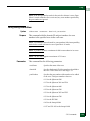
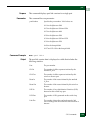
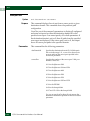
Parameters
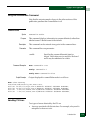
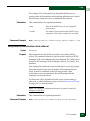
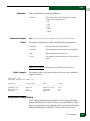
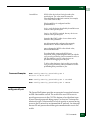
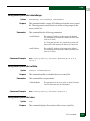
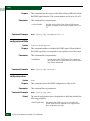
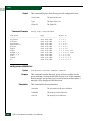
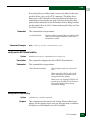
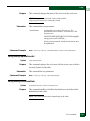
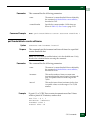
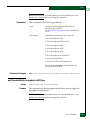
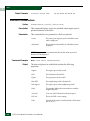
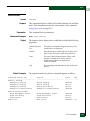
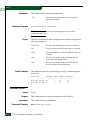
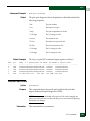
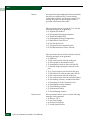
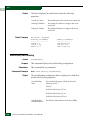
This command has one parameter:
name
The name of a throughput threshold alert as
defined by the command
perf.thresholdAlerts.throughput.addAlert,
described on 2-170.
You can also specify all instead of a name, to
display all threshold alerts.
NOTE: The output of this command truncates all the threshold alert names
that are longer than 51 characters. In case you specify lengthy names, you can
display the complete name by entering the comma-delimited mode using the
commaDelim command. For more information, see Using the commaDelim
Command on page 1-19.
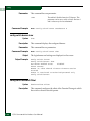
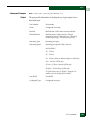
Command Example
Output Example
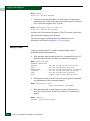
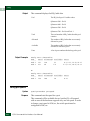
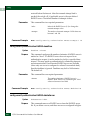
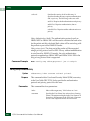
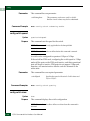
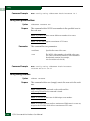
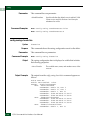
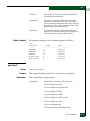
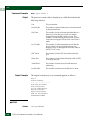
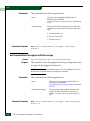
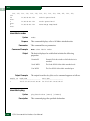
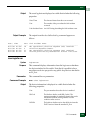
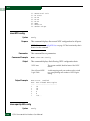
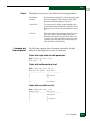
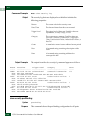
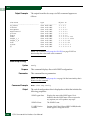
Root> perf thresholdAlerts throughput show eportRx
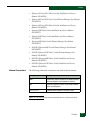
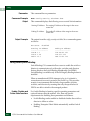
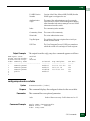
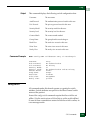
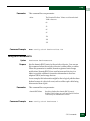
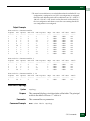
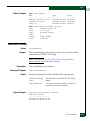
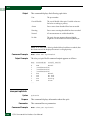
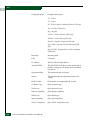
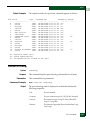
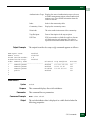
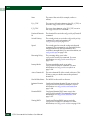
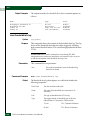
The output from the perf.thresholdAlerts.throughput.show command
appears as follows:
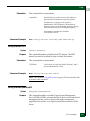
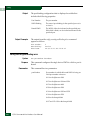
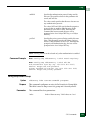
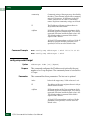
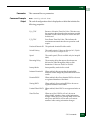
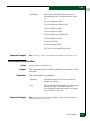
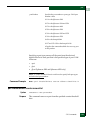
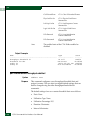
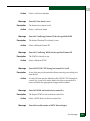
Name:
Ports:
Utilization Type:
Utilization Percentage:
Duration:
Interval:
Alert State:
90% Receive Throughput Threshold
5,8,12,20-24
Rx
90%
15
30
Disabled
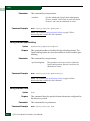
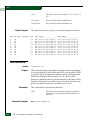
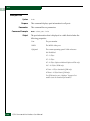
perf.thresholdAlerts.throughput.showUtilTypeTable
Syntax
Purpose
Parameters
Command Example
Output Example
showUtilTypeTable
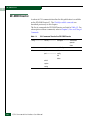
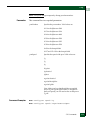
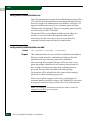
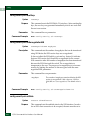
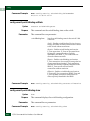
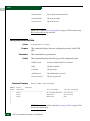
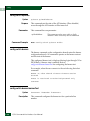
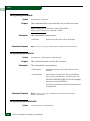
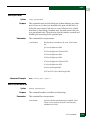
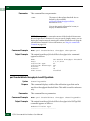
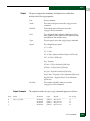
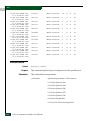
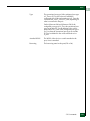
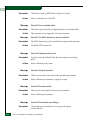
This command displays a table of the utilization types that can be
used for a throughput threshold alert. This table is used for reference
only.
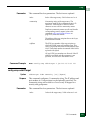
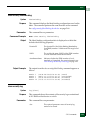
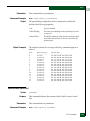
This command has no parameters.
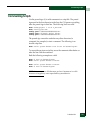
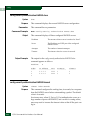
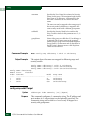
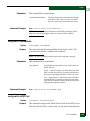
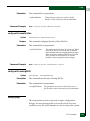
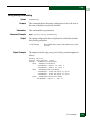
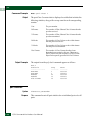
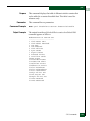
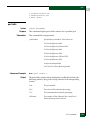
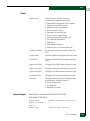
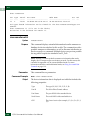
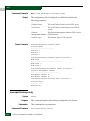
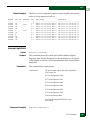
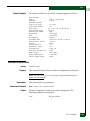
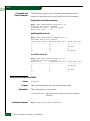
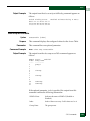
Root> perf thresholdAlerts throughput showUtilTypeTable
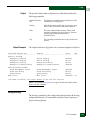
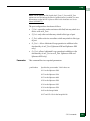
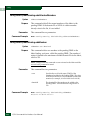
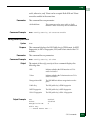
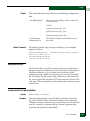
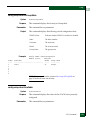
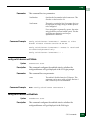
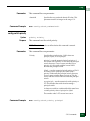
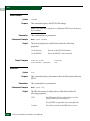
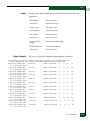
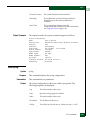
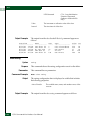
The output from the perf.thresholdAlerts.throughput.showUtilTypeTable
command appears as follows:
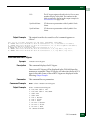
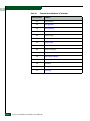
NumberUtilization Type
----------------------------
2-176
E/OS Command Line Interface User Manual