1
config
2
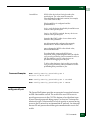
NOTE: On the Sphereon 4300 Switch, the E_Port, G_Port, and GX_Port
options are not valid unless the Fabric Capable feature is enabled. For more
information, see the McDATA Sphereon 4300 Switch Installation and Service
Manual (620-000171).
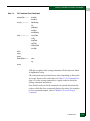
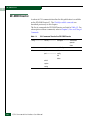
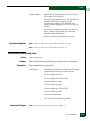
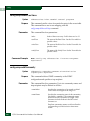
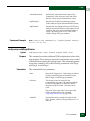
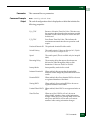
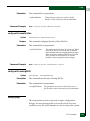
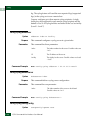
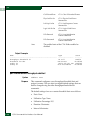
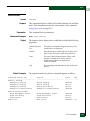
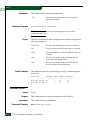
The port configurations function as follows:
Parameters
•
F_Port—cannot be used as an interswitch link, but may attach to a
device with an N_Port.
•
E_Port—only other switches may attach to this type of port.
•
G_Port—either a device or another switch may attach to this type
of port.
•
Fx_Port — allows Arbitrated Loop operation in addition to the
functionality of an F_Port. (Sphereon 4300 and Sphereon 4500
only.)
•
Gx_Port—allows Arbitrated Loop operation in addition to the
functionality of an F_Port or an E_Port. (Sphereon 4300 and
Sphereon 4500 only.)
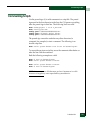
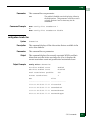
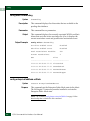
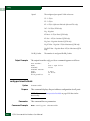
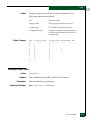
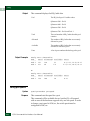
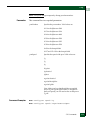
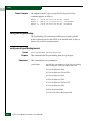
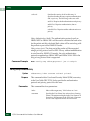
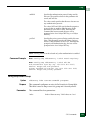
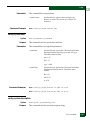
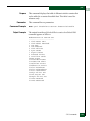
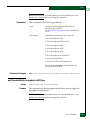
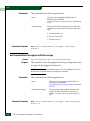
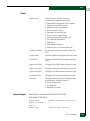
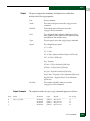
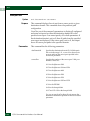
This command has two required parameters:
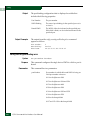
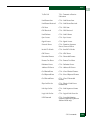
portNumber
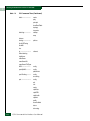
Specifies the port number. Valid values are:
0–11 for the Sphereon 4300
0–15 for the Sphereon 3016
0–15 for the Sphereon 4400
0–23 for the Sphereon 4500
0–31 for the Sphereon 3032
0–31 for the Sphereon 4700
0–63 for the Intrepid 6064
0–127 and 132–143 for the Intrepid 6140
CLI Commands
2-41