1
A
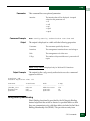
Action
Message
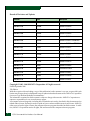
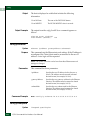
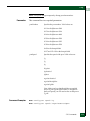
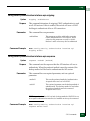
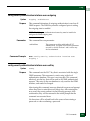
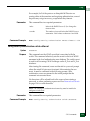
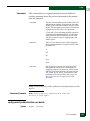
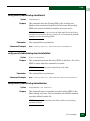
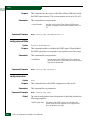
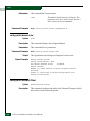
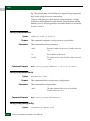
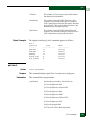
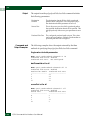
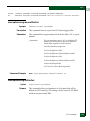
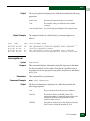
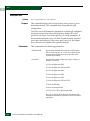
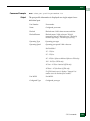
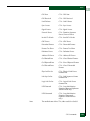
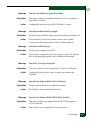
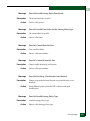
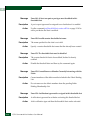
Error 155: Cannot Remove Active Member From List
Description
This member cannot be removed from the fabric security list because
it is currently logged in.
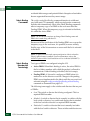
Action
Fabric security rules prohibit any device or switch from being
isolated from the fabric via a membership list change. If it is truly the
intention of the user to remove the device in question from the
membership list, then there are several approaches to take. This
request may be completed most non-disruptively by blocking the
port (or physically removing the device from the managed switch) to
which this device is attached and resubmitting the request.
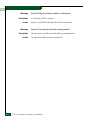
Message
Description
Action
Message
Description
Action
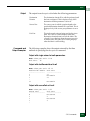
A-22
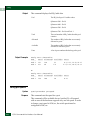
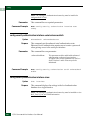
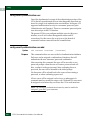
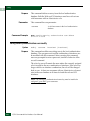
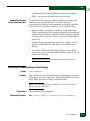
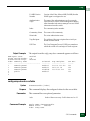
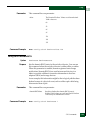
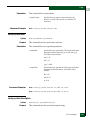
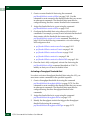
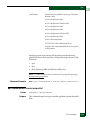
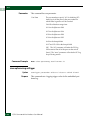
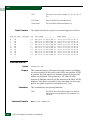
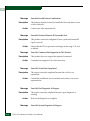
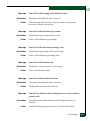
Make sure that the WWN deleted matches the WWN in the Switch
Binding Membership List. Make appropriate changes and re-submit
the request.
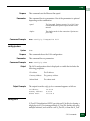
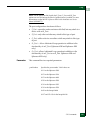
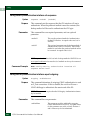
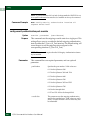
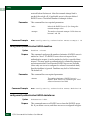
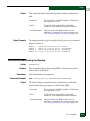
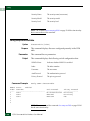
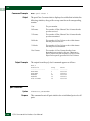
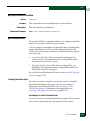
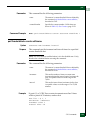
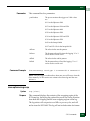
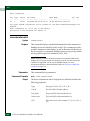
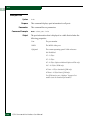
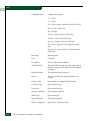
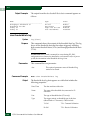
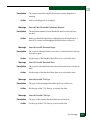
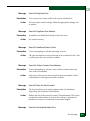
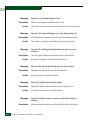
Error 156: Cannot Complete While Switch is Online and Fabric
Binding Active
The switch must be offline and Fabric Binding must be inactive
before this feature can be disabled.
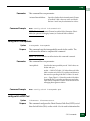
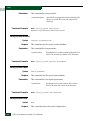
Deactivating this feature can be disruptive to Fabric operations. Take
the switch offline and make sure deactivate fabric binding before
disabling this feature.
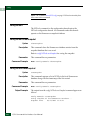
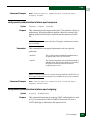
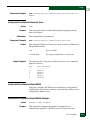
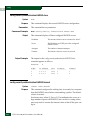
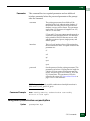
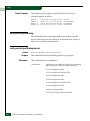
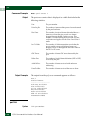
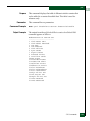
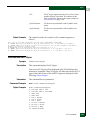
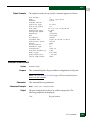
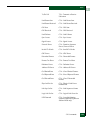
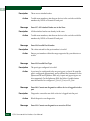
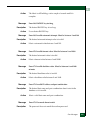
Error 157: Access Control List is Disabled
The switch must be offline and Fabric Binding must be inactive
before this feature can be disabled.
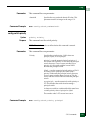
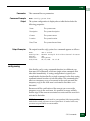
Deactivating this feature can be disruptive to Fabric operations. Take
the switch offline and deactivate fabric binding before disabling this
feature.
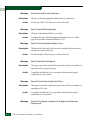
Message
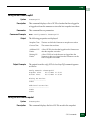
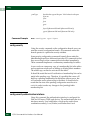
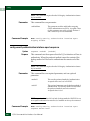
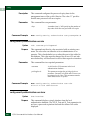
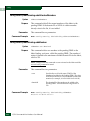
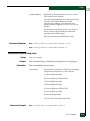
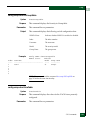
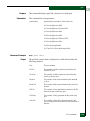
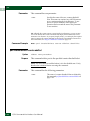
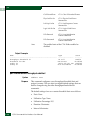
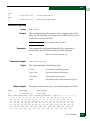
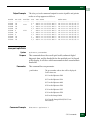
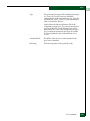
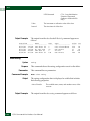
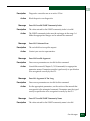
Error 158: Invalid Switch IP Access Control List IP Address Range
Description
The pair of IP addresses are invalid and cannot be added to the list.
E/OS Command Line Interface User Manual