1
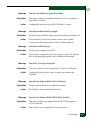
A
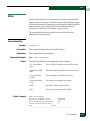
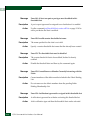
Description
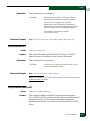
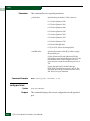
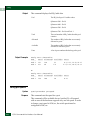
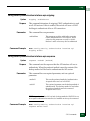
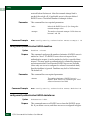
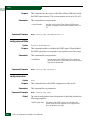
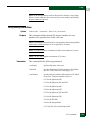
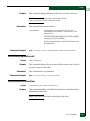
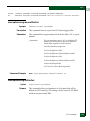
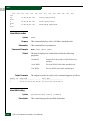
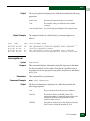
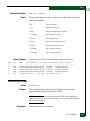
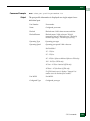
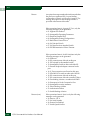
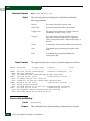
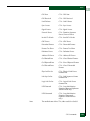
Two policies of the same type cannot be enabled if they have the
same port type.
Action
Make sure the policy that is being enabled doesn't have the same port
type as a policy that is enabled.
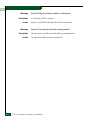
Message
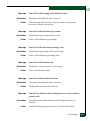
Error 196: Cannot enable two policies of the same type that contain
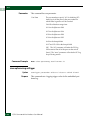
default scope
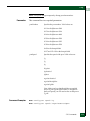
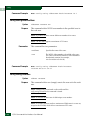
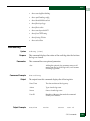
Description
Action
Message
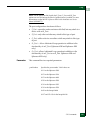
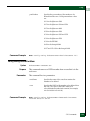
Description
Action
Message
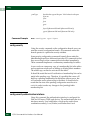
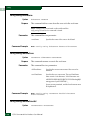
Description
Action
Message
Description
Action
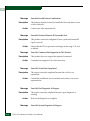
Message
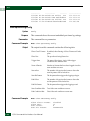
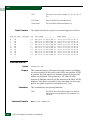
Description
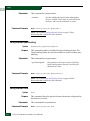
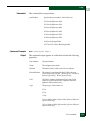
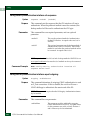
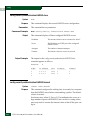
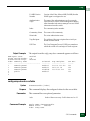
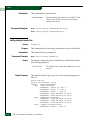
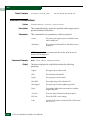
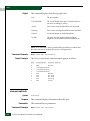
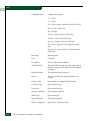
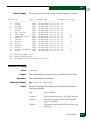
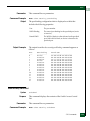
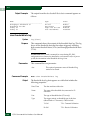
Two policies of the same type cannot be enabled if they are both
using the default ports.
Enable only one policy that is using the default ports.
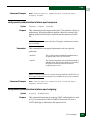
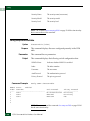
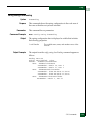
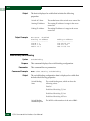
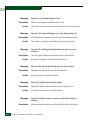
Error 197: Port list contains no ports
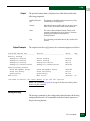
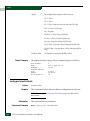
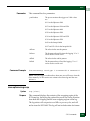
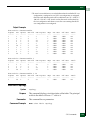
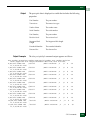
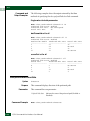
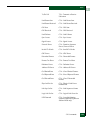
The policy port list must contain ports or a port scope.
Add ports or a port scope to the policy.
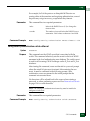
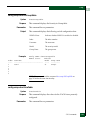
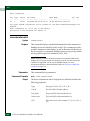
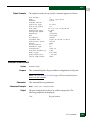
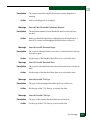
Error 198: Duplicate Authentication Name
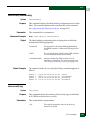
Authentication names must be unique.
Configure a unique authentication name.
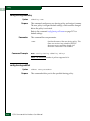
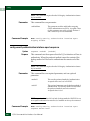
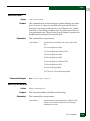
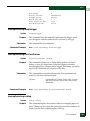
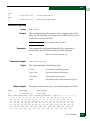
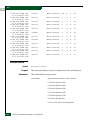
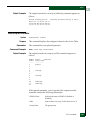
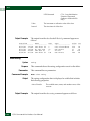
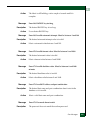
Error 201: Change Authorization Request Failed
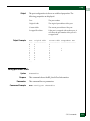
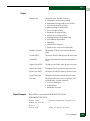
The switch did not accept the request to make a change to NVRAM.
Be sure all parameters have been entered correctly and re-submit.
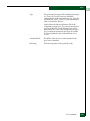
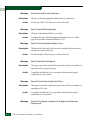
Contact your service representative with further problems.
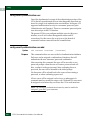
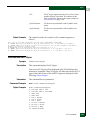
Error 202: Invalid Change Authorization ID
The switch will not accept a change request from this particular
client.
Error Messages
A-29