1
Command Overview
2
Command Overview
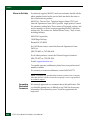
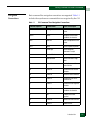
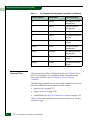
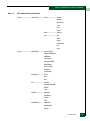
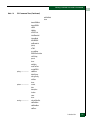
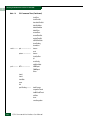
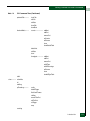
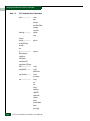
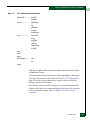
The listed commands are arranged in alphabetical order. The
commands can be entered in any order, depending on the results
desired as per the command line tree.
The various show commands are usually entered at the end of a group
of other commands to verify configuration changes.
New and Changed Commands
New Commands
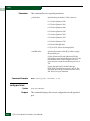
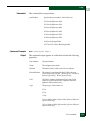
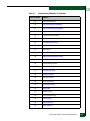
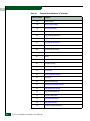
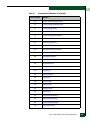
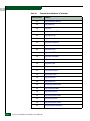
The following CLI commands are new for this edition of the E/OS
Command Line Interface User Manual:
2-2
•
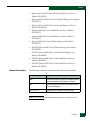
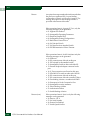
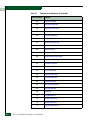
config.alias on page 2-3
•
config.alias.activatePending on page 2-4
•
config.alias.add on page 2-5
•
config.alias.clearPending on page 2-5
•
config.alias.delete on page 2-5
•
config.alias.replacePending on page 2-6
•
config.alias.setCLIState on page 2-6
•
config.alias.setWebState on page 2-6
•
config.alias.showActive on page 2-7
•
config.alias.showPending on page 2-8
•
show.activeAlias on page 2-179
•
show.openSysMS.platformInfo on page 2-211
E/OS Command Line Interface User Manual