1
2-46
Using Phone Features and Functions
Chapter 2: Using the 24-Button Digital Phone
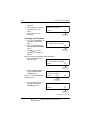
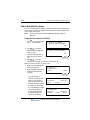
6. Press the OK soft button.
7. Enter the password.
8. Press the OK soft button.
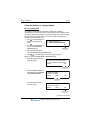
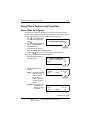
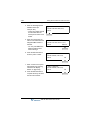
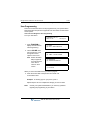
- The station information that
corresponds to your
HotDesk log in will appear
on the display:
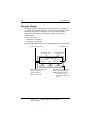
DU MMY S TATIO N 10 7
E N T E R PAS S WO R D
OK
STATI O N 1 31 ( T )
01 FE B 08
0 6 :0 0 a m
PIC KU P
CONF
REDIAL
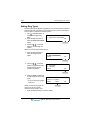
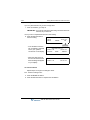
To Log Out:
Follow steps 1 to 4 above.
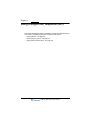
5. Make sure the LOG OUT
option is selected.
- Each time you log out, you
will be prompted to enter a
Forward setting.
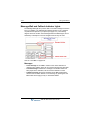
1. HOTDE SK LO G IN
2. HOTDES K LO G OU T
OK
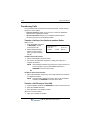
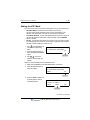
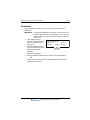
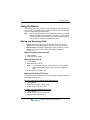
When you see the Forward prompt:
6. Use
on the Nav
button to scroll through the
Forward options:
AG ENT LO G OU T W ITH
NO FOR WARD SET ?
- NO FORWARD SET
(to set no forward option)
OK
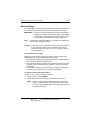
- FORWARD TO VMIB
(to forward calls to your
own voice mailbox)
- FORWARD TO VM XXX
(to forward your calls to a voice mailbox other than your own)
- FORWARD TO SPD2000
- FORWARD TO STA666
(if you want to forward your calls to another user’s station)
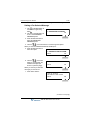
When you see the Forward setting you want to use:
7. Press the OK soft button to store the setting and complete the log out.
SBX IP 320 Phone User Guide