1
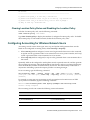
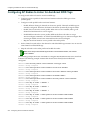
Configuring Accounting for Wireless Network Users
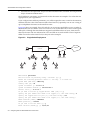
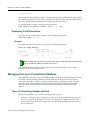
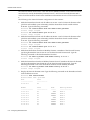
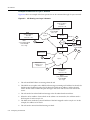
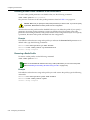
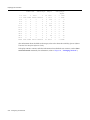
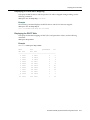
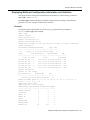
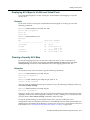
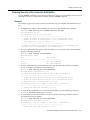
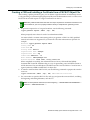
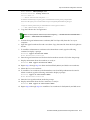
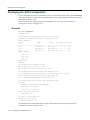
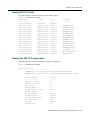
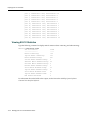
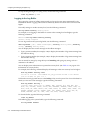
Id Clauses
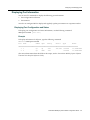
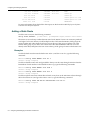
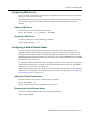
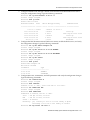
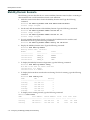
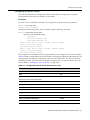
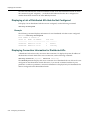
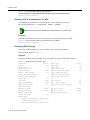
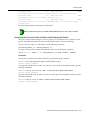
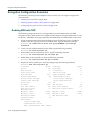
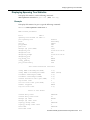
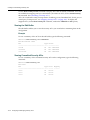
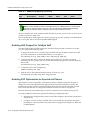
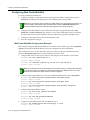
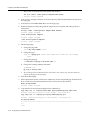
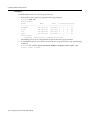
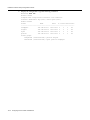
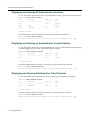
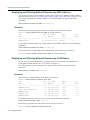
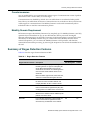
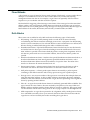
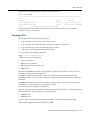
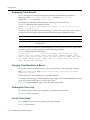
---------------------------------------------------------------1) permit vlan guest_1 if vlan neq *.ourfirm.com
2) permit vlan bld4.tac inacl tac_24.in if user eq *.ny.ourfirm.com
3) permit inacl svcs_2.in outacl svcs_3.out if vlan eq bldg4.*
4) deny if user eq *.theirfirm.com
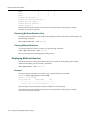
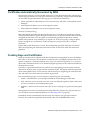
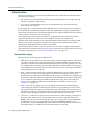
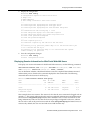
Clearing Location Policy Rules and Disabling the Location Policy
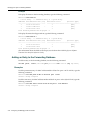
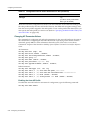
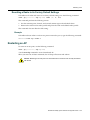
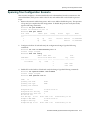
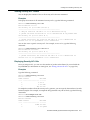
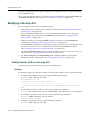
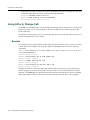
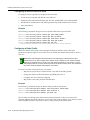
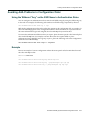
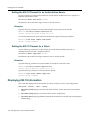
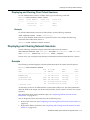
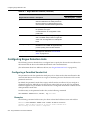
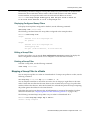
To delete a location policy rule, use the following command:
clear location policy rule-number
Type show location policy to display the numbers of configured location policy rules. To disable the location policy on a RoamAbout Switch, delete all the location policy rules. Configuring Accounting for Wireless Network Users
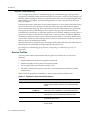
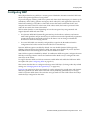
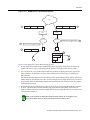
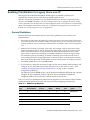
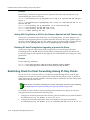
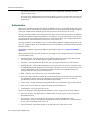
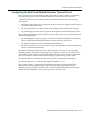
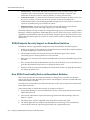
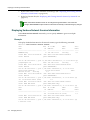
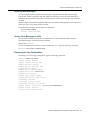
Accounting records come in three types: start, stop, and update. MSS generates these records based on the configured accounting mode, either start‐stop or stop‐only:
•
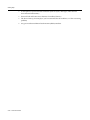
When start‐stop mode is configured, a start record is generated when a user is first connected, an update record is generated when a user roams from one access point to another, and a stop record is generated when a user terminates his or her session.
•
When stop‐only mode is configured, a stop record is generated when a user terminates his or her session.
Optionally, MSS can be configured to send update records at periodic intervals, and also generate an Accounting‐On message when the RoamAbout Switch starts, and an Accounting‐Off message when the RoamAbout Switch is adminstratively shut down. This functionality can be used in conjunction with billing systems that require periodic accounting messages.
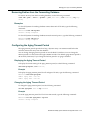
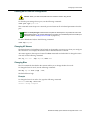
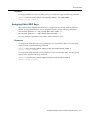
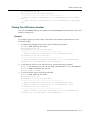
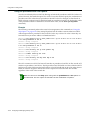
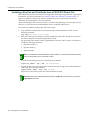
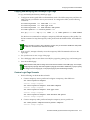
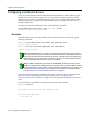
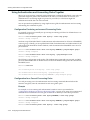
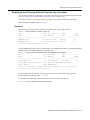
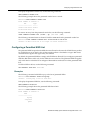
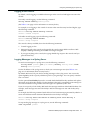
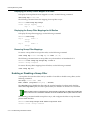
To set accounting, type the following command:
set accounting {admin | console | dot1x | mac | web} {ssid ssid-name | wired}
{user-glob | mac-addr-glob} {start-stop | stop-only} method1 [method2] [method3]
[method4]
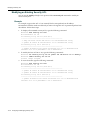
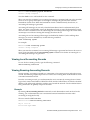
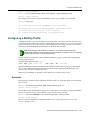
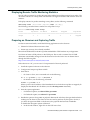
For eaxmple, to store start‐stop accounting records at example.com for 802.1X users of SSID mycorp in the local database, type the following command:
RBT-8100# set accounting dot1x ssid mycorp *@example.com start-stop local
success: change accepted.
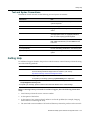
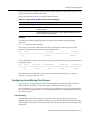
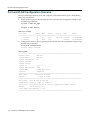
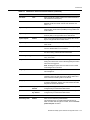
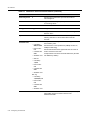
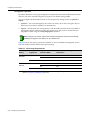
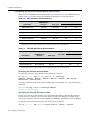
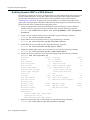
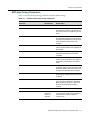
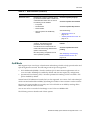
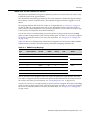
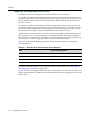
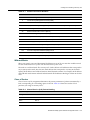
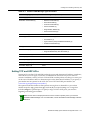
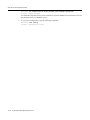
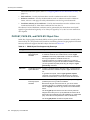
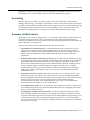
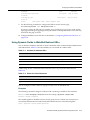
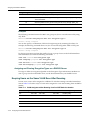
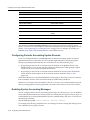
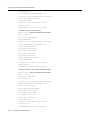
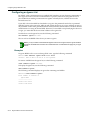
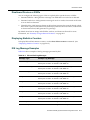
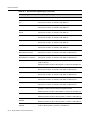
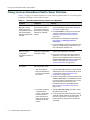
The accounting records can contain the following session information:
Start Records
Update and Stop Records
Session date and time
Session date and time
Location of authentication (if any): RADIUS server
(1) or local database (2)
Location of authentication (if any): RADIUS server
(1) or local database (2)
ID for related sessions
ID for related sessions
Username
Username
RoamAbout Mobility System Software Configuration Guide
17-55