1
User's Guide
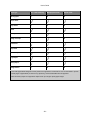
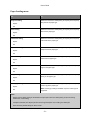
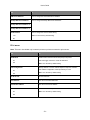
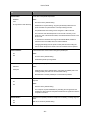
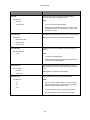
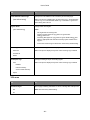
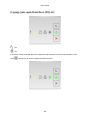
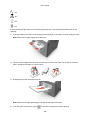
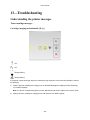
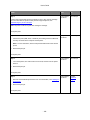
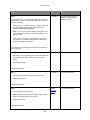
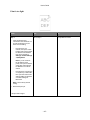
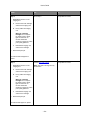
- On
- On
- On
- On
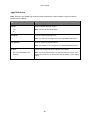
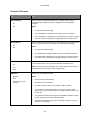
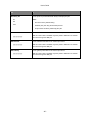
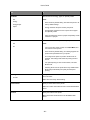
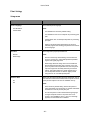
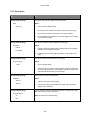
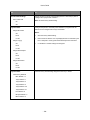
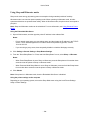
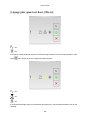
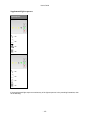
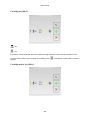
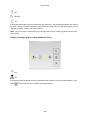
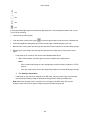
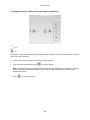
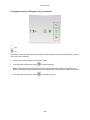
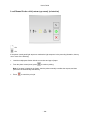
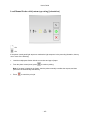
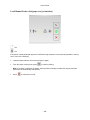
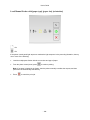
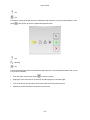
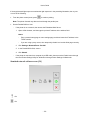
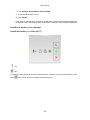
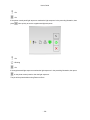
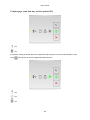
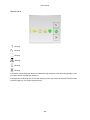
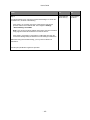
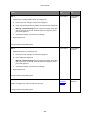
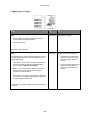
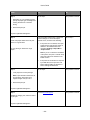
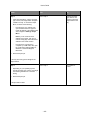
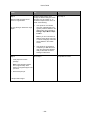
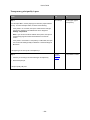
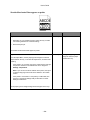
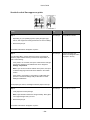
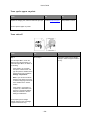
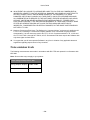
If the supplemental light sequence matches the light sequence in the preceding illustration, then try one
or more of the following:
•
From the printer control panel, press
to continue printing. A data loss will occur.
•
From the printer control panel, press
to cancel the print job.
•
Install additional printer memory.
•
Decrease the resolution setting.
Miscellaneous messages
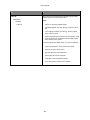
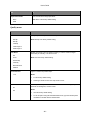
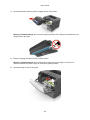
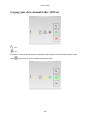
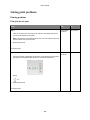
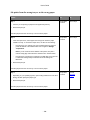
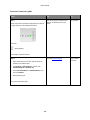
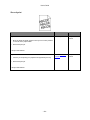
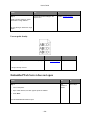
Close front door
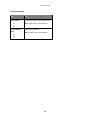
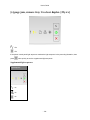
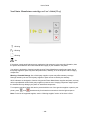
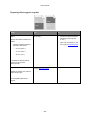
- On
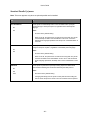
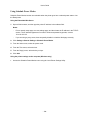
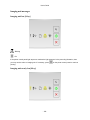
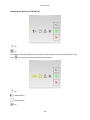
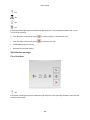
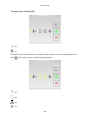
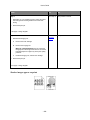
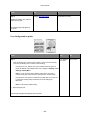
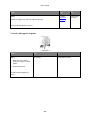
If the printer control light sequence matches the light sequence in the preceding illustration, then close the
front door of the printer.
- 180 -