1
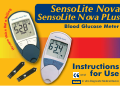
SensoLite Nova
MEASURING WITH THE METER
MEMORY
Storing data
Recalling data from memory
Average calculation
OVERVIEW OF FUNCTION MENUS
SETTING DATE AND TIME
PC MODE
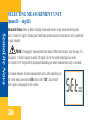
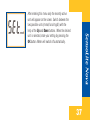
SELECTING MEASUREMENT UNIT (mmol/l – mg/dl)
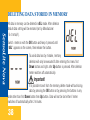
DELETING DATA STORED IN MEMORY
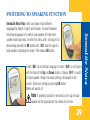
SWITCHING TO SPEAKING FUNCTION
BATTERY REPLACEMENT
MAINTENANCE
SENSOLITE NOVA PLUS SYSTEM CHECKING
Checking with Check-strip
Checking with CareSens control solution
ERROR MESSAGES AND TROUBLESHOOTING
MANUFACTURER'S WARRANTY
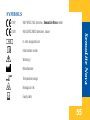
SYMBOLS
2
24
29
29
30
31
32
32
34
36
38
39
40
42
43
44
46
48
54
55