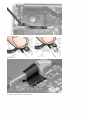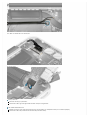
1
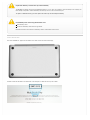
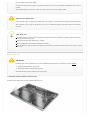
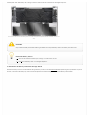
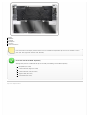
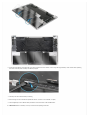
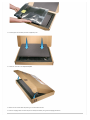
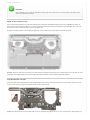
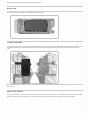
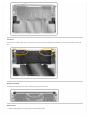
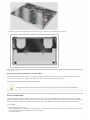
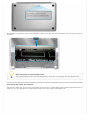
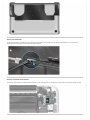
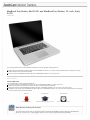
2. The bottom case has two magnetic clips that snap into the top case. Align the case accordingly when reinstalling.
Service Procedures
Resetting the System Management Controller (SMC)
The System Management Controller (SMC) is a chip on the logic board that controls all power functions. If the computer is experiencing any power
issue, such as not starting up, not displaying video, sleep issues, or fan noise issues, resetting SMC may resolve it.
Refer to Apple Support article HT3964 for SMC reset instructions.
Resetting the SMC means you will also need to reset the date and time (using the Date & Time pane of System Preferences).
Resetting NVRAM/PRAM
The Mac stores certain settings in a special memory area even if it is turned off. On Intel-based Macs, this is stored in memory known as NVRAM.
(Older Mac computers stored these settings in memory known as PRAM). It stores settings related to speaker volume, screen resolution, startup disk
selection, and recent kernel panic information (if any). If you experience issues related to these functions, you may need to reset the NVRAM.
To reset NVRAM:
1. If the computer is on, turn it off.
2. Locate the following keys on the keyboard: Command, Option, P, and R. You will need to hold these keys down simultaneously in Step 4. Note: If
the keyboard does not have an Option key, use the Alt key instead.
3. Turn on the computer.