1
Chapter 2. Getting Started
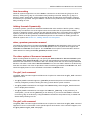
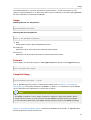
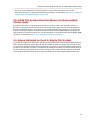
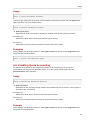
mkfs -t gfs2 -p lock_dlm -t LockTableName -j NumberJournals BlockDevice
For more information on creating a GFS2 file system, see Section 3.1, “Making a File System”.
3. At each node, mount the GFS2 file systems. For more information about mounting a GFS2 file
system, see Section 3.2, “Mounting a File System”.
Command usage:
mount BlockDevice MountPoint
mount -o acl BlockDevice MountPoint
The -o acl mount option allows manipulating file ACLs. If a file system is mounted without the o acl mount option, users are allowed to view ACLs (with getfacl), but are not allowed to set
them (with setfacl).
Note
You can use init.d scripts included with the Red Hat High Availability Add-On to automate
mounting and unmounting GFS2 file systems.
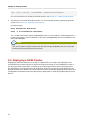
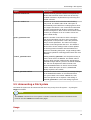
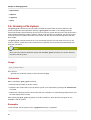
2.3. Deploying a GFS2 Cluster
Deploying a cluster file system is not a "drop in" replacement for a single node deployment. We
recommend that you allow a period of around 8-12 weeks of testing on new installations in order to
test the system and ensure that it is working at the required performance level. During this period
any performance or functional issues can be worked out and any queries should be directed to the
Red Hat support team. We also recommend that customers considering deploying clusters have their
configurations reviewed by Red Hat support before deployment to avoid any possible support issues
later on.
12