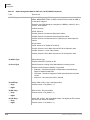
1
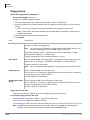
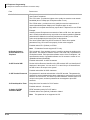
Telephone Button Programming
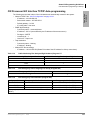
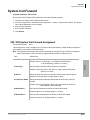
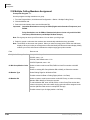
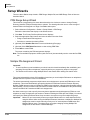
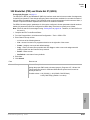
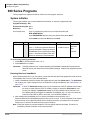
900 Series Programs
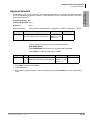
Regional Selection
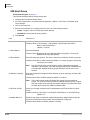
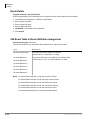
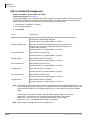
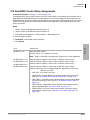
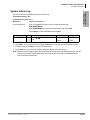
Program Number(s): 915
Prerequisite Program: None
Reference:
None
Access Sequence:
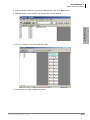
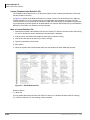
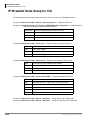
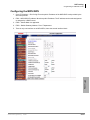
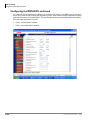
From the Menu select Advanced Configuration > Utilities > Operation > CIX/CTX
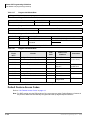
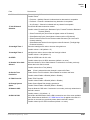
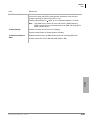
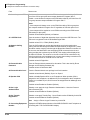
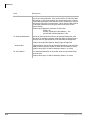
Field
Region
Description
Value
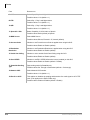
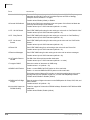
Telephone Button
Programming
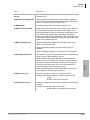
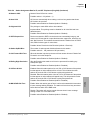
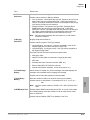
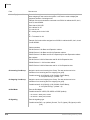
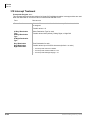
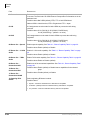
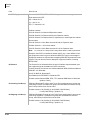
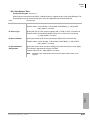
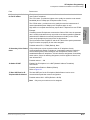
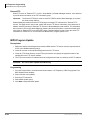
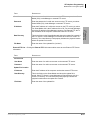
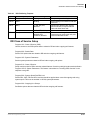
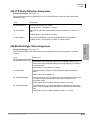
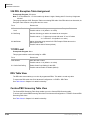
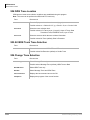
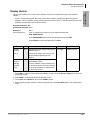
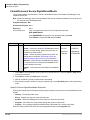
Set Operating region for your Strata CIX. This assignment sets built-in core LSI hardware parameters that
are not changeable with jumpers or switches. These parameters must be set unique for each country and
affect system operation.
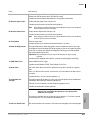
LCD Prompt
Set region number. 0~2 are valid
0~31 (USA = 0,
entries for North American Operations. Canada = 1, and
Mexico = 2).
REGION=
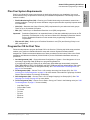
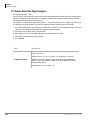
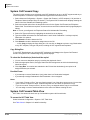
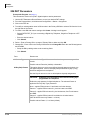
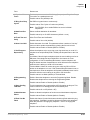
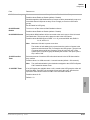
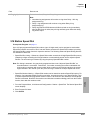
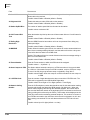
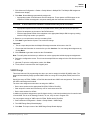
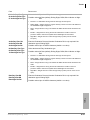
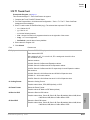
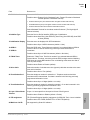
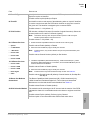
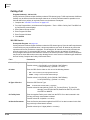
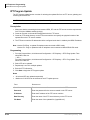
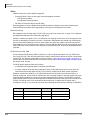
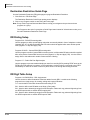
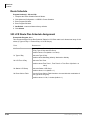
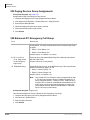
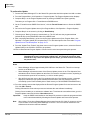
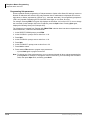
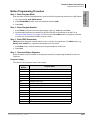
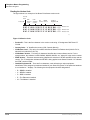
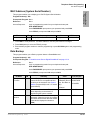
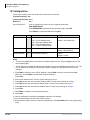
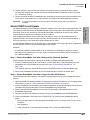
Login to programming mode from your telephone button pad:
Hold Q#Q#1Q2Q3Q.
At the PASSWORD= prompt enter your password and press Hold.
At the PROG= prompt enter 915 and press Hold.
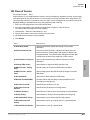
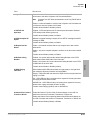
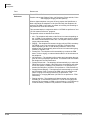
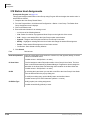
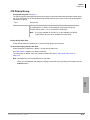
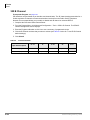
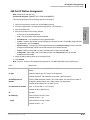
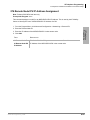
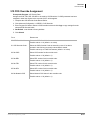
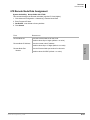
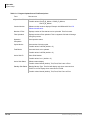
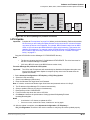
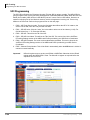
FB Name
Region
FB
01
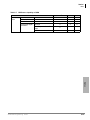
Summary
Value
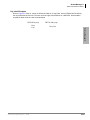
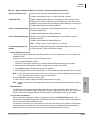
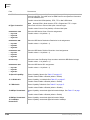
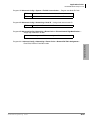
Set region number. 0~2 are valid
0~31 (USA = 0,
entries for North American Operations. Canada = 1, and
Mexico = 2).
LCD Prompt
REGION=
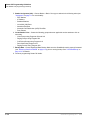
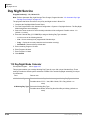
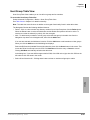
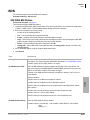
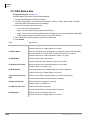
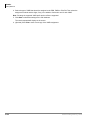
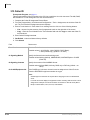
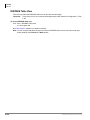
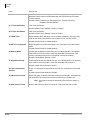
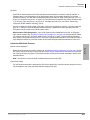
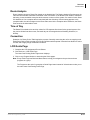
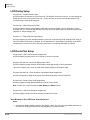
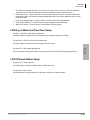
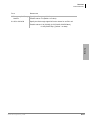
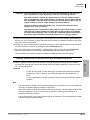
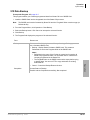
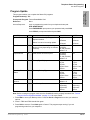
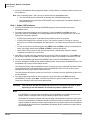
1. Press FB01. Enter 0~2. Press Hold.
2. Press Hold (twice).
3. Enter another program number to continue programming or press # # Hold again to exit programming
mode.
Strata CIX Programming 05/08
13-19