1
Strata eManager ®
eManager Profile
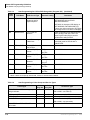
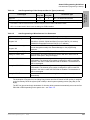
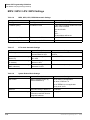
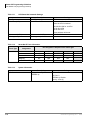
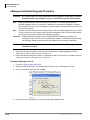
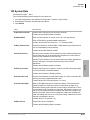
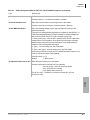
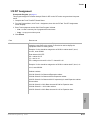
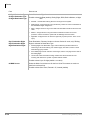
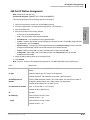
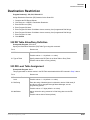
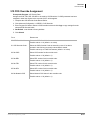
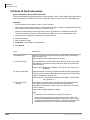
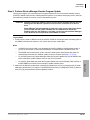
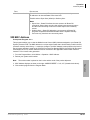
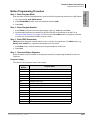
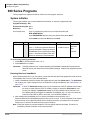
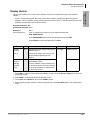
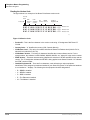
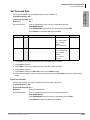
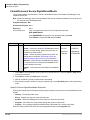
Step 4: DB Utility
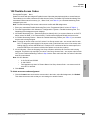
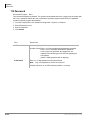
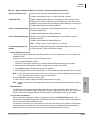
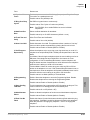
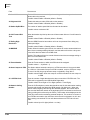
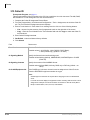
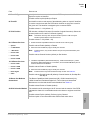
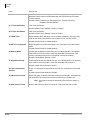
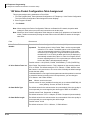
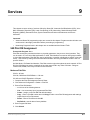
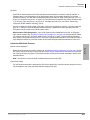
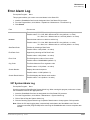
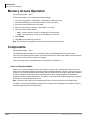
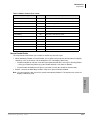
This function allows you to back up your eManager database. This utility is also useful when upgrading the
eManager software.
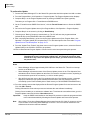
³ To access the screen
1. Logon to eManager.
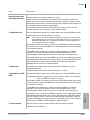
3. To backup the profile database
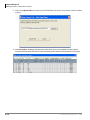
1. Check Database Backup.
2. Type into the Browse field C:backup or
browse to the location and click Submit.
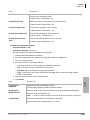
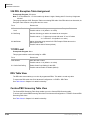
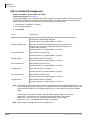
³ To import a partial profile database
Strata eManager ®
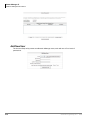
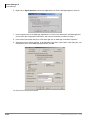
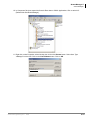
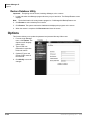
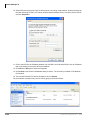
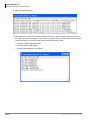
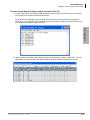
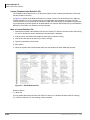
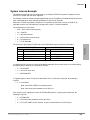
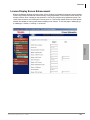
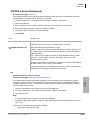
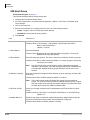
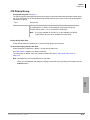
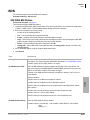
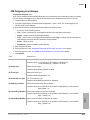
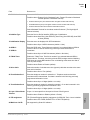
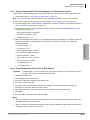
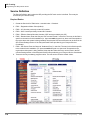
2. Click on eManager Profile > DB Utility
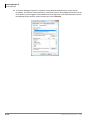
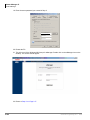
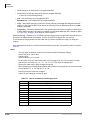
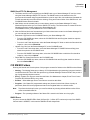
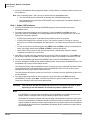
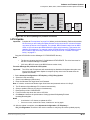
from the menu.The DB Utility screen
displays (shown right).
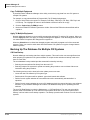
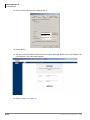
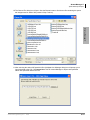
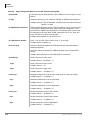
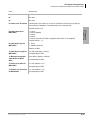
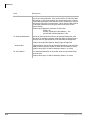
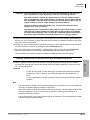
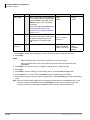
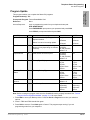
1. Check Import Partial Database.
2. Click Browse and find the database you
want to import.
3. At the bottom of the screen, select an
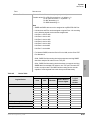
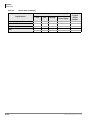
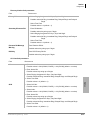
option from the Import Selections list.
4. Click Submit.
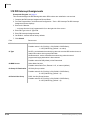
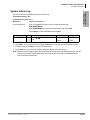
³ To export a partial profile database
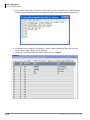
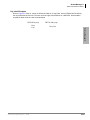
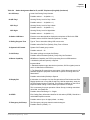
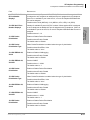
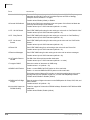
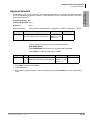
1. Check Export Partial Database.
2. Type c:\export.xls in the Browse field.
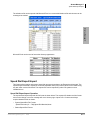
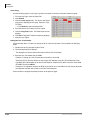
3. Highlight the items in the Export Selections box that you want to export.
4. Click Submit.
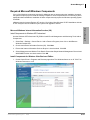
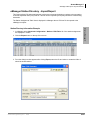
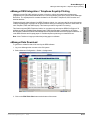
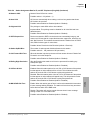
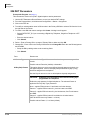
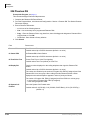
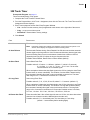
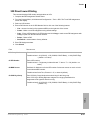
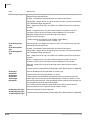
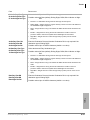
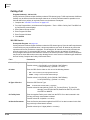
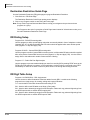
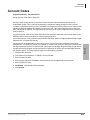
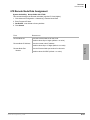
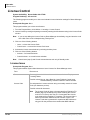
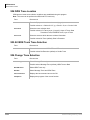
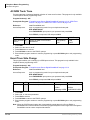
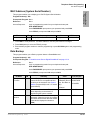
Backup Database Utility
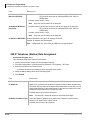
This procedure backs up the eManager Profile database.
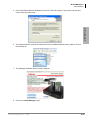
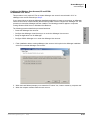
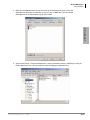
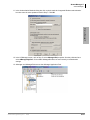
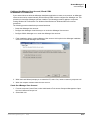
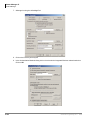
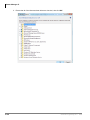
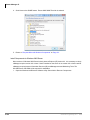
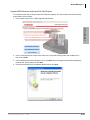
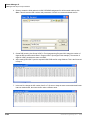
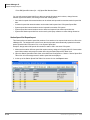
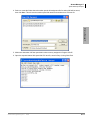
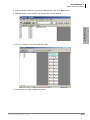
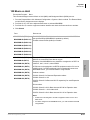
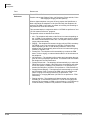
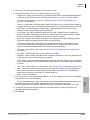
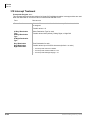
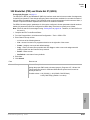
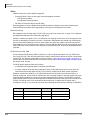
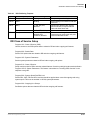
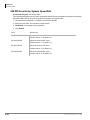
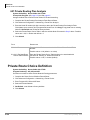
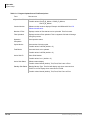
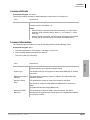
1. Locate and select the eManager program directory on your hard drive. The Backup/Restore screen
displays.
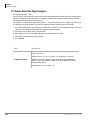
Note
The default location for backup/restore program is: C:\eManager\bin\BackupRestore.exe.
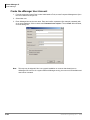
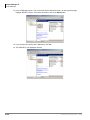
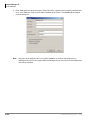
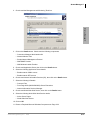
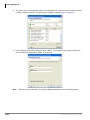
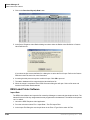
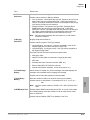
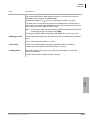
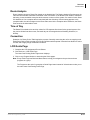
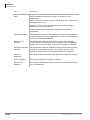
2. Click Connect.
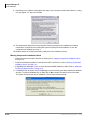
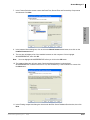
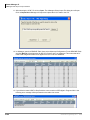
3. In the Backup/Restore File Name field, type a file and path name (e.g., c:\backup.bak).
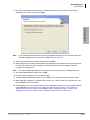
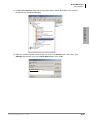
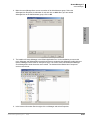
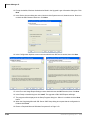
4. Click Backup. The system creates a backup database and the screen displays the progress.
5. When the backup is complete click Disconnect and close the screen.
Strata CIX Programming Vol.1
05/08
2-51