1
CHAPTER
2
Using Cisco IOS Software
This chapter describes what you need to know about the Cisco IOS software (the software that runs
the access server) before you configure the access server using the command-line interface (CLI).
This chapter includes:
•
•
•
•
•
•
Getting Help
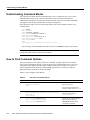
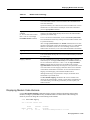
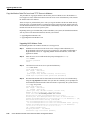
Understanding Command Modes
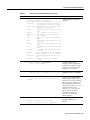
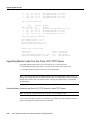
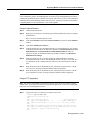
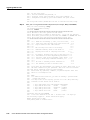
How to Find Command Options
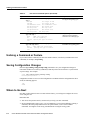
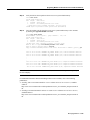
Undoing a Command or Feature
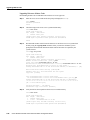
Saving Configuration Changes
Where to Go Next
Understanding these concepts will save you time later. If you have never used the Cisco IOS software
or need a refresher, take a few minutes to read this chapter now.
If you are already familiar with the Cisco IOS software, proceed to the next chapter, “Basic
Configuration.”
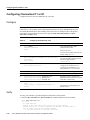
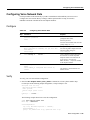
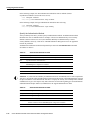
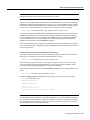
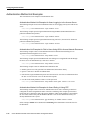
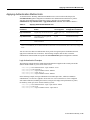
Getting Help
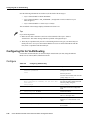
Use the question mark (?) and arrow keys to help you enter commands:
•
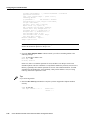
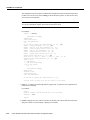
For a list of available commands, enter a question mark:
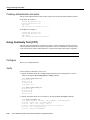
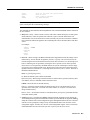
5300> ?
•
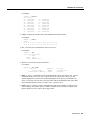
To complete a command, enter a few known characters followed by a question mark (with no
space):
5300> s?
•
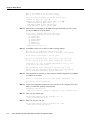
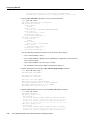
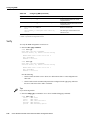
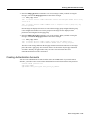
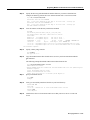
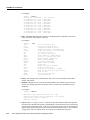
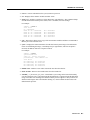
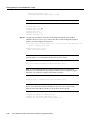
For a list of command variables, enter the command followed by a space and a question mark:
5300> show ?
•
To redisplay a command you previously entered, press the up arrow key. You can continue to
press the up arrow key for more commands.
Using Cisco IOS Software 2-1