1
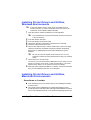
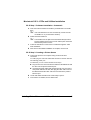
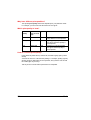
 All input trays—On the control panel, press the Menu
key and
select Operator Control/Multipurpose Sz. Scroll to the required transparency size and select it.
3
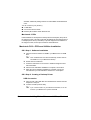
Do not fan transparencies. Fanning transparencies will build up static
electricity.
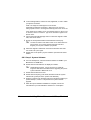
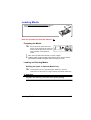
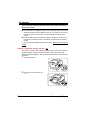
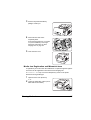
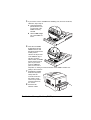
Load the media tray.
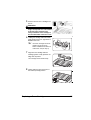
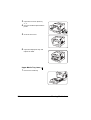
Upper and Optional Trays
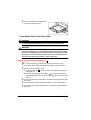
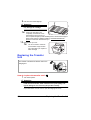
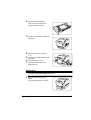
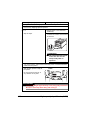
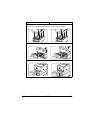
Put media face side down in the
upper or optional trays.
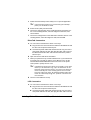
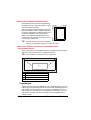
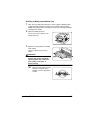
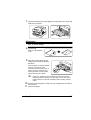
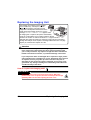
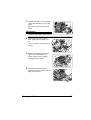
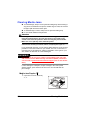
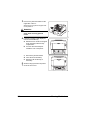
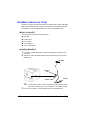
Multipurpose Tray—Open the multipurpose tray, adjust the media
guides to the width of the transparencies, and then place the transparencies into the tray with the printing side up.
HP
O
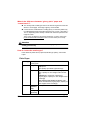
Attention
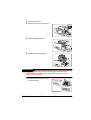
Improperly adjusted guides may cause poor print quality, media
jams, or printer damage.
4
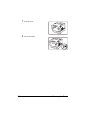
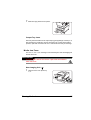
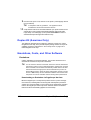
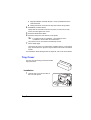
Print the transparencies.
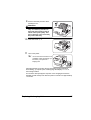
Immediately remove the printed transparencies from the output tray.
40
Loading Media