1
FOXTEL Digital Guide
Choosing a programme to watch or set a
reminder for
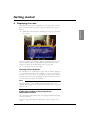
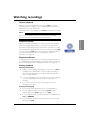
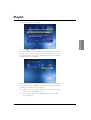
When you see a programme you want to watch, highlight it then
press select.
If the programme is on now, your FOXTEL iQ tunes to it immediately.
If the programme is on later, your FOXTEL iQ sets a reminder for you.
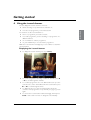
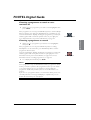
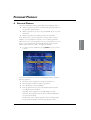
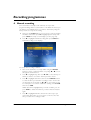
Your Personal Planner displays, showing the programme you have just
added, together with a reminder symbol next to it (see right). For
more information about your Personal Planner, see page 21.
◆
Reminder symbol
FOXTEL DIGITAL GUIDE
Choosing a programme to record
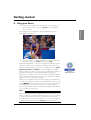
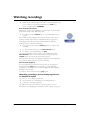
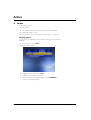
When you see a programme you want to record, highlight it
then press R.
If the programme is on now, your FOXTEL iQ starts recording
instantly. If it is on at a later time, your FOXTEL iQ will record the
programme when it starts.
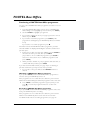
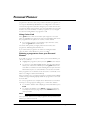
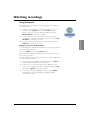
Your Personal Planner displays, showing the programme you have just
added, together with an R symbol next to it (see right). For more
information about your Personal Planner, see page 21. For more
information about recording programmes, see page 27.
◆
◆
Record symbol
To redisplay the TV Guide, press back.
Notes
Some programmes may be ‘FOXTEL Box Office’ programmes, which
means you need to purchase the programme before you can watch
or record it. If this is the case, you will see a message with the
programme details and purchase price. For more information, see
page 19.
If you choose a programme that is on a channel to which you do not
currently subscribe, a message will display to explain how you can
include the channel in your subscription.
17