1
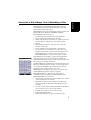
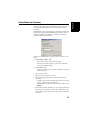
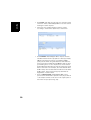
Setting an External
Device
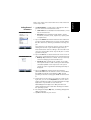
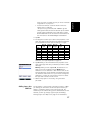
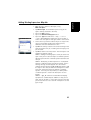
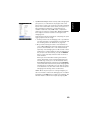
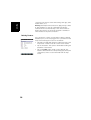
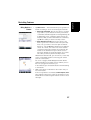
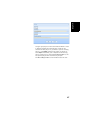
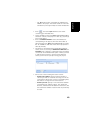
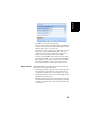
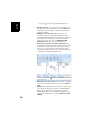
• Tap Menu>Options.
• Tap on the right-arrow button several times until you
unveil the External Devices tab.
• Tap on the External Devices tab.
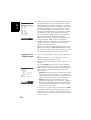
• Tap on the Connect button.
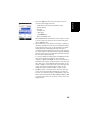
• Select the device used from the Device type field.
• Set the virtual port number (Port) and baud rate (Baud rate)
used to let your receiver communicate with this device.
• Tap OK to enter your settings and return to the map
screen.
63
English
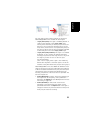
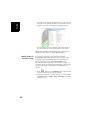
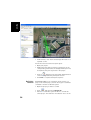
• Using the E-compass is recommended for static
occupations. The GPS compass is recommended in
kinematic.
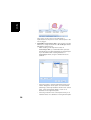
• E-compass readings stabilize after a few seconds. When
logging a point after a walking period, please hold the
receiver horizontally and wait a few seconds before
starting logging.