1
FORMS DESCRIPTION LANGUAGE
BOX command
Specifying boxes
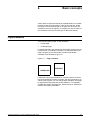
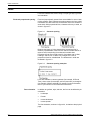
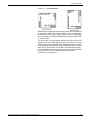
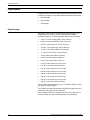
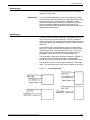
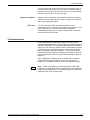
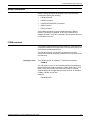
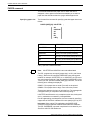
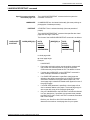
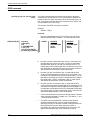
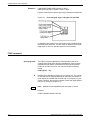
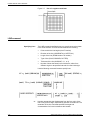
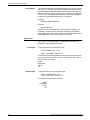
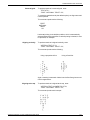
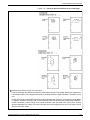
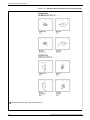
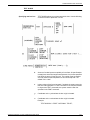
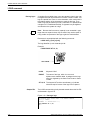
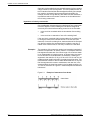
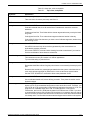
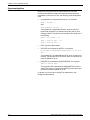
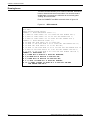
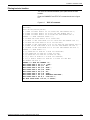
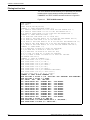
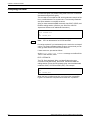
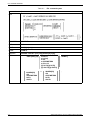
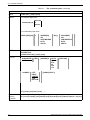
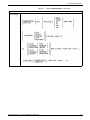
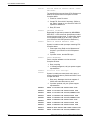
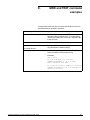
The BOX command is similar to the LINE command. It describes the
size and shape of a square or rectangular box. Like lines, boxes may
be repeated either at fixed intervals or at specified locations. The
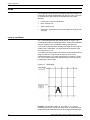
origin of a box is its upper left corner at the midpoint of the outline
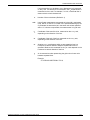
thickness. The format of the BOX command is as follows:
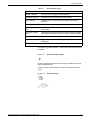
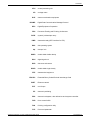
y
Coordinate on the y axis of the upper left corner of the box.
x
Coordinate on the x axis of the upper left corner of the box.
unit
Unit of linear measurement. Default is grid units.
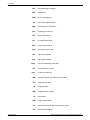
n
Number of boxes to be drawn. Default is 1.
p
Width of the box.
q
Height of the box.
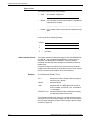
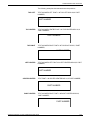
SOLID,BROKEN,DOTTED
Line style making up the border of the box.
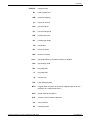
HAIRLINE,0,1,2
Thickness of the border of the box.
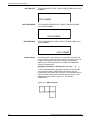
SHADING
Filling the box with a gray shading.
LIGHT,MEDIUM,HEAVY
Relative intensity of the shading.
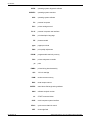
ca
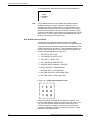
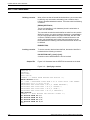
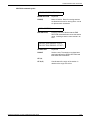
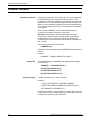
Absolute x or y coordinate at which to start repetitive lines. Multiple
ca parameters can be specified.
ci
Incremental number representing the grid units or linear units
between repeated lines.
XEROX DOCUPRINT 180 LPS FORMS CREATION GUIDE
3-21