1
SERVSWITCH DTX5000/5002 USER GUIDE
28. Now activate the serial menu as described in “Accessing the serial menu” on page 42.
29. Choose option 1 to access the receiver menu. If the password option is enabled, you
will be prompted for a password. See “Authentication” on page 52.
30. Type the password and press Enter. The Receiver Main Menu (Desktop Mode) will
appear.
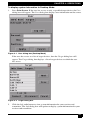
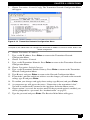
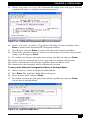
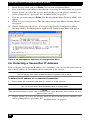
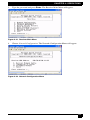
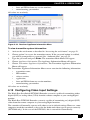
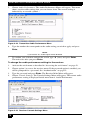
31. Chose Network Configuration. The Network Configuration Menu (Desktop Mode)
will appear.
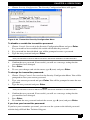
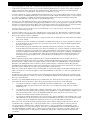
Figure 4-17. Network Configuration Menu (Desktop Mode)
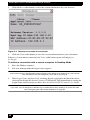
To configure the network settings for the receiver:
1.
Choose Receiver Network Config in the Network Configuration Menu (in either
Extender or Desktop Mode).
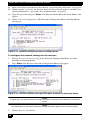
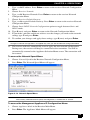
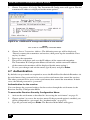
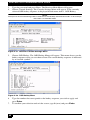
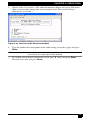
Press Enter. The Receiver Network Configuration Menu will appear.
2.
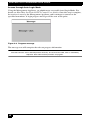
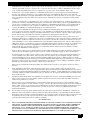
Figure 4-18. Receiver Network Configuration Menu (Extender and Desktop Mode)
NOTE:
In appearance, the Receiver Network Configuration Menu is identical in both Extender and Desktop
modes.
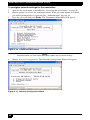
NOTE:
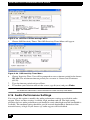
The Reset option in the Receiver Network Configuration Menu applies only to network settings.
3.
48
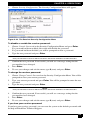
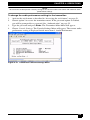
Choose Receiver IP Address.