1
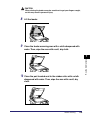
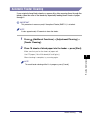
1
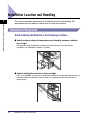
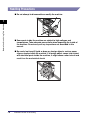
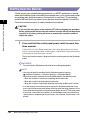
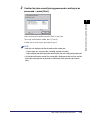
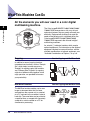
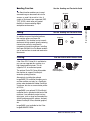
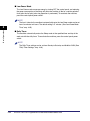
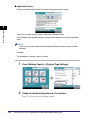
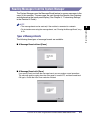
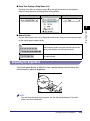
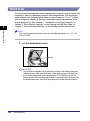
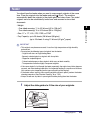
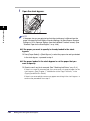
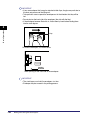
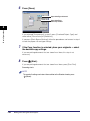
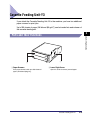
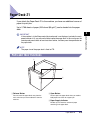
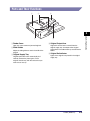
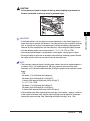
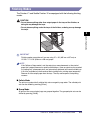
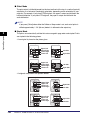
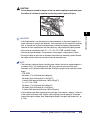
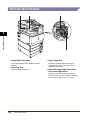
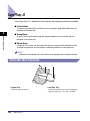
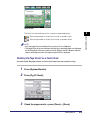
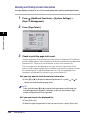
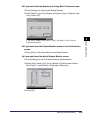
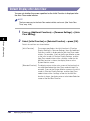
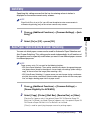
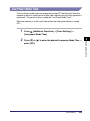
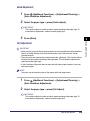
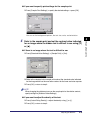
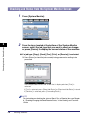
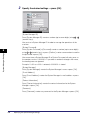
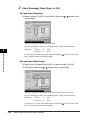
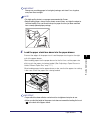
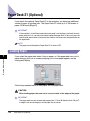
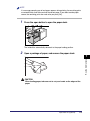
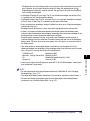
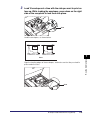
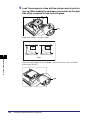
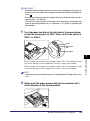
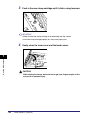
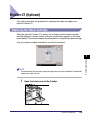
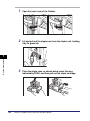
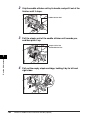
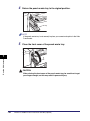
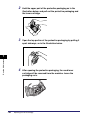
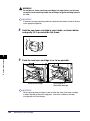
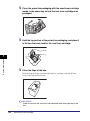
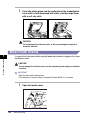
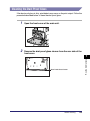
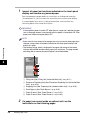
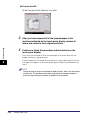
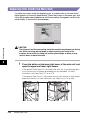
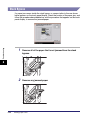
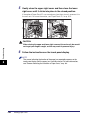
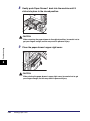
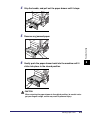
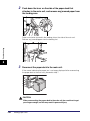
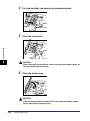
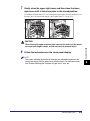
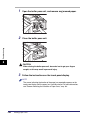
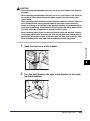
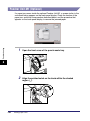
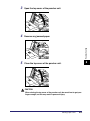
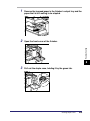
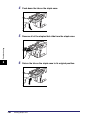
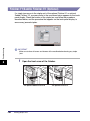
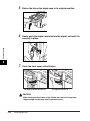
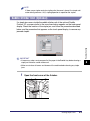
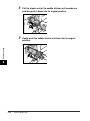
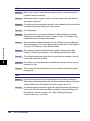
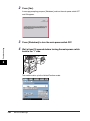
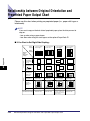
Open the output slot on the outside of the finisher, and
remove any jammed paper that is visible.
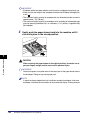
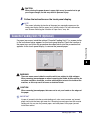
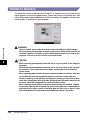
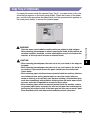
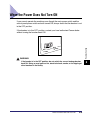
IMPORTANT
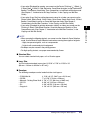
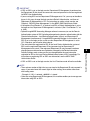
If a paper jam occurs when you are printing in the Staple mode, do not remove the
output sheets that are waiting to be stapled. (Printing and stapling resume after you
clear the paper jam.)
NOTE
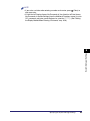
When opening the output slot, lift the area indicated by the label on the output slot.
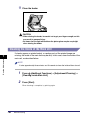
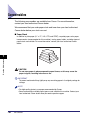
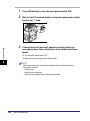
2
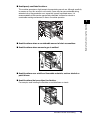
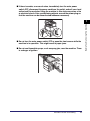
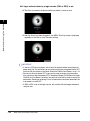
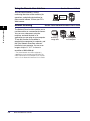
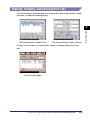
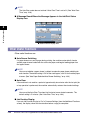
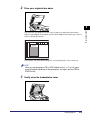
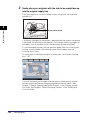
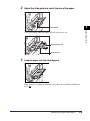
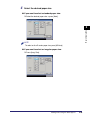
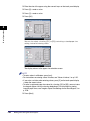
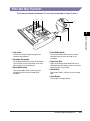
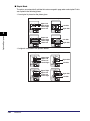
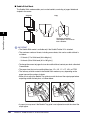
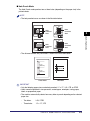
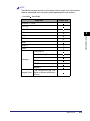
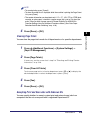
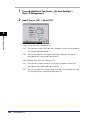
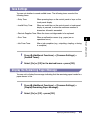
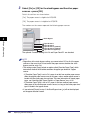
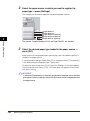
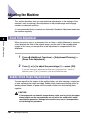
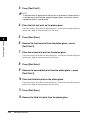
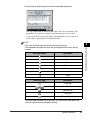
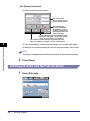
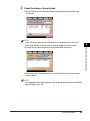
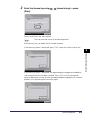
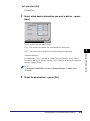
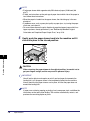
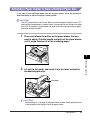
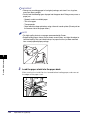
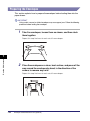
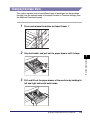
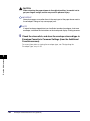
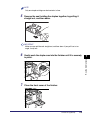
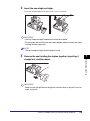
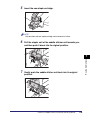
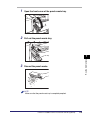
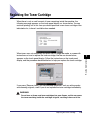
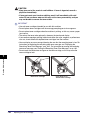
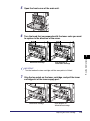
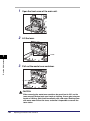
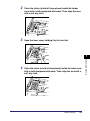
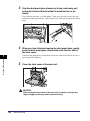
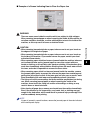
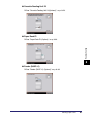
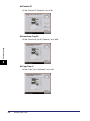
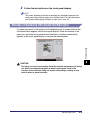
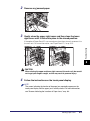
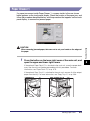
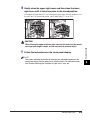
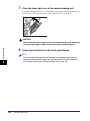
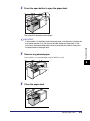
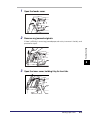
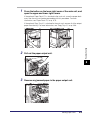
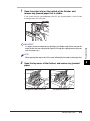
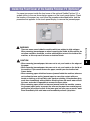
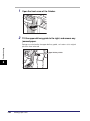
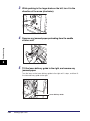
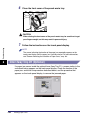
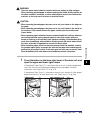
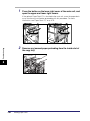
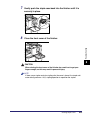
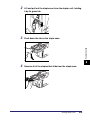
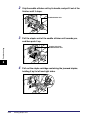
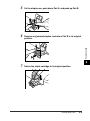
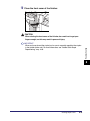
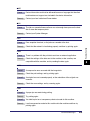
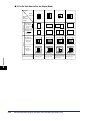
Open the top cover of the finisher, and remove any jammed
paper.
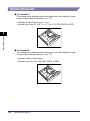
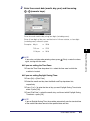
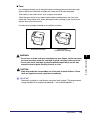
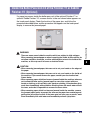
The Optional Saddle Finisher-Y2
The Optional Finisher-Y1
Clearing Paper Jams
8-45
Troubleshooting
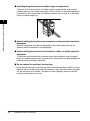
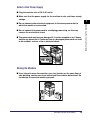
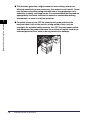
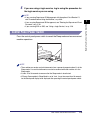
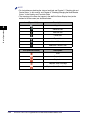
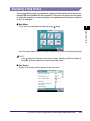
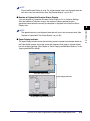
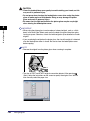
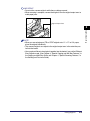
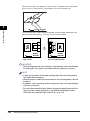
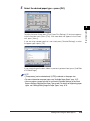
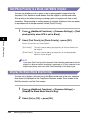
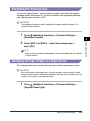
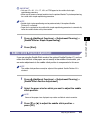
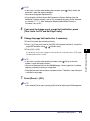
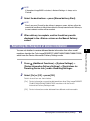
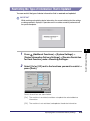
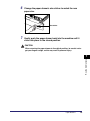
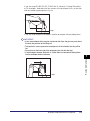
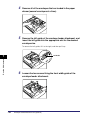
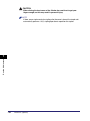
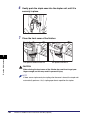
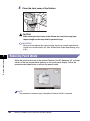
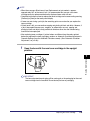
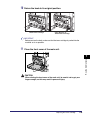
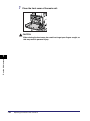
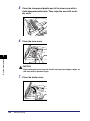
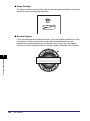
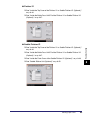
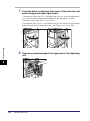
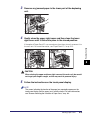
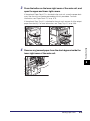
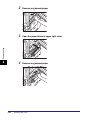
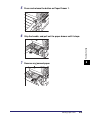
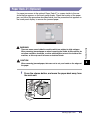
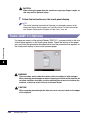
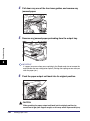
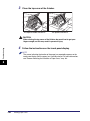
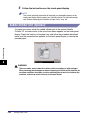
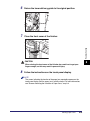
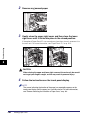
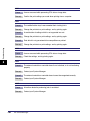
If you cannot see any jammed paper, check if any jammed paper is stuck inside
the output area of the finisher.
8