1
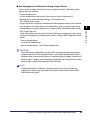
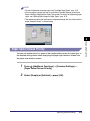
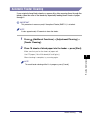
Entering Characters from the Touch Panel Display
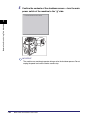
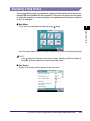
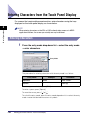
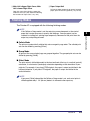
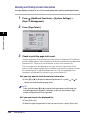
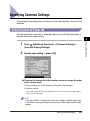
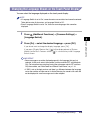
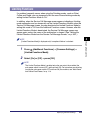
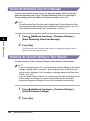
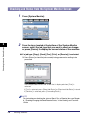
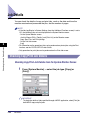
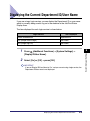
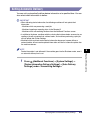
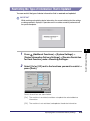
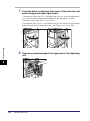
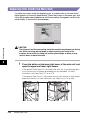
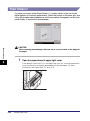
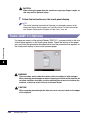
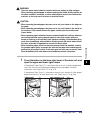
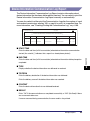
For screens that require alphanumeric entries, enter characters using the keys
displayed on the touch panel display, as shown below.
Basic Operations
2
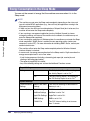
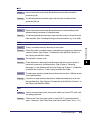
NOTE
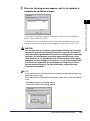
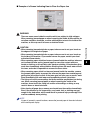
When entering characters on the SDL or SSO authentication screen or in MEAP
application functions, the screen you actually see may be different.
Entering Characters
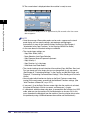
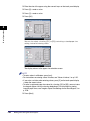
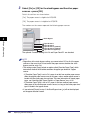
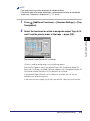
1
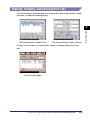
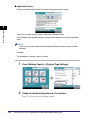
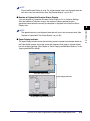
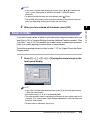
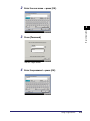
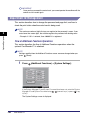
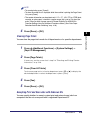
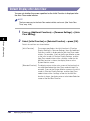
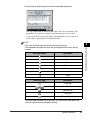
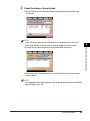
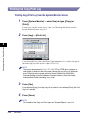
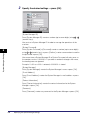
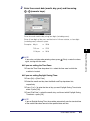
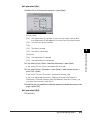
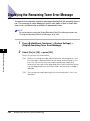
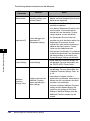
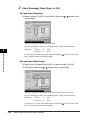
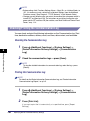
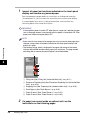
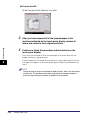
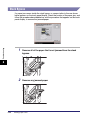
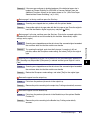
Press the entry mode drop-down list ➞ select the entry mode
➞ enter characters.
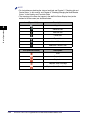
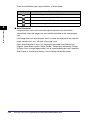
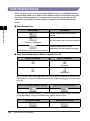
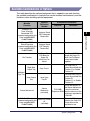
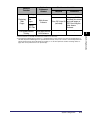
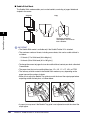
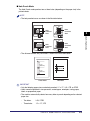
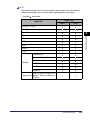
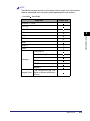
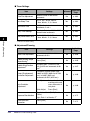
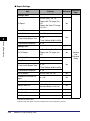
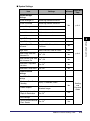
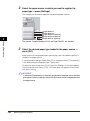
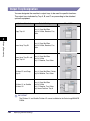
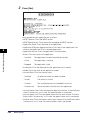
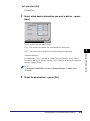
Entry Mode
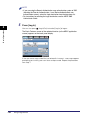
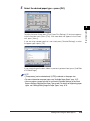
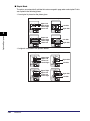
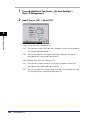
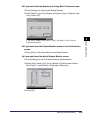
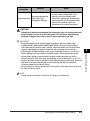
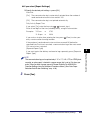
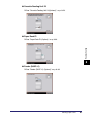
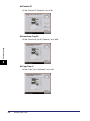
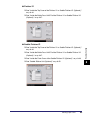
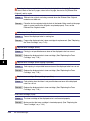
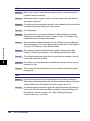
The procedure for entering characters with the entry mode is as follows.
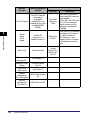
Entry Mode
Example
Procedure
Alphanum.
Canon
Enter 'Canon'.
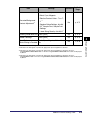
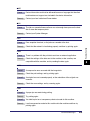
Symbol
é
Press [é].
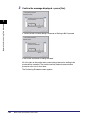
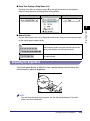
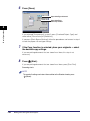
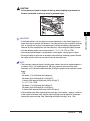
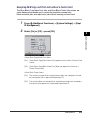
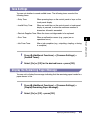
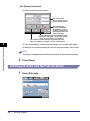
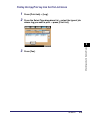
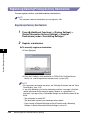
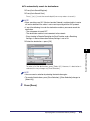
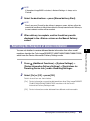
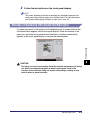
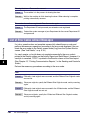
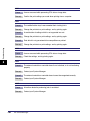
To enter uppercase letters, press [Shift].
To enter a space, press [Space].
To move the cursor, press [ ] or [ ].
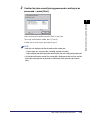
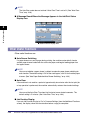
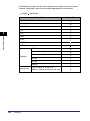
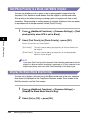
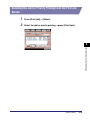
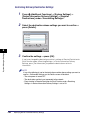
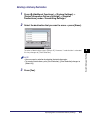
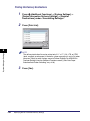
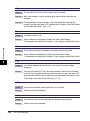
To switch the entry mode, press the entry mode drop-down list ➞ select the entry
mode ➞ enter the desired characters or symbols.
2-24
Entering Characters from the Touch Panel Display