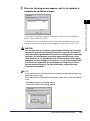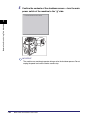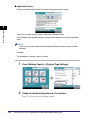
1
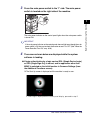
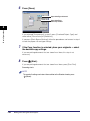
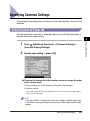
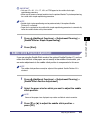
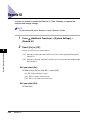
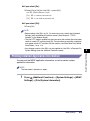
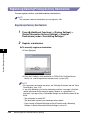
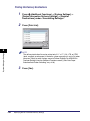
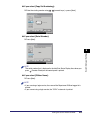
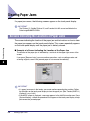
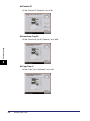
❑ Press [OK].
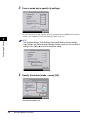
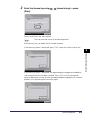
You can also select a size key ([S1] to [S5]) containing a stored paper size
setting, instead of entering values.
NOTE
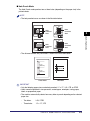
• To enter values in millimeters, press [mm].
• For instructions on entering values in inches, see "Values in Inches," on p. 2-25.
• If you make a mistake when entering values, press [C] on the touch panel display
➞ enter the correct values.
• To select a registered paper size stored in a size key ([S1] to [S5]), you must store
the irregular paper size in the size key beforehand. For instructions on storing
irregular paper sizes, see "Irregular Paper Size Settings for the Stack Bypass," on
p. 4-50.
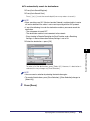
❑ Press [Next].
4
Customizing Settings
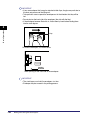
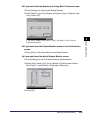
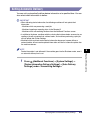
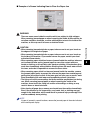
● If you want to select an envelope size:
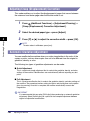
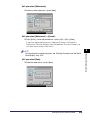
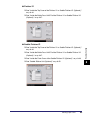
❑ Press [Envelope].
❑ Select the envelope type ➞ press [OK].
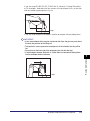
IMPORTANT
If the envelope type is not selected correctly, a paper jam will occur.
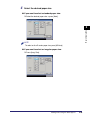
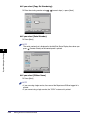
❑ Press [OK] ➞ proceed to step 5.
4
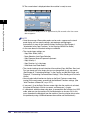
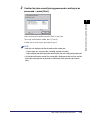
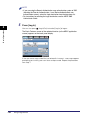
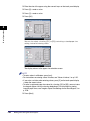
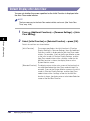
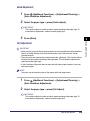
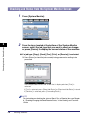
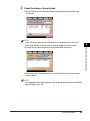
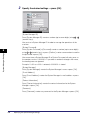
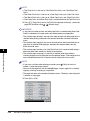
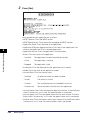
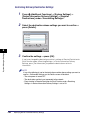
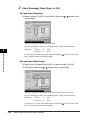
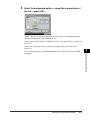
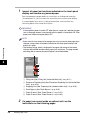
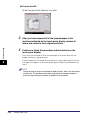
Select the desired paper type ➞ press [OK].
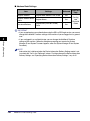
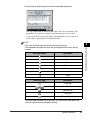
To adjust the toner fixing, press [Plain Paper Print Settings]. If the toner appears
to have fixed too much, press [Thin]. If the toner does not appear to have fixed
well, press [Heavy].
NOTE
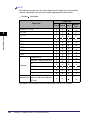
• [Transparency] can be selected only if [LTR] is selected as the paper size.
• For more information on paper types, see "Available Paper Stock," on p. 2-57.
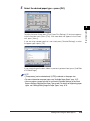
• You can register a paper type that is not listed in [Detailed Settings] in the Stack
Bypass Settings: Selecting the Paper Type screen. For details on registering paper
types, see "Storing/Editing Irregular Paper Types," on p. 6-73.
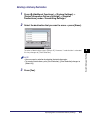
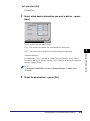
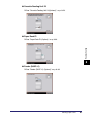
5
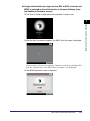
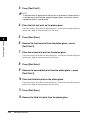
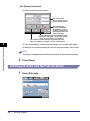
Press [OK].
Specifying Common Settings
4-49